MOOR INSTRUMENTS moorLDI2 RESEARCH USER MANUAL
76
11.6 SMOOTH
Some features of flux and photo images can be easier to see if the images are smoothed one or more
times. Smoothing is an averaging operation using the pixel value and the values of the pixels nearest
neighbours. Smoothing is performed by clicking on the
icon or by selecting:
Image processing
Smooth
If using the latter route, another option becomes available – smoothing the LD Photo image.
11.7 AVERAGE
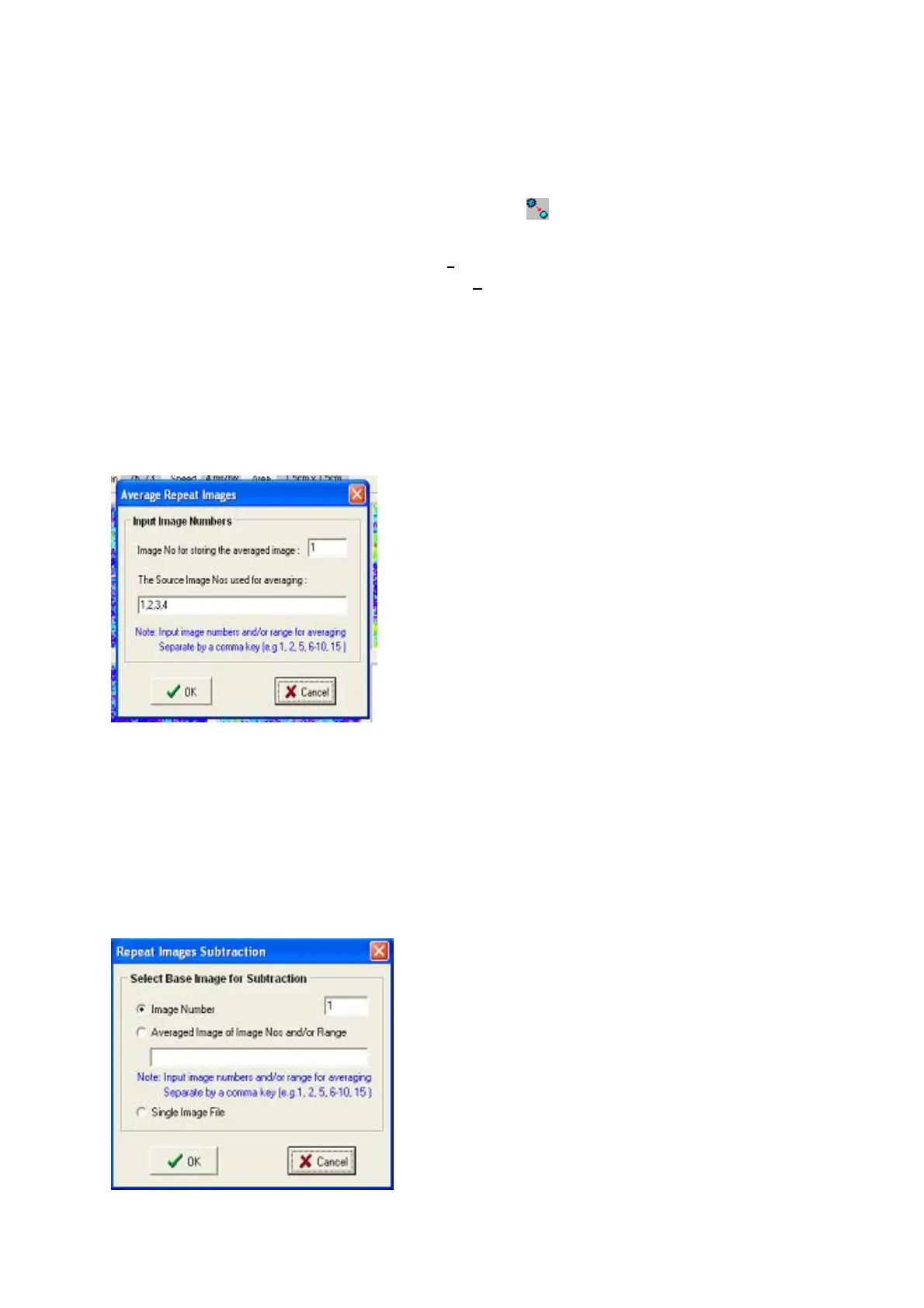
This function only applies to a repeat scan image. A number of images in the repeat sequence can be
averaged and the resulting image can be stored in a user-chosen image position (i.e. an image number
in the sequence).
11.8 SUBTRACT
In the case of a single image, the image subtraction is between the current image and a user-selected
image from a file.
In the case of a repeat image, the image subtraction is between the current image and a base image.
The base image can be one of the three formats as shown in the following picture. ie either an image
of the repeat scan images selected by number, or the averaged image of selected images or an image
previously recorded as a single image. The subtraction applies to all images in the repeat sequence



 To Next Page