MOOR INSTRUMENTS moorLDI2 RESEARCH USER MANUAL
74
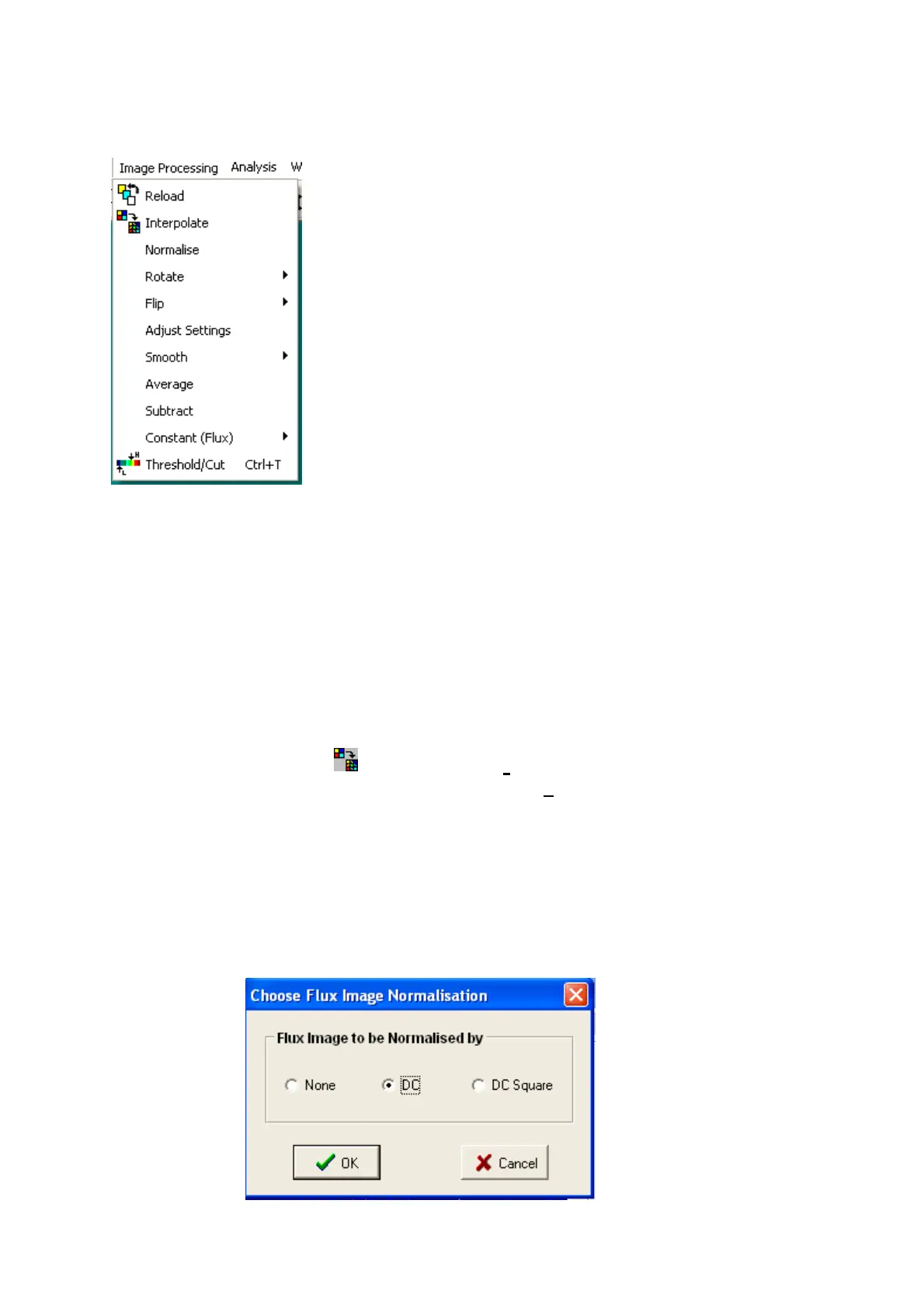
11. IMAGE PROCESSING
11.1 RELOAD
This function is to re-load the original file ie the unprocessed image.
11.2 INTERPOLATE
Low resolution or small images can be enhanced to increase the apparent resolution by interposing
mean values between adjacent pixels. Interpolation can only be carried out when both X and Y
resolutions are less than 128. The maximum number of pixels after interpolation is 256 x 256.
Interpolate by clicking on the icon or select:
Image processing
Interpolate
This applies to both photo and flux images.
11.3 NORMALISE
The standard moorLDI normalisation for the flux algorithm is division by DC ie by a quantity
proportional to the detected laser light intensity. Users can change the normalisation to DC
2
or to no
normalisation of the calculated Flux.



 To Next Page