MOOR INSTRUMENTS moorLDI2 RESEARCH USER MANUAL
52
6.4 Setup: Preference Setup
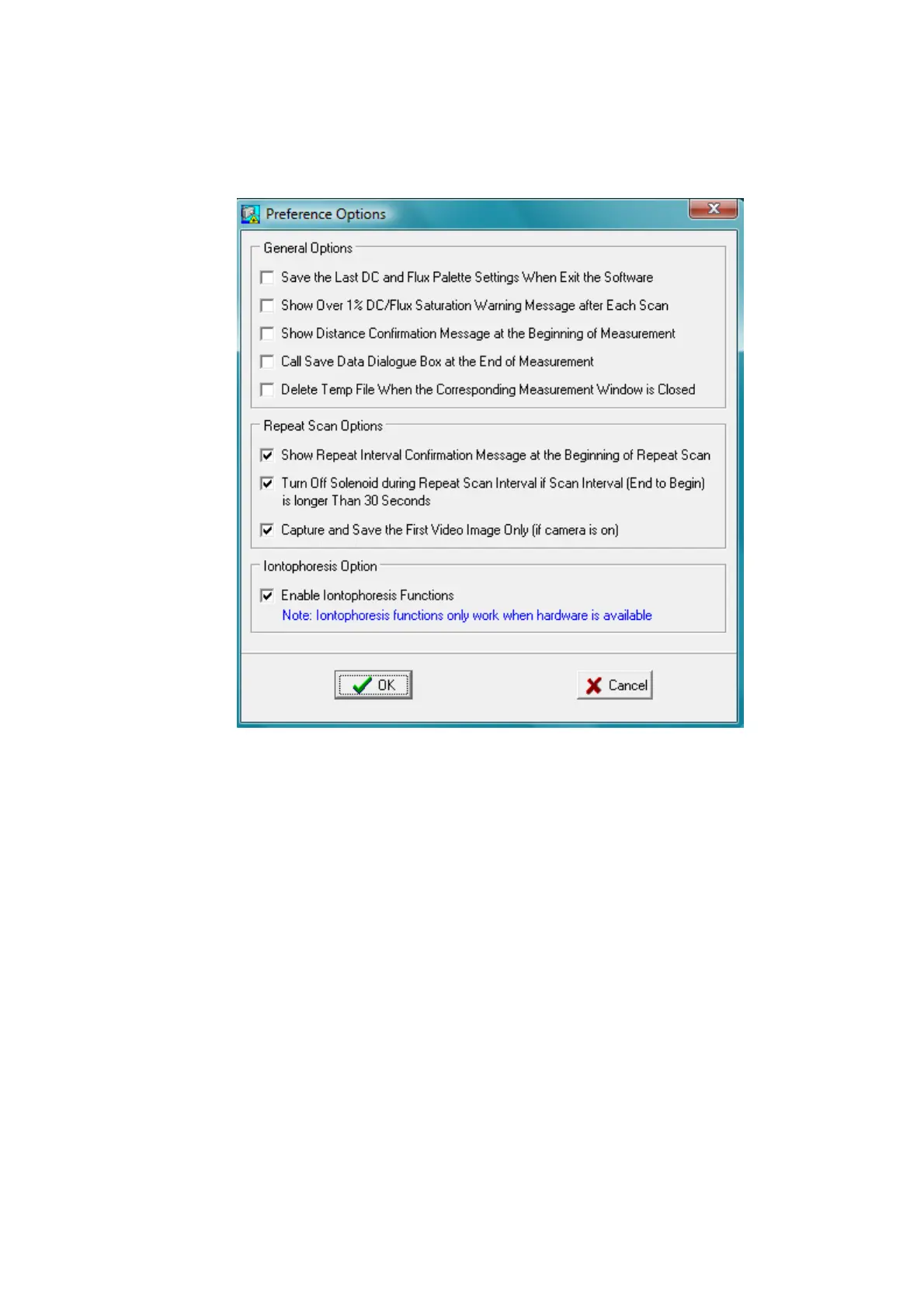
Opens the Preference Setup dialogue box as shown below:
Save the last DC and Flux Palette settings when Exit the Software:
Select this option to remember the Palette settings when the software is closed.
Show Over 1% DC/Flux Saturation warning Message after Each Scan:
Select this option to enable the saturation warning message.
Show Distance Confirmation Message at the Beginning of Measurement:
Select this option to display the distance confirmation windows before every measurement.
Call Save Data Dialogue Box at the End of Each Measurement:
Select this option to open the File Save Window at the end of each scan.
Delete Temp File When the Corresponding Measurement Window is Closed.



 To Next Page