MOOR INSTRUMENTS moorLDI2 RESEARCH USER MANUAL
86
When the ROI is complete the statistics or a Histogram can be constructed for the flux values within.
14.6
CIRCULAR ROI
Click on the Circle ROI icon and press insert key to create a circular ROI.
Change the circle size by pressing the Shift key and simultaneously drag the corner or the rectangular
guidelines. An ellipse is created if the corner is dragged without pressing the Shift key.
14.7 SAVING ROI
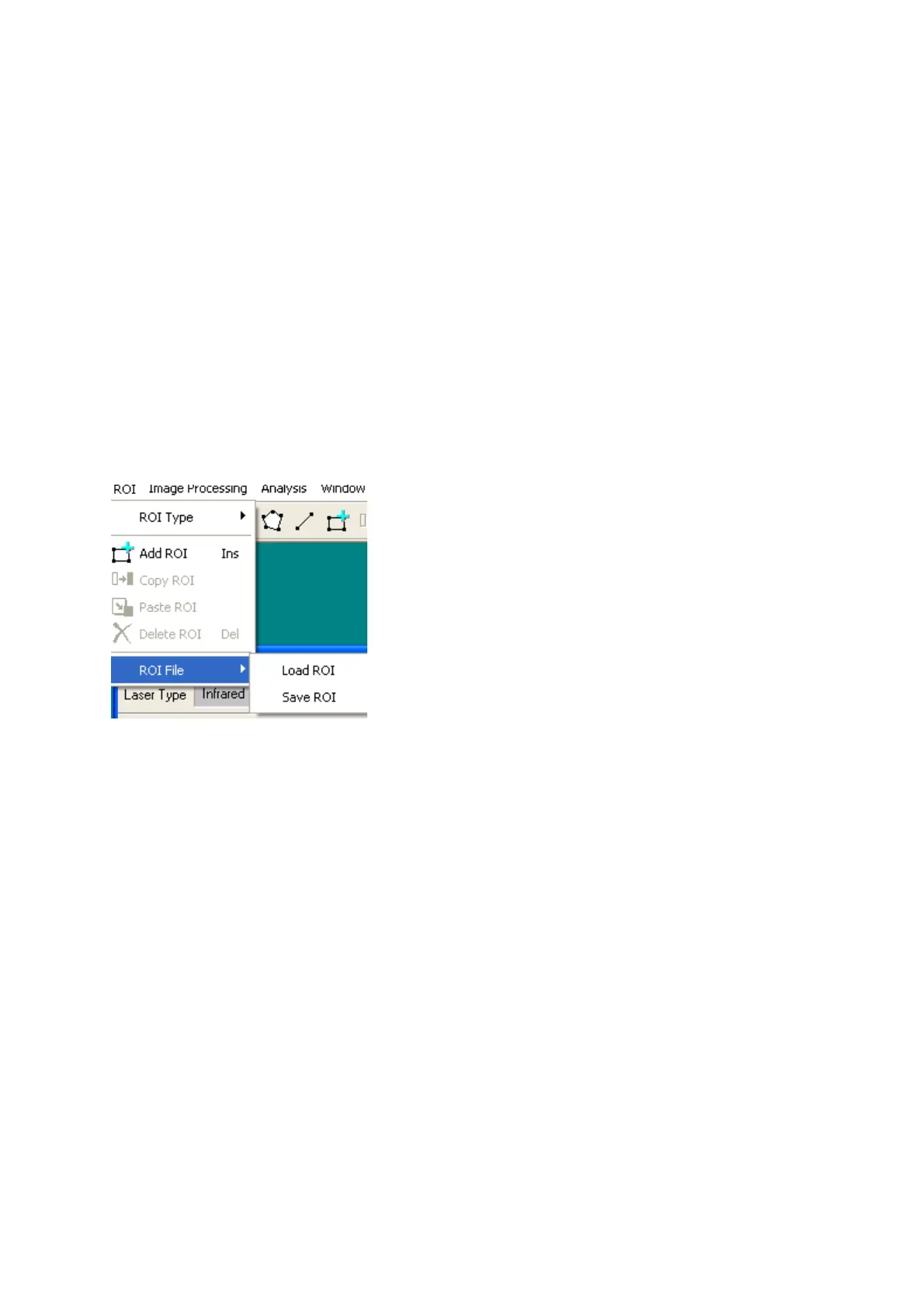
The ROI co-ordinates can be saved for later use on the same or another image. To do this select ROI,
ROI file,
S
ave ROI; Select a directory (folder) and enter a filename in the
S
ave As window.
The ROI co-ordinates are saved in a *.ROI file. To use this ROI again select ROI, ROI file,
L
oad
ROI.



 To Next Page