MOOR INSTRUMENTS moorLDI2 RESEARCH USER MANUAL
75
11.4 ROTATE or FLIP
The image can be rotated left (anti clockwise) or right (clockwise) by 90
o
each time the operation is
applied.
Images can also be flipped horizontally or vertically to give a mirror image of its former state.
Select Rotate or Flip using:
Image processing
Rotate/Flip
and choose operation required
11.5
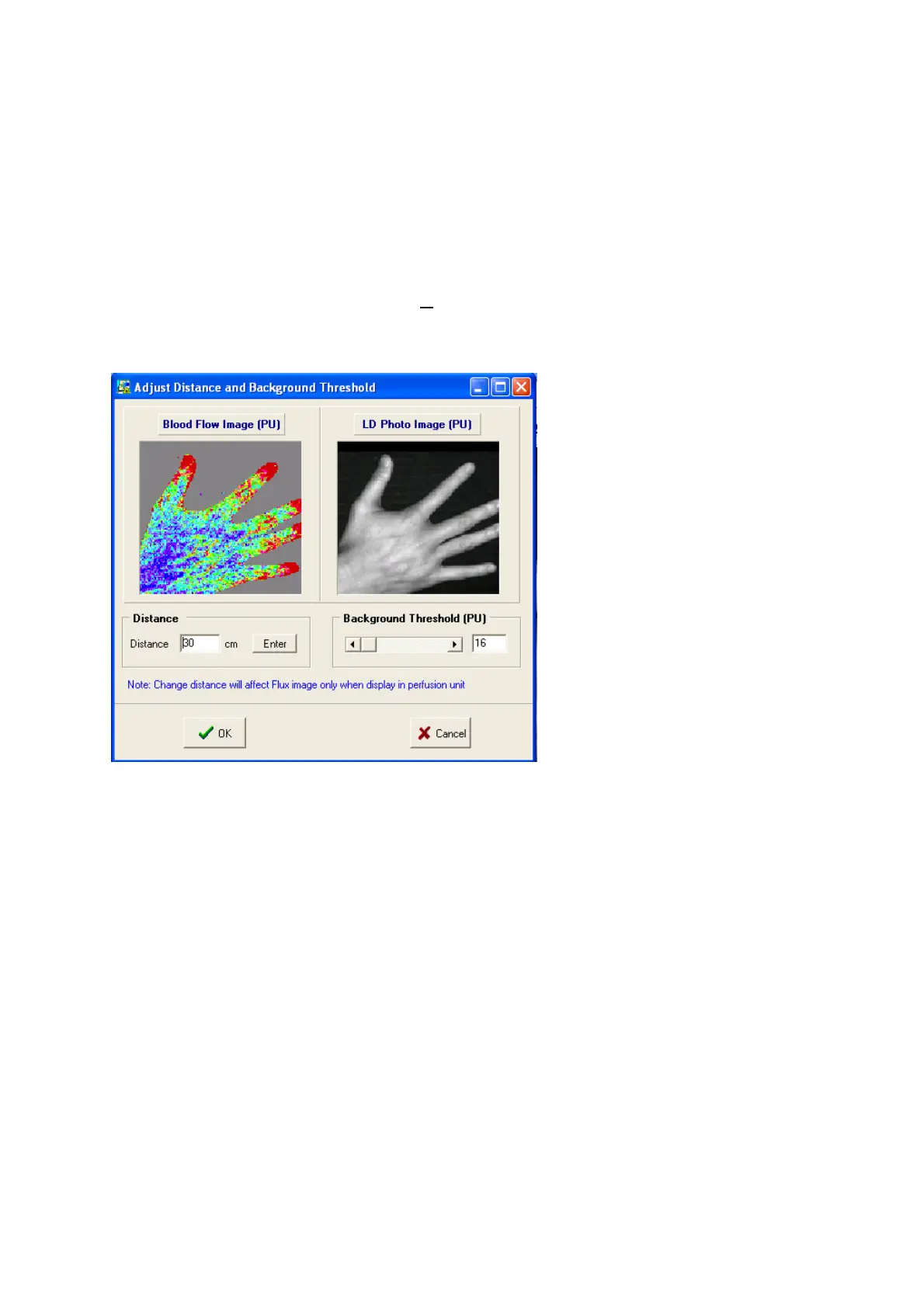
ADJUST SETTINGS
11.5.1 DISTANCE
The measurement distance can be reset in the Adjust Settings window. This should be used only
when the information was incorrectly set during measurement as flux results will be affected.
11.5.2 BACKGROUND THRESHOLD
When DC pixel values are below the threshold the respective flux at these pixels are set to zero and
displayed in grey. The flux pixels displayed in grey are not used in flux image analyses even if they
are part of the tissue (eg skin) area scanned. Resetting the background threshold to a higher value can
be used to remove edge effects from an image eg the edge of a finger where the DC will be much
lower than from the bulk of the finger.
Resetting the background to a lower value can display more of a flux image



 To Next Page