MOOR INSTRUMENTS moorLDI2 RESEARCH USER MANUAL
90
Black and Grey mode :
when this option is selected, bin number and lower/upper limits are editable by changing the upper
and lower limits of thje histogram.
Alternative black and grey colours are used to plot the histogram bars.
A
File
menu is accessible at the top of the Histogram window. The histogram results can be
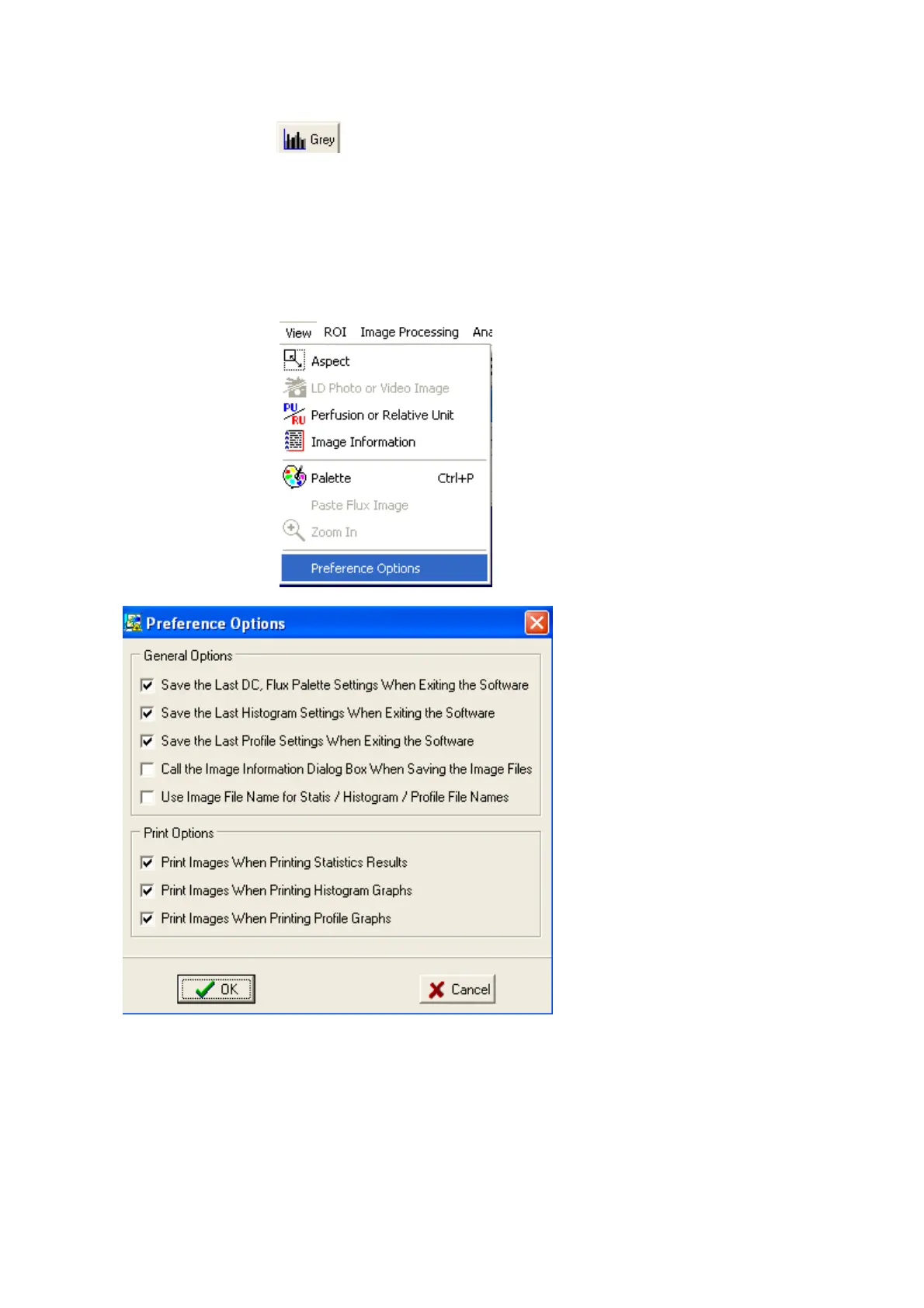
saved/appended into a text file. The results can be printed with or without small LDI images (this
option is set in the Preference setup – click
View
then select
Preference Options
)
15.3.1
HISTOGRAM LIMITS
The limits can be changed by dragging the slides at the bottom of the window or by changing the
numbers in the adjacent boxes. If the latter option is used then it is important to
change the upper
limit first
.



 To Next Page