机床操作面板
MACHINE OPERATION PANEL
142
< 说明 > <Descriptions>
按钮
Button
功能
Function
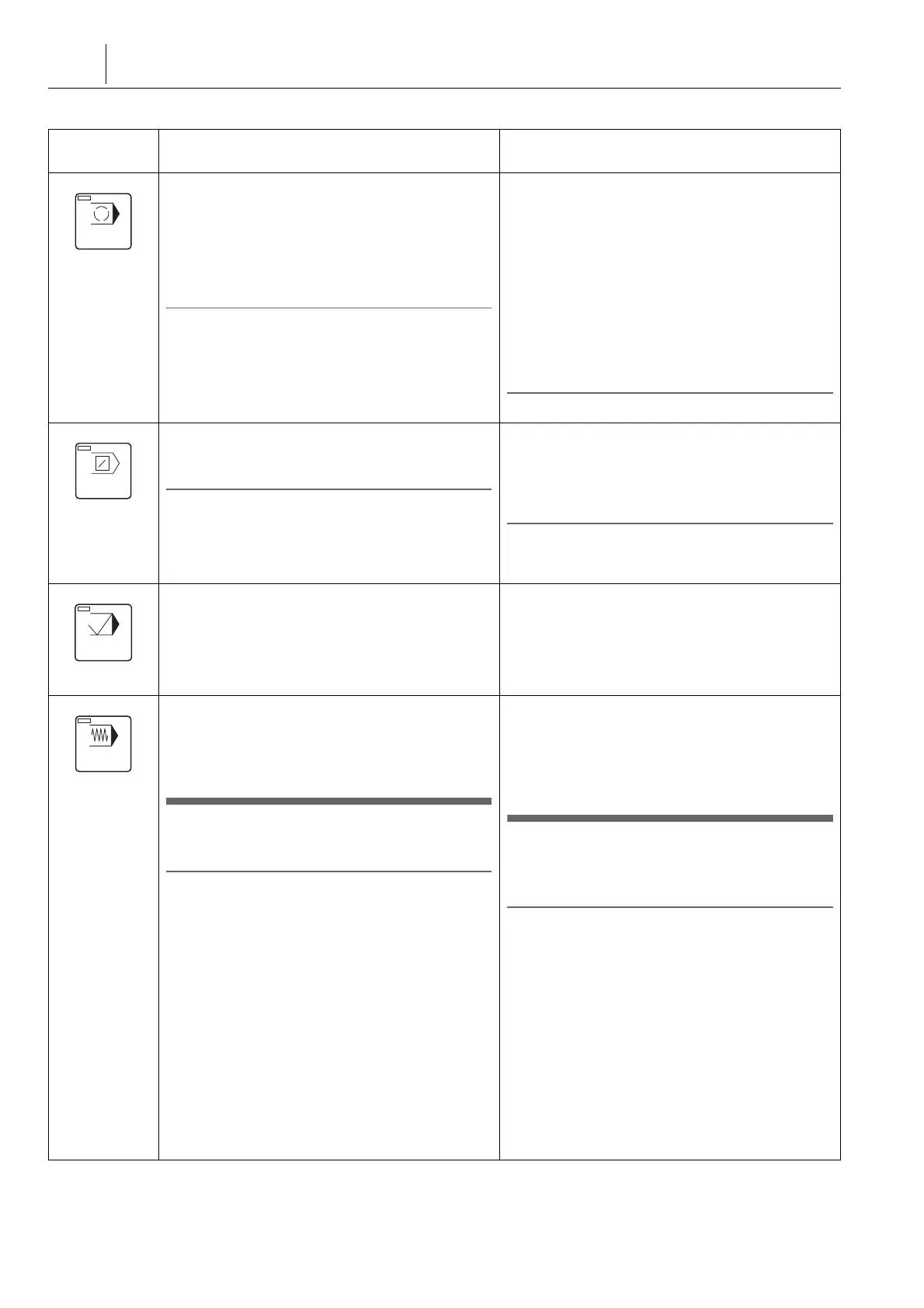
可选停止功能使写入程序的 M01 (可选停止)指令
有效。在可选停止模式下,执行 M01 块后,主轴旋
转、切削油供给和轴进给停止。
此功能用于检查切削刀具的状态或清除自动运行期间
机床中的切屑,并用于检查每个试切过程中的程序。
如要继续中断操作,按下自动运行按钮
q
[ 开始 ]。
2 注意
单独指定 M01 指令。
The optional stop function makes the M01 (optional
stop) command written in a program valid. In the
optional stop mode, spindle rotation, coolant supply,
and axis feed stop after the execution of an M01
block.
This function is used to check the conditions of the
cutting tool or to remove chips from the machine
during automatic operation and to check a program
at each process of test cutting. To continue the
interrupted operation, press the automatic operation
button
q
[START] (Start).
2 NOTE
Specify the M01 command independently.
块删除功能忽略前面带左斜杠“/”的程序块,并且程
序将不执行这些程序块,直接跳到下一程序块。
2 注意
块删除功能( /2 到 /9 )是可选的,并且无论每个块删除功
能是在‘ 程序段删除 ’屏幕或这个按钮上设置是有效 / 无效。
The block delete function ignores the blocks
preceded by a slash code “ / ”, and the program
advances to the next block without executing such
blocks.
2 NOTE
The block delete functions (/2 to /9) are optional and
whether each of the block delete functions is valid/invalid is
set on the ‘ BLOCK DELETE ’ screen or this button.
当按下此按钮以检查程序时,忽略 Z 轴手动操作和已
编程的 Z 轴指令并且 Z 轴不再进给。根据轴运动指令
的执行,仅更新位置数据。
When this button is pressed for a program check,
manual Z-axis movement operations and
programmed Z-axis commands are ignored and the
Z-axis is not fed. Only the position data is updated
according to the execution of axis movement
commands.
在指定进给功能模式下,程序中指定的切削进给速度
按 [ 进给倍率 ] 开关设定的进给速度进行调节。此功
能用于缩短程序检查时间。
7 小心
自动运行时不要使指定进给功能有效。
[ 意外的切削进给速度 ]
2 注意
1. 配备了程序检查功能的机床,即使在螺纹切削或攻丝操
作期间,指定进给功能仍有效。
2. 当指定进给功能无效时,所有的进给速度(切削进给速
度和快速进给速度)为编程值。指定进给功能取消时,
[ 进给倍率 ] 开关的百分比设置( 0 到 200% )变为有
效。因此,使指定进给功能有效和无效时要小心。
3. 若指定进给功能有效 / 无效状态在自动运行期间发生变
化,机床停止在进给暂停状态。 通过按下自动运行按钮
q
[ 开始 ] ,可以重新启动自动运行。
In the dry run mode, the cutting feedrates specified in
the program are adjusted by the feedrate set with the
[OVERRIDE] (Feedrate Override) switch. This
function is used to shorten program check time.
7 CAUTION
Do not make dry run function valid while in
automatic operation.
[Unexpected cutting feed rate]
2 NOTE
1. For the machines equipped with the program check
function, the dry run function is valid even during thread
cutting or tapping operation.
2. When the dry run function is invalid, all feedrates
(cutting feedrates and rapid traverse rate) are the
programmed values. The percentage setting (0 to
200%) of the [OVERRIDE] (Feedrate Override) switch
becomes valid when the dry run function is canceled.
Therefore, be careful when making the dry run function
valid and invalid.
3. If the dry run function valid/invalid state is changed
during automatic operation, the machine stops in the
feed hold state. The automatic operation can be
restarted by pressing the automatic operation button
q
[START] (Start).




 To Next Page