229
程序编辑
PROGRAM EDITING
8 警告 8 WARNING
在序号搜索操作期间,跳过程序块中的坐标值和 M、S、T、G
和 F 代码,切勿在数控中更改坐标值或模态 M、S、T、G 和 F
代码。在一个程序中搜索程序块后重新启动操作时,在选择
MDI 模式后,检查机床和数控的状态以及指定 M、S、T、G 和
F 代码,工件座标系,以及其它必要的信息。如果机床重新启
动时没有指定这些数据,机床意外运行将导致严重伤害或机床
损坏。
Coordinate values and M, S, T, G, and F codes in the
blocks skipped during sequence number search operation
do not change the coordinate values or modal M, S, T, G,
and F codes in the NC. When restarting the operation after
searching a block in the middle of a program, check the
status of the machine and that of the NC and specify the M,
S, T, G, and F codes, the work coordinate system, and
other necessary information after selecting the MDI mode.
If operation is restarted without specifying these data, the
machine will operate unexpectedly causing serious
injuries or damage to the machine.
< 子程序中的序号搜索 > <Sequence Number Search in a Sub-program>
若要搜索子程序中的序号,尝试序号搜索前先搜索子程序。
如果没有首先搜索子程序编号就直接搜索序号,允许的操作与
程序序号搜索相同。
To search for a sequence number in a sub-program, search for
the sub-program before attempting the sequence number
search.
If the sequence number is searched for directly without
searching for a sub-program number first, the enabled
operation is the same as a sequence number search of the
program.
单词搜索 Word Search
编辑程序时需要进行单词搜索操作。首先,通过程序编号搜索
操作调用需要编辑的程序;然后,通过单词搜索操作定位要编
辑的单词。
A word search operation is required when editing a program.
First, the program to be edited is called by the program number
search operation and, then, the word to be edited is located by
the word search operation.
下列方法用于单词搜索操作。 The following method is used for the word search operation.
5将 MAPPS 参数 No. 666 设置成以下各项。 5Set the following with MAPPS parameter No. 666.
0 :详细搜索(模糊搜索) 0: Detailed search (Fuzzy search)
例如,搜索“M6”找到 “M6”和 “M06”。 For example, searching for “ M6 ” finds “ M6 ” and “ M06 ”.
1 :高速搜索(严格匹配搜索) 1: High-speed search (Exact matching search)
例如,搜索“M6”仅找到 “M6”,而没有“M06”。 For example, searching for “ M6 ” finds only “ M6 ”, not “ M06 ”.
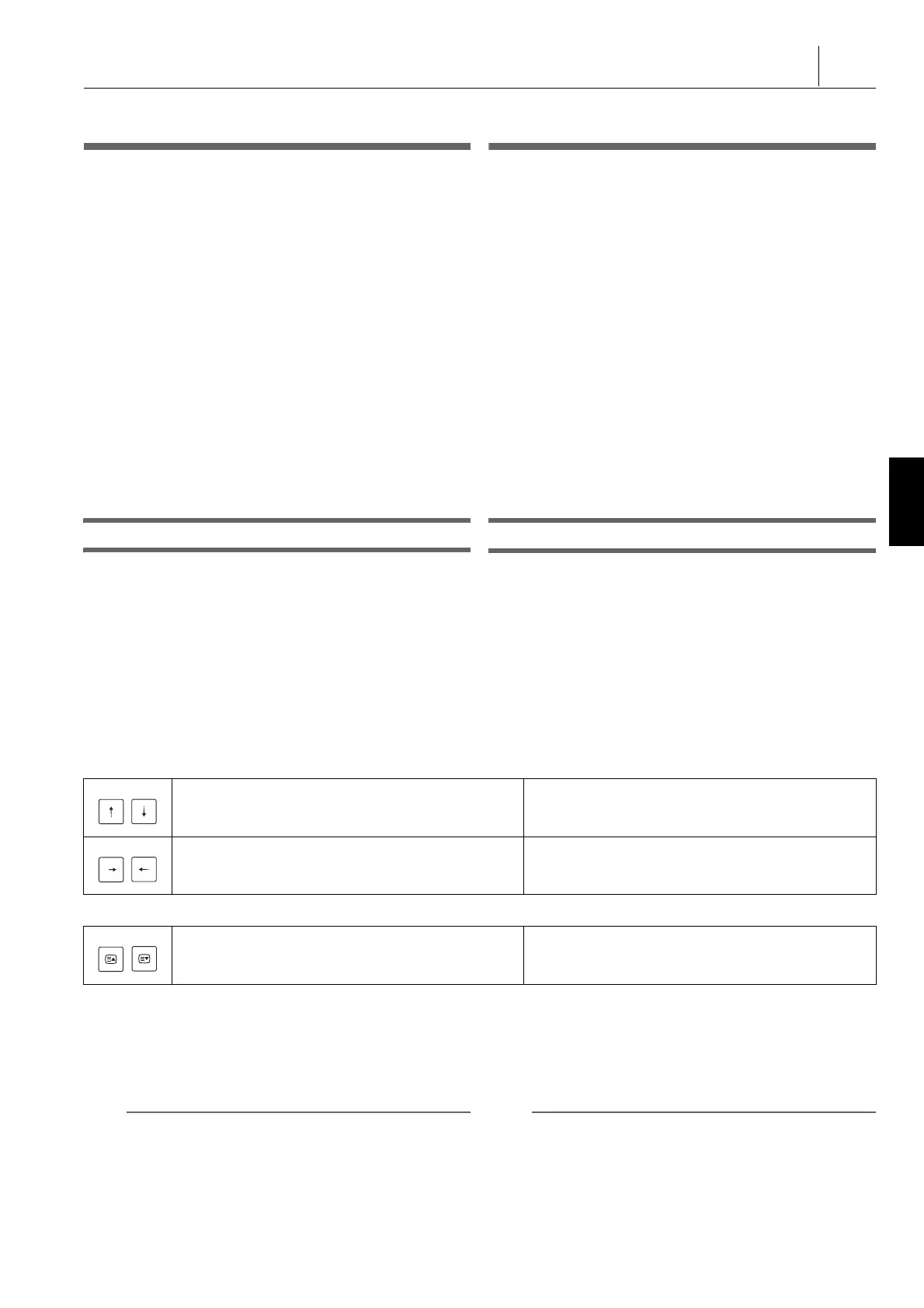
1. 用光标移动键搜索单词 1. Searching for a word with the cursor control keys
2. 用页面选择键搜索单词 2. Searching for a word with the page selection keys
3. 用向上和向下光标移动键搜索单词。 3. Searching for a word with the up and down cursor control
keys.
a) 输入要搜索的单词。 a) Input a word to be searched for.
b) 按下 [ 搜索向上 ] 或 [ 搜索向下 ] 或光标移动键。 b) Press [SEARCH UP] or [SEARCH DW] or the cursor
control keys.
2 注意 2 NOTE
1. 如果需要搜索的单词在程序中多次出现,搜索当前光标位
置后该单词首次出现的地方。
1. If the searched word appears more than once in the
program, the first occurrence of the word located after the
current cursor position is searched for.
2. 按下 [ 搜索向上 ] 软键或光标移动键
t
,搜索当前光标位
置前的单词。
2. Press the [SEARCH UP] soft-key or the cursor control key
t
to search for a word located before the current cursor
position.
光标位于上一程序块或下一程序块的第一个单词处。
The cursor will be located on the first word of the
previous block or the next block.
光标向前 / 向后逐个词移动。
The cursor moves forward/backward, word by word.
显示上一页或下一页。光标位于该页的第一个单词处。
The previous or next page is displayed. The cursor will
be located on the first word of the page.




 To Next Page