223
C 轴分度操作
C-AXIS INDEXING OPERATION
6 C 轴分度操作
C-AXIS INDEXING OPERATION
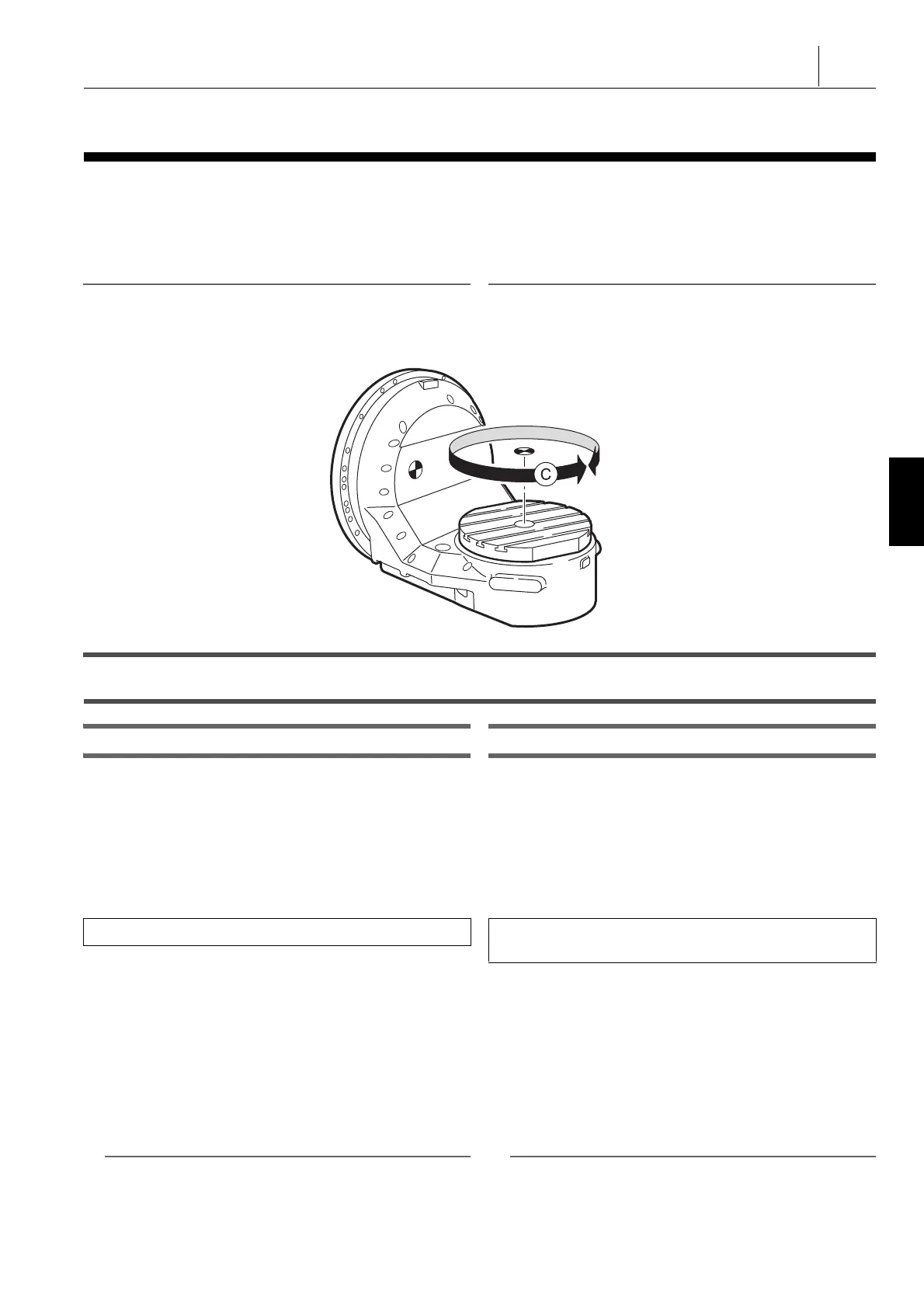
以下解释了用于手动或在 MDI 模式下操作 C 轴的步骤。当从上
方观察机床时,工作台旋转的顺时针方向定义为正方向,逆时
针方向定义为负方向。
The procedure used for operating the C-axis manually or in the
MDI mode is explained below. The clockwise direction of table
rotation when viewing from above is defined as the positive
direction and the counterclockwise direction is defined as the
negative direction.
2 注意 2 NOTE
第 4 轴为该机床的 C 轴。 The 4th-axis is the C-axis for this machine.
1 关于指令方法的详情,参见单独手册,编程手册的“B、C 功能 ”。 1 For details of the command method, refer to the separate vol-
ume, PROGRAMMING MANUAL at “ B, C FUNCTION ”.
6-1 手动 C 轴操作
Manual C-Axis Operation
C 轴快速进给操作 C-Axis Rapid Traverse Operation
1) 将门联锁钥匙开关置于 [ 平常 ] 位置。 1) Place the door interlock key-switch in the [NORMAL]
position.
2) 关闭前门。 2) Close the front door.
3) 将操作选择钥匙开关旋至
i
[ 可操作 ] 或
o
[ 可操作 / 编
辑 ]。
3) Turn the operation selection key-switch to
i
[ON] or
o
[PANEL/EDIT].
4) 在 MDI 模式下松开 C 轴。 4) Unclamp the C-axis in the MDI mode.
a) 显示‘PROGRAM (MDI)’屏幕。 a) Display the ‘ PROGRAM (MDI) ’ screen.
b) 输入 C 轴松开指令 (M11)。 b) Input the C-axis unclamp command (M11).
输入“ M11; ” D 按下
i
( 插入 ) 键。 Input “ M11; ” D Press the
i
(INSERT) key.
c) 按下自动运行按钮
q
[ 开始 ]。 c) Press the automatic operation button
q
[START]
(Start).
5) 选择模式选择按钮
]
[ 微动 ]。 5) Select the mode selection button
]
[Jog].
6) 使用 [ 快进倍率 ] 开关设置用于快速进给操作的快速进给速
度。
6) Set the traverse rate to be used for rapid traverse operation
using the [RAPID OVERRIDE] (Rapid Traverse Rate
Override) switch.
2 注意 2 NOTE
1. 对于手动操作,即使快速进给倍率设置为 100% ,但实际倍率
值固定在 50%。
1. For manual operations, even if the rapid traverse override is
set to 100% the actual override value is fixed at 50%.
2. 指定进给功能运行期间快进倍率仍有效。 2. Rapid traverse rate override is valid during dry run operation.
360°
+
−
模式选择按钮
s
[MDI] D 功能选择键
p
( 程序 )
Mode selection button
s
[MDI] (MDI) D Function selection
key
p
(PROG)




 To Next Page