175
功能选择键和显示屏幕
FUNCTION SELECTION KEYS AND DISPLAY SCREENS
4 功能选择键和显示屏幕
FUNCTION SELECTION KEYS AND DISPLAY SCREENS
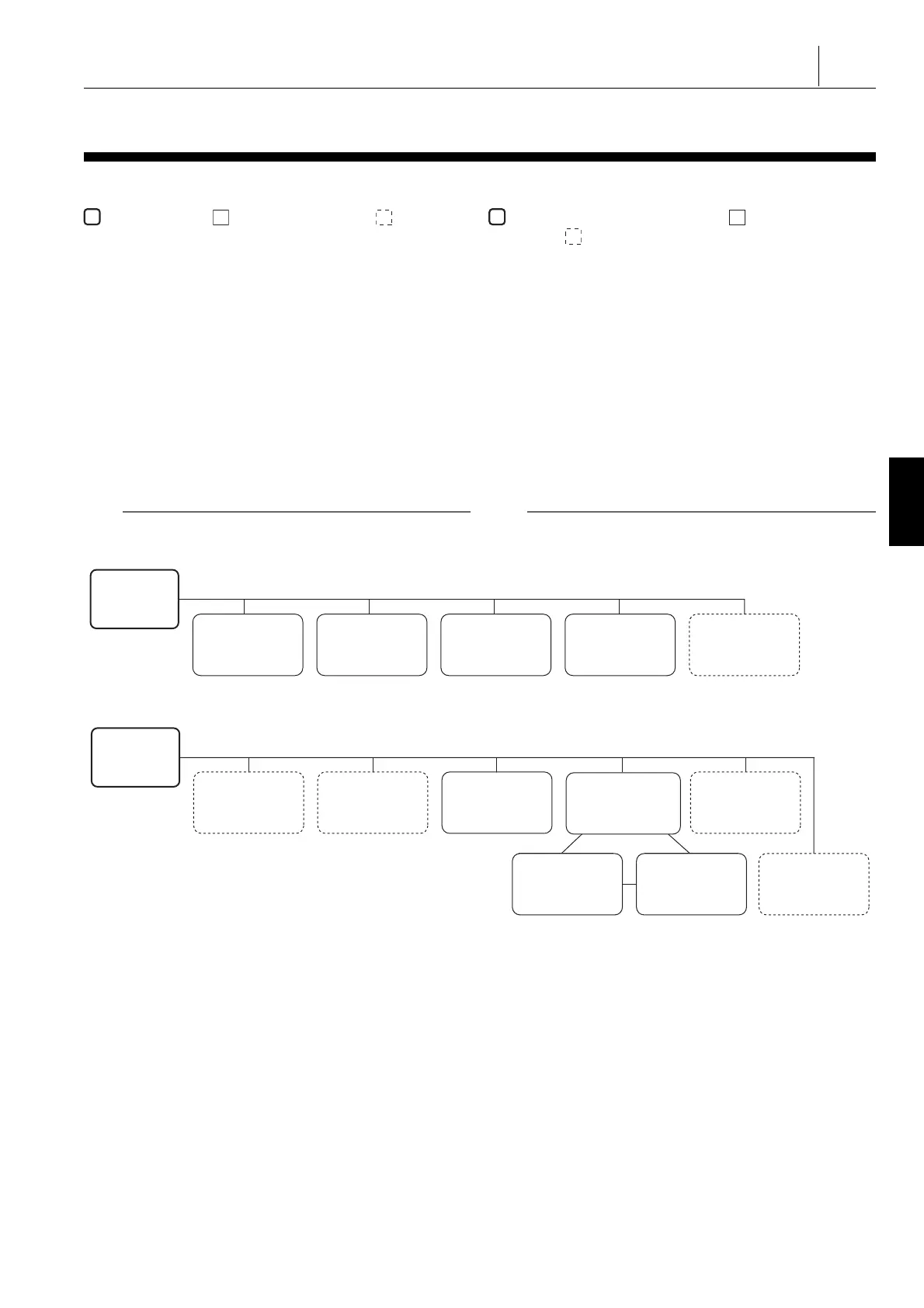
以下各图表示按下功能选择键时可进入的屏幕。 Each of the figure below indicates the screens made
accessible by pressing a function selection key.
表示功能选择键。 表示一个标准屏幕,而 表示一个可
选的屏幕或一个取决于机床规格的显示屏幕。
indicates the function selection key. indicates a standard
screen, and indicates an optional screen or a screen
displayed depending on the machine specifications.
1 关于屏幕的说明,参见图后页码。 1 For description of the screens, refer to the pages after the dia-
grams.
1. 按下快捷软键 [ 屏面列表 ] 显示屏幕名称的列表。
1. Pressing the shortcut soft-key [SCREEN LIST] displays the list
of screen names.
从该列表选择需要的屏幕,然后按下 [ 跳过 ] 软键或
[
(Enter)
键 /
\
( 输入 ) 键显示该屏幕。
Select the desired screen from this list and press the [JUMP]
soft-key or
[
(Enter) key/
\
(INPUT) key to display this
screen.
2. 设置下列 MAPPS 参数,可改变屏幕背景颜色。 2. By setting the following MAPPS parameter, the screen
background color may be changed.
MAPPS 参数 No. 1466 =0 :蓝色 MAPPS parameter No. 1466 =0: blue
MAPPS 参数 No. 1466 =2 :白色(默认设置) MAPPS parameter No. 1466 =2: white (default setting)
2 注意 2 NOTE
改变设置后,必须先关闭电源,然后再次打开。 After changing the setting, the power must be turned OFF and
back ON.
1 “ 功能选择键 ( 位置 )” ( 178 页) 1 “Function Selection Key (POS)” (page 178)
(POS)
‘CURRENT POSITION’
(‘ABSOLUTE’)
‘CURRENT POSITION’
(‘RELATIVE’)
‘HANDLE INTERRUPT’
‘MONITOR’‘CURRENT POSITION’
(‘ALL’)
(位置)
‘当前位置’ (‘绝对坐标’)
‘当前位置’(‘相对的’) ‘处理中断’
‘监视器’‘当前位置’(‘全部’)
(PROG)
‘WORK NUMBER’
‘PROCESSING TIME
STAMP’
‘LOAD MONITOR’
‘PROGRAM LIST’‘BACKGROUND EDIT’
‘PROGRAM CHECK’
‘DATA SERVER FILE
DIRECTORY’
‘PROGRAM RESTART’
(程序)
‘工作号’
‘处理时间标记’ ‘负荷监视器’
‘程序列表’‘后台编辑’
‘程序检查’
‘数据服务器文件目录’
‘程序重新开始’




 To Next Page