VBA23001-R.3762 .A
- D4 ・ D90 -
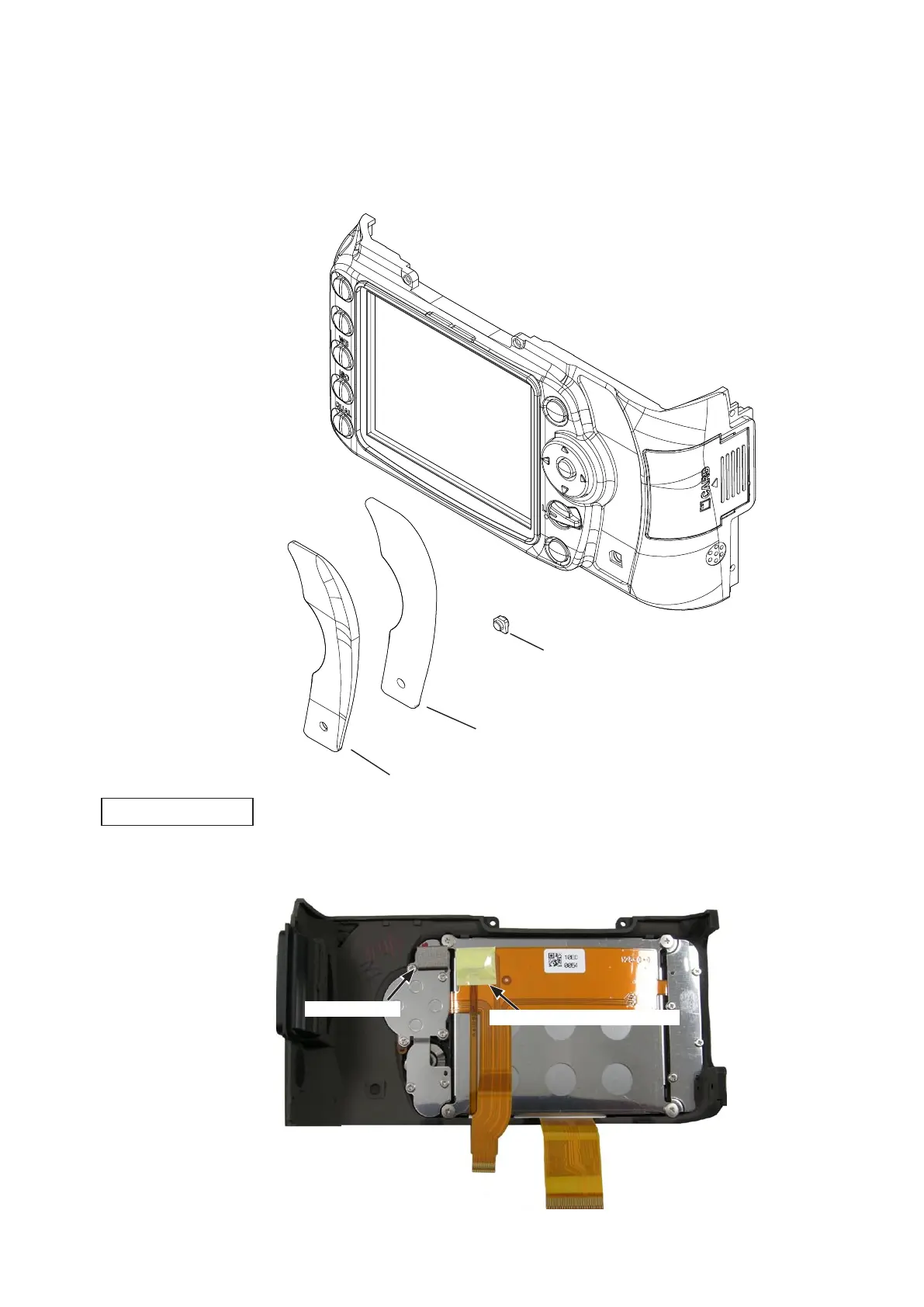
・Peel off the cover rubber (#407) and thePeel off the cover rubber (#407) and the double-stick tape (#409).
・Remove the SD access lamp window (#408).Remove the SD access lamp window (#408).
Cover rubber (#407)
Double-stick tape (#409)
SD access lamp window (#408)
・Remove the gasket (#483).Remove the gasket (#483).
・Peel off the tape [TA-0005 (12.5Peel off the tape [TA-0005 (12.5
×
12.5)].
Gasket (#483)
Rear display FPC unit
2. Back cover
Tape [TA-0005 (12.5 × 12.5)]



 To Next Page
 Loading...








