VBA23001-R.3762.A
- A103 ・ D90 -
3. Hardware requirements
OS: Windows2000, WindowsXP, Windows VISTA
Japanese or English OS
PC: CPU Pentium Ⅱ or more
Memory 256MB or more
USB1.1 or 2.0
Screen size: 1024×768 pixels or more
4. How to set up
Create "C:\DeskTopLauncher\D-SLR\D90IMGIMG" folder is created in the hard disc of PC, so copy
"PD90IMG.EXE". This le is an self-extracting le, so decompress it in the created folder.
※ Be sure to copy the above le in the same directory. Note that the adjustment can not be made except in the
above folder.
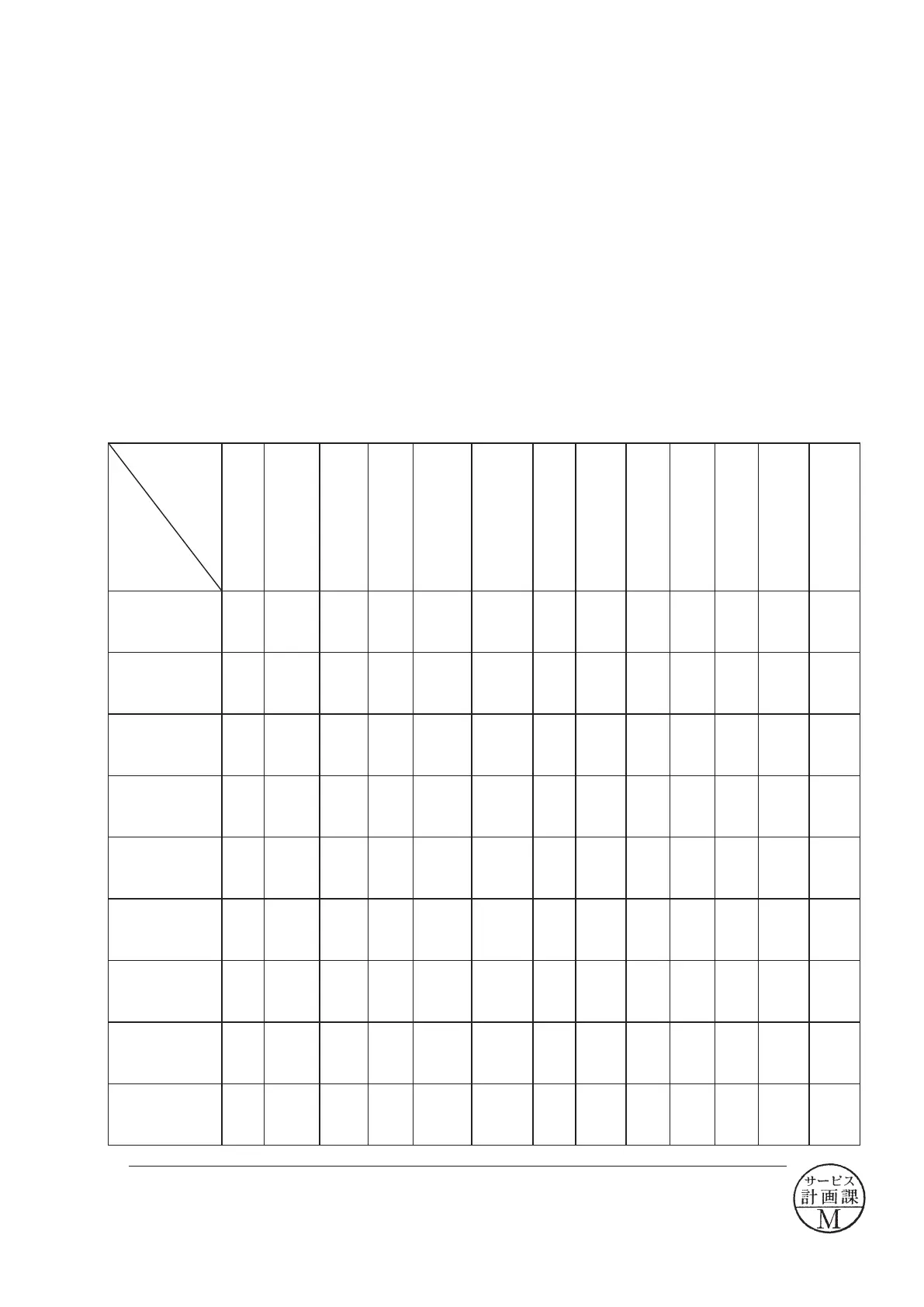
Shooting image adjustment software and Software updates
Adjustments
Replacement
parts
Ver.
No
Gr/Gb
difference
compen-
sation
ADJ (G
lter)
Dark
current
Sensi-
tivity
Shading
Gr/Gb
compensa-
tion adj.
(R/B lter)
Sensi-
tivity
ratio
Image
shutter
adjust
-ment
Pixel
defect
com-
pensa-
tion -
Black
point
Pixel
defect
com-
pensa-
tion -
White
point
TFT
adjust
-ment
Fac-
tory
default
setting
Ver.
No/
Ser.No
Shutter unit
○
Main PCB unit
○
AF sensor unit
DC/DC PCB unit
Metering FPC unit
DG PCB unit
○ ○ ○ ○ ○ ○ ○ ○ ○ ○ ○ ○
C C D / F P C P C B
unit
○ ○ ○ ○ ○ ○ ○ ○ ○
TFT monitor
○
License sheet
○
*
When the DG-PCB unit is replaced, be sure to update the rmware before DG PCB adjustment .
*
1
October. 2. 2008
Changed page (Overall revision)


 To Next Page
 Loading...









