- 108 -
Adjusting Color with the Control Panel
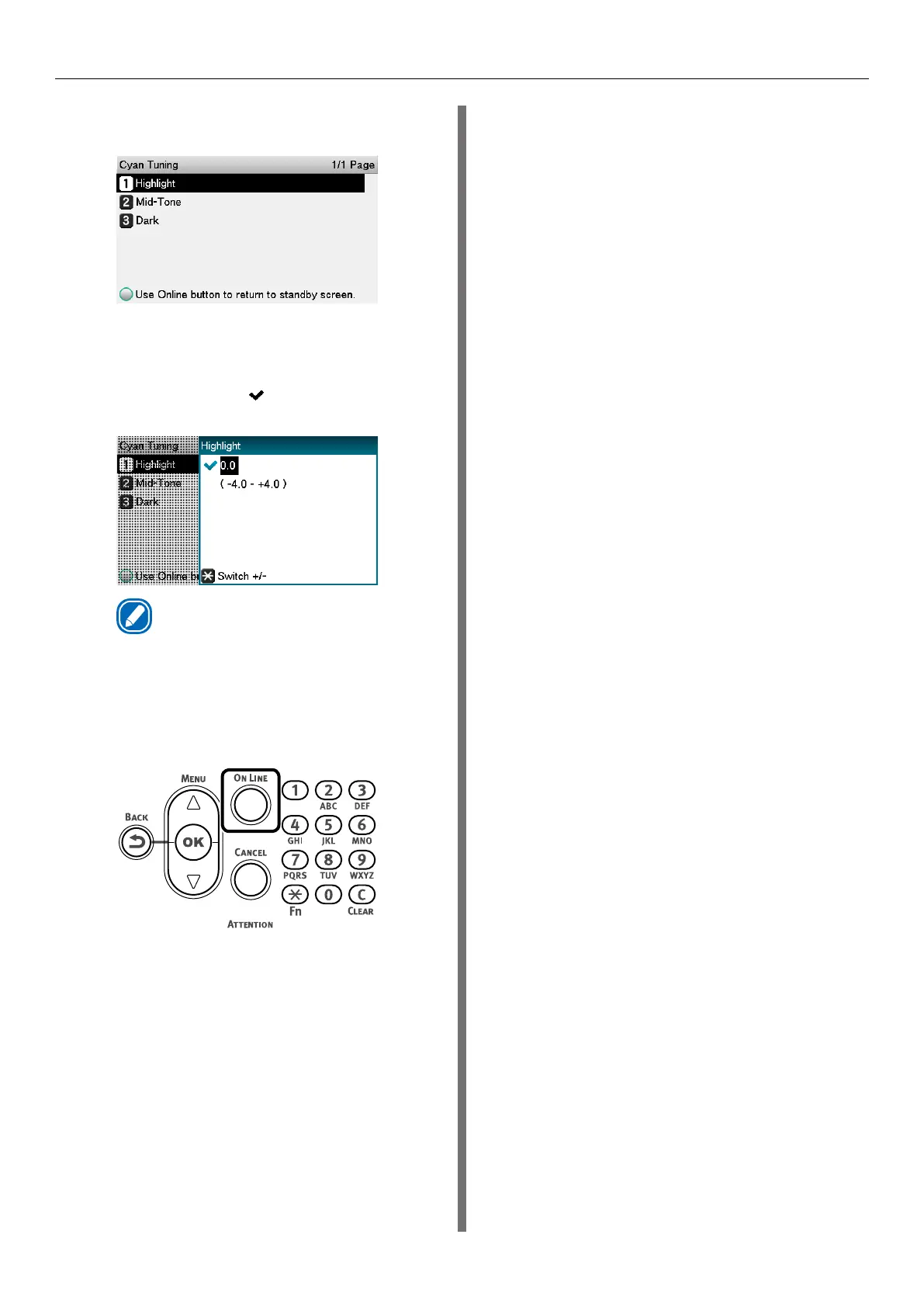
(5)
Select [Highlight], and press the
<OK> button.
(6)
Specify a larger value than the
current set value, and press the
<OK> button. Confirm there is a
check mark ( ) to the left of the
specified value.
Memo
z
Select +0.1 to +4.0 to make density slightly
darker, or -0.1 to -4.0 to make it slightly lighter.
Note, however, that the black adjustment ranges
are +0.1 to +3.0 and -0.1 to -3.0.
(7)
Press the <ON LINE> button to
return to the standby screen.
4
Check the color balance adjustment
results.
(1)
Print the color tuning pattern.
(2)
Use the print results for the
color tuning pattern to check the
adjusted results.
Repeat steps 1 through 3 of this
procedure in accordance with the
results of your pattern check.



 To Next Page