XZAC4219-05 Service Manual
7-21
Disassembling/reassembling the motherboard (printers with scanner)
1. Disassembling the casing. See the section “Casing disassembly/reassembly” on page 7 - 4.
2. Remove the upper mechanical assy. See the section “Mechanical assy disassembly/reassembly” on page 7 - 6.
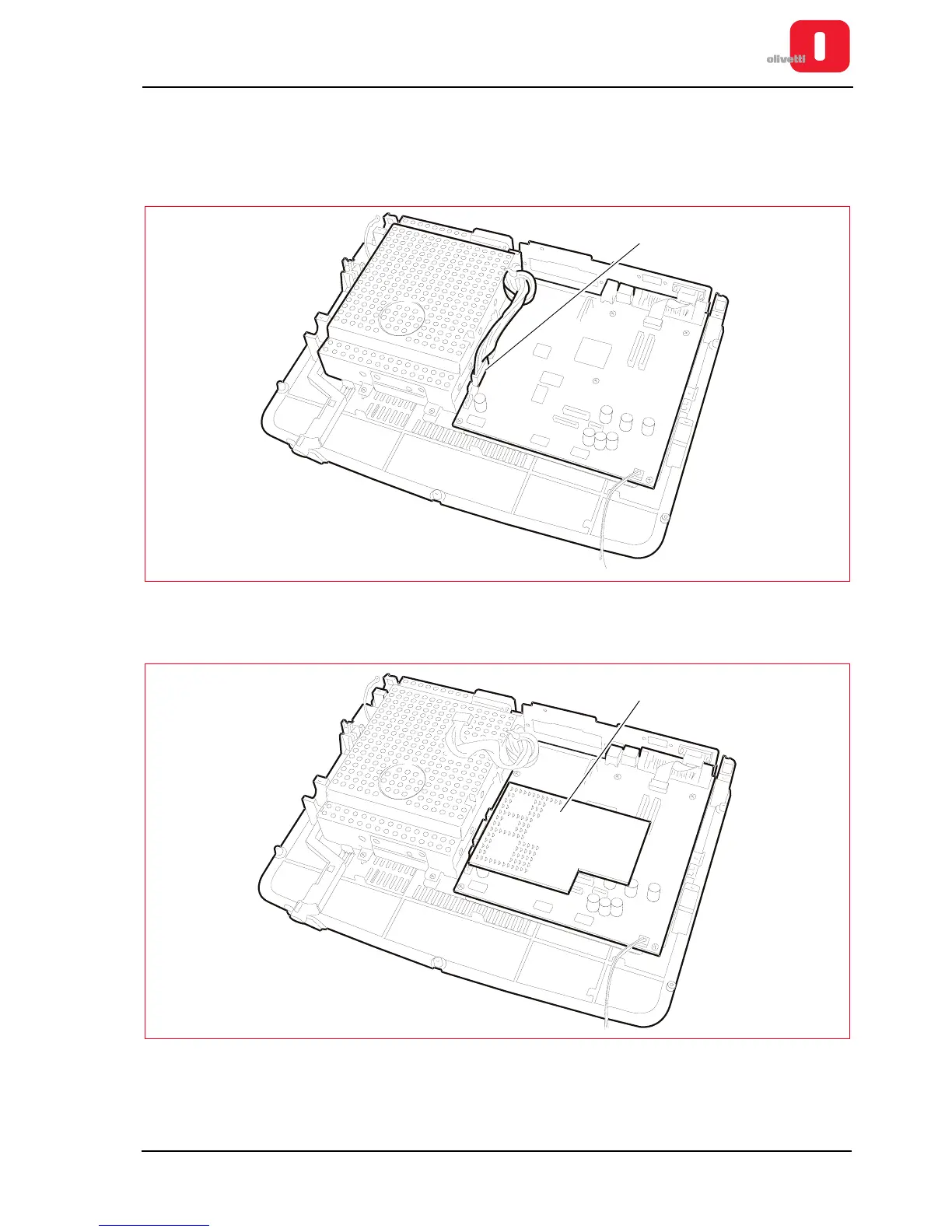
3. Disconnect the power cord (J16) that connects the motherboard to the mains unit.
Figure 7 - 25 Power connector
4. Remove the magnetic options option (1).
Figure 7 - 26 Removing the magnetic options board















 To Next Page