XZAC4219-05 Service Manual
2-3
1. Remove the machine from the bag.
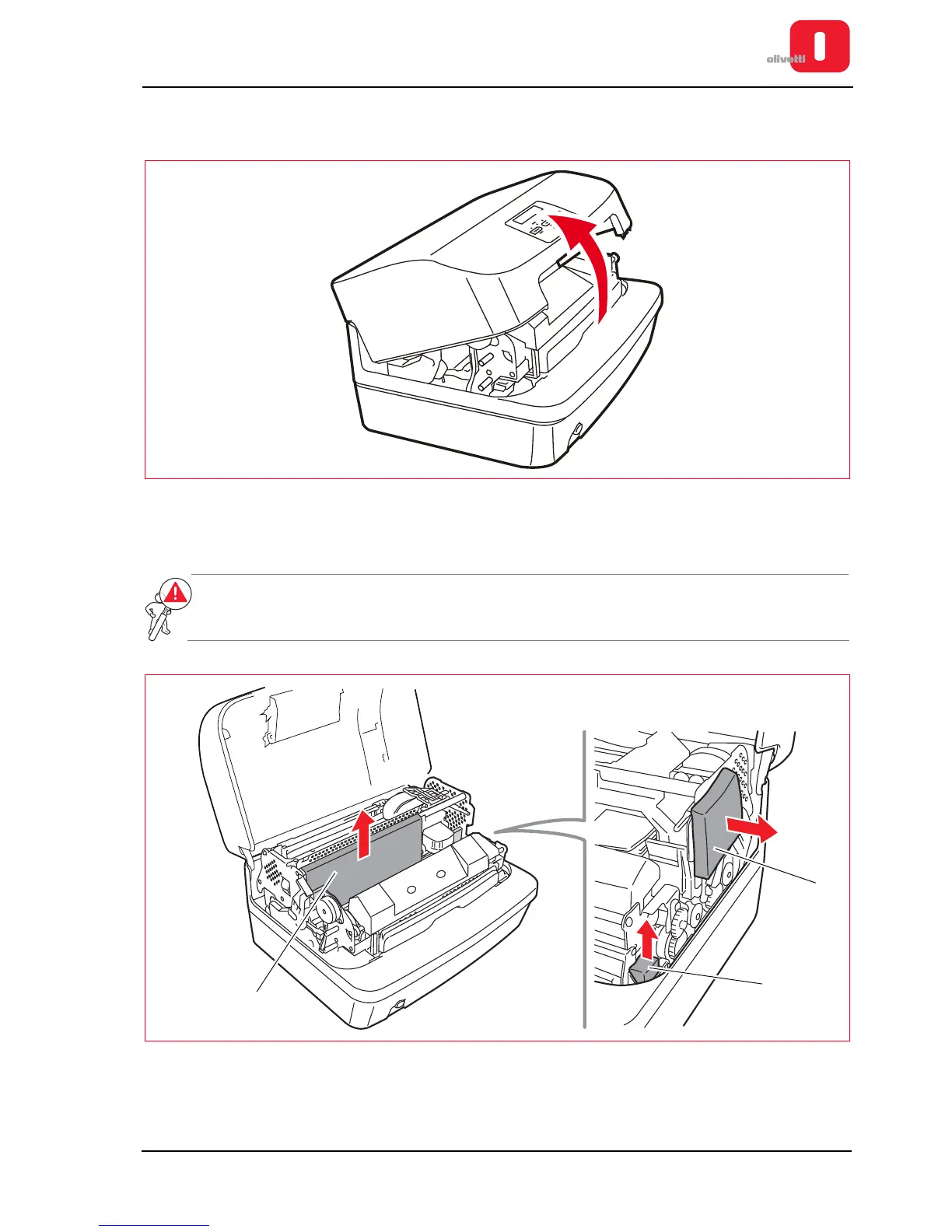
2. Completely open the upper cover of the printer.
Figure 2 - 2 Opening the upper cover
3. Remove the protective material that has been inserted for transportation. Extract the card (1) and remove the
foam padding from the side (2) and the front (3).
WARNING: before using the printer, remove the card and the foam padding provided for its
protection. Preserve these protections so that they are available if in the future
transportation of the printer is necessary.
Figure 2 - 3 Removing the protections provided for transportation purposes.















 To Next Page