XZAC4219-05 Service Manual
4-3
6. Also in this case, let's imagine that we do not want to change
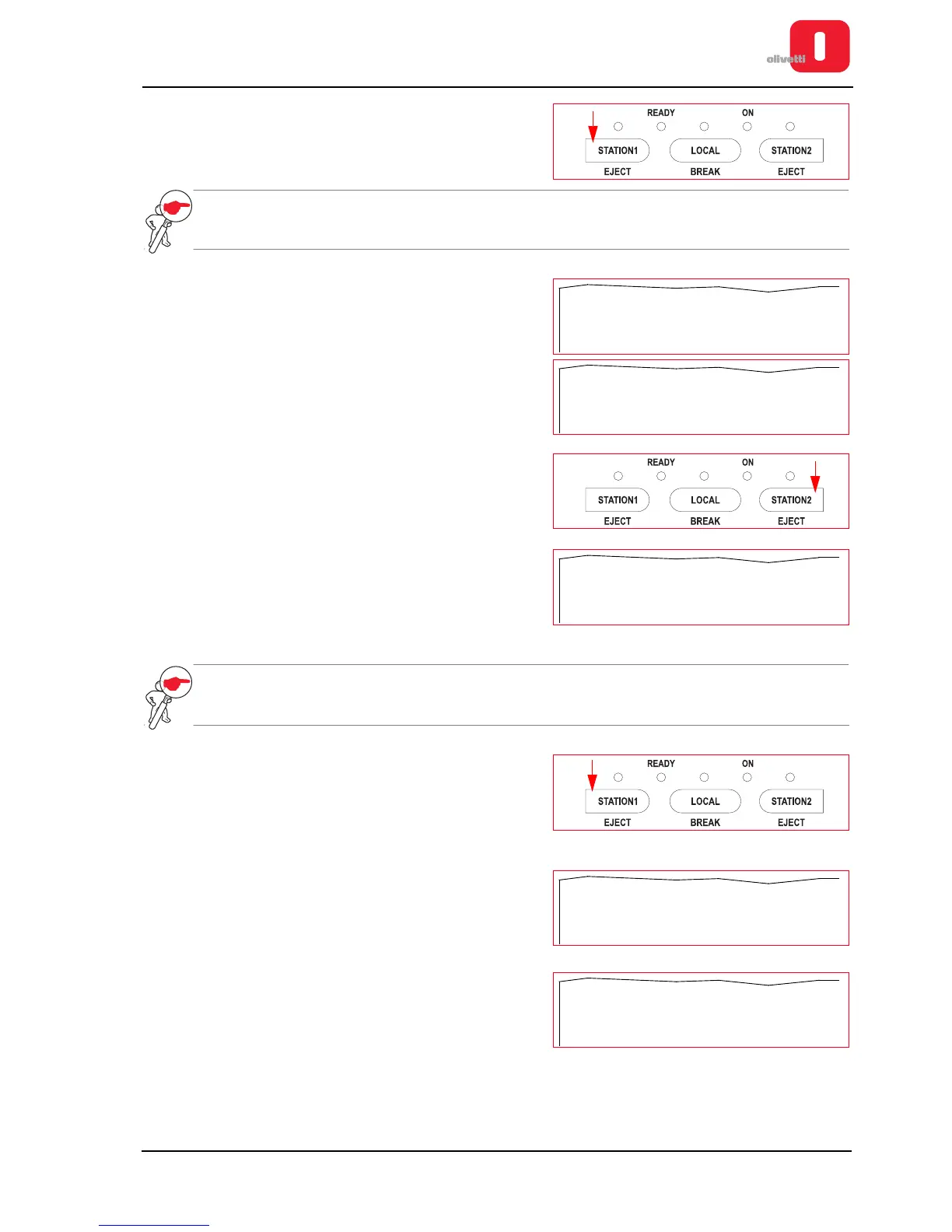
this parameter. Therefore we press the STATION1 key again
to pass to the next parameter.
NOTE: the STATION1 key is therefore the key that confirms the value of the parameter printed and
allows you to pass to the next parameter.
7. The setting for the third configuration parameter is printed.
8
Proceed in the same way pressing the
STATION1
key until the
setting of the fifth parameter «INTERFACE» is printed that we
want to change.
9. This is the parameter value that, for the purposes of our
example, we want to change. Press the STATION2 key to
pass to the next value available for the parameter.
10. The new value for the parameter is printed. For the
connection interface, 6 values are possible: «USB»,
«COM1-USB», «USB-PAR», «PARALLEL», «DUAL-PAR»
and «SERIAL1». The values are displayed in a cyclical
fashion, therefore by continuing to press the STATION2 key,
you can return to the first value again.
NOTE: the STATION2 key is therefore the key that allows you to change the value associated with
each parameter. By pressing this key you pass to the next value available, in succession.
11. When you reach the value you want to set for the parameter,
press the STATION1 key to confirm the value and pass to the
next parameter.
12. The next parameter is printed.
13. Proceed in the same way, pressing the STATION1 key for all
the parameters in the menu until the option «SAVE
PARAMETERS» is printed.















 To Next Page