4-4 Service Manual
XZAC4219-05
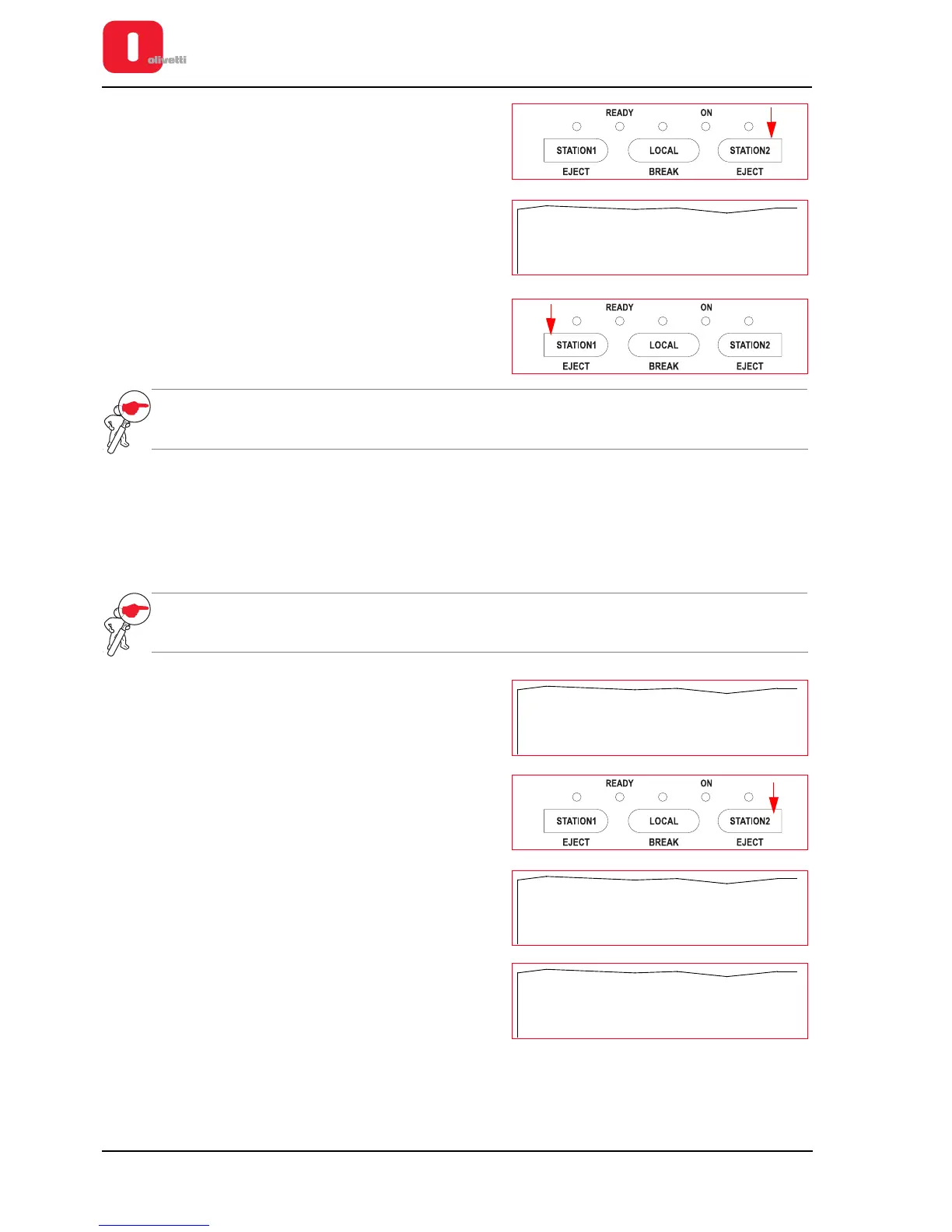
14. To save the new values you have configured for the
parameters, press the STATION2 key to pass from the value
«NO» to the value «Y».
15. The value «Y» is printed to confirm that the new configuration
values are saved.
16. Press the STATION1 key to save the new configuration.
NOTE: if you do not want to save the new configuration, press the STATION1 key when the value «SAVE
PARAMETERS: NO» is printed.
Procedure to save the value of a single parameter
The procedure illustrated above allows you to scroll through all the parameters of the menu selected, changing the
values of the parameters as required.
The procedure described below on the other hand allows you to change the value of a single parameter, exiting
immediately from the menu at the end without having to scroll through all the other parameters.
NOTE: in this case also, let's imagine that we only want to change the value of the «INTERFACE»
parameter in the Configuration menu «CONFIG.».
1
Proceeding as indicated in the previous section, print the
setting of the fifth parameter «INTERFACE» that is to be
changed.
2. This is the parameter that, in our example, we want to
change. Press the STATION2 key to pass to the next value
for the parameter.
3. The new value for the parameter is printed. For the
connection interface, 6 values are possible: «USB»,
«COM1-USB», «USB-PAR», «PARALLEL»,
«DUAL-PAR» and «SERIAL1».
4. When you reach the value for the parameter desired, press
the LOCAL key to confirm the new value and exit from the
menu.















 To Next Page