Prma 460 25 User Manual
Description
4 Flow
5 V-P, Volume aganst Pressure
Select the Second Waveform opton to alter the confguraton
of the second waveform as follows
1 V-T, Volume aganst Tme
2 V-P, Volume aganst Pressure
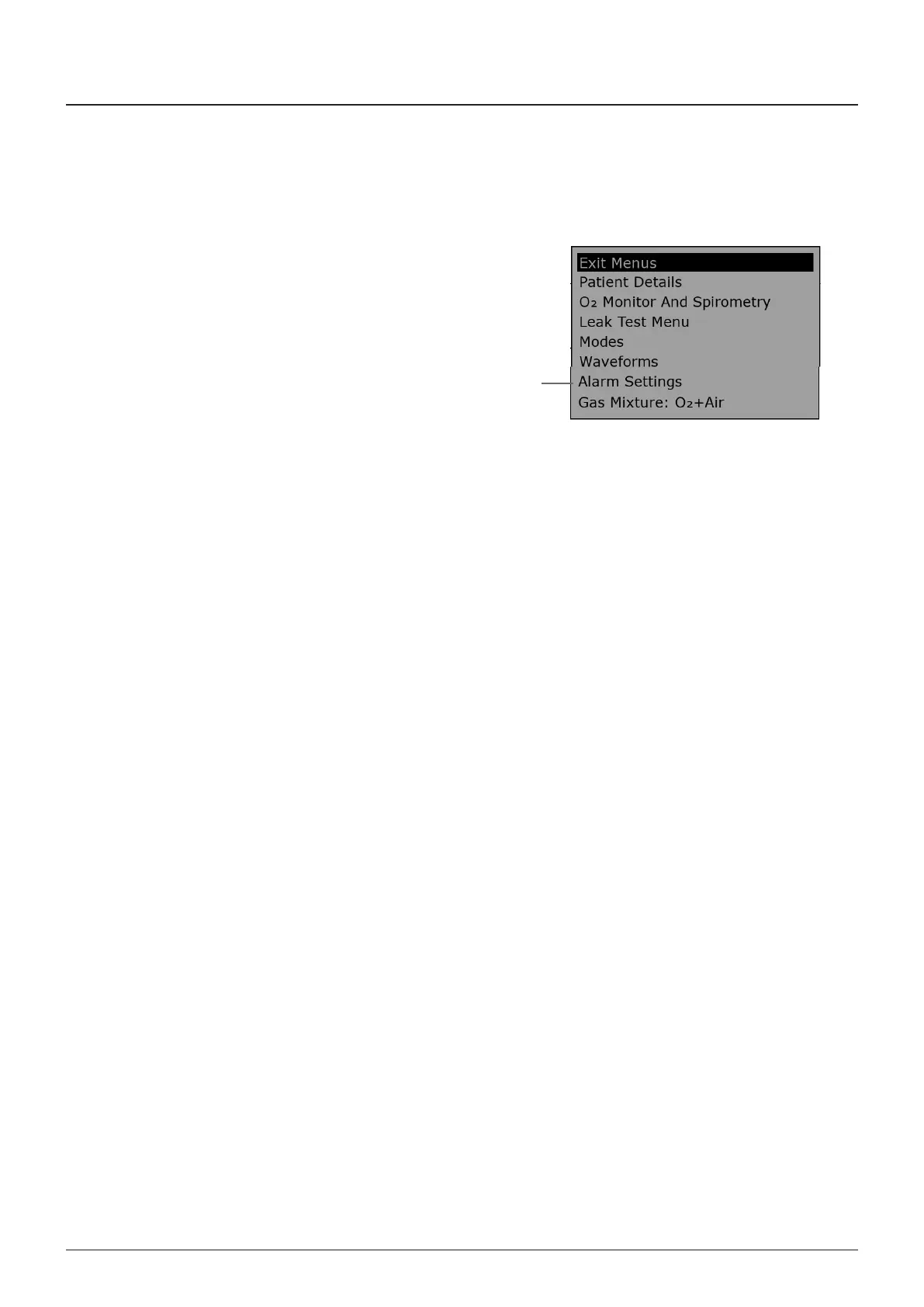
3.11.6 Alarm Menu
The ALARM SETTINS MENU (1) allows the operator to modfy
the alarms as follows
NOTE
Use the navgaton wheel to reveal hdden parameters at the
bottom of the dsplay
1 The ALARM MODE can be toggled between DEFAULT and
USER
2 The HIH TIDAL VOLUME can be toggled between ON and
OFF
3 Vm MIN defaults to 3 L the user can alter to between 0
and 50 L
4 Vm MAX defaults to 9 L the user can alter to between 1
and 25 L
5 Vt MIN defaults to 300 mL the user can alter to between
10 and 1600 mL
6 Vt MAX defaults to 900 mL the user can alter to between
20 and 2400 mL
7 APNOEA ALARM MUTE LIMIT Adustable n Spontaneous
mode only (15 to 180 seconds)
8 ALARM VOLUME defaults to 100% the user can alter to
between 50 and 100%
9 BAK LIHT LEVEL defaults to 0% the user can alter to
between 0 and 100%
1



 To Next Page