Prma 460 74 User Manual
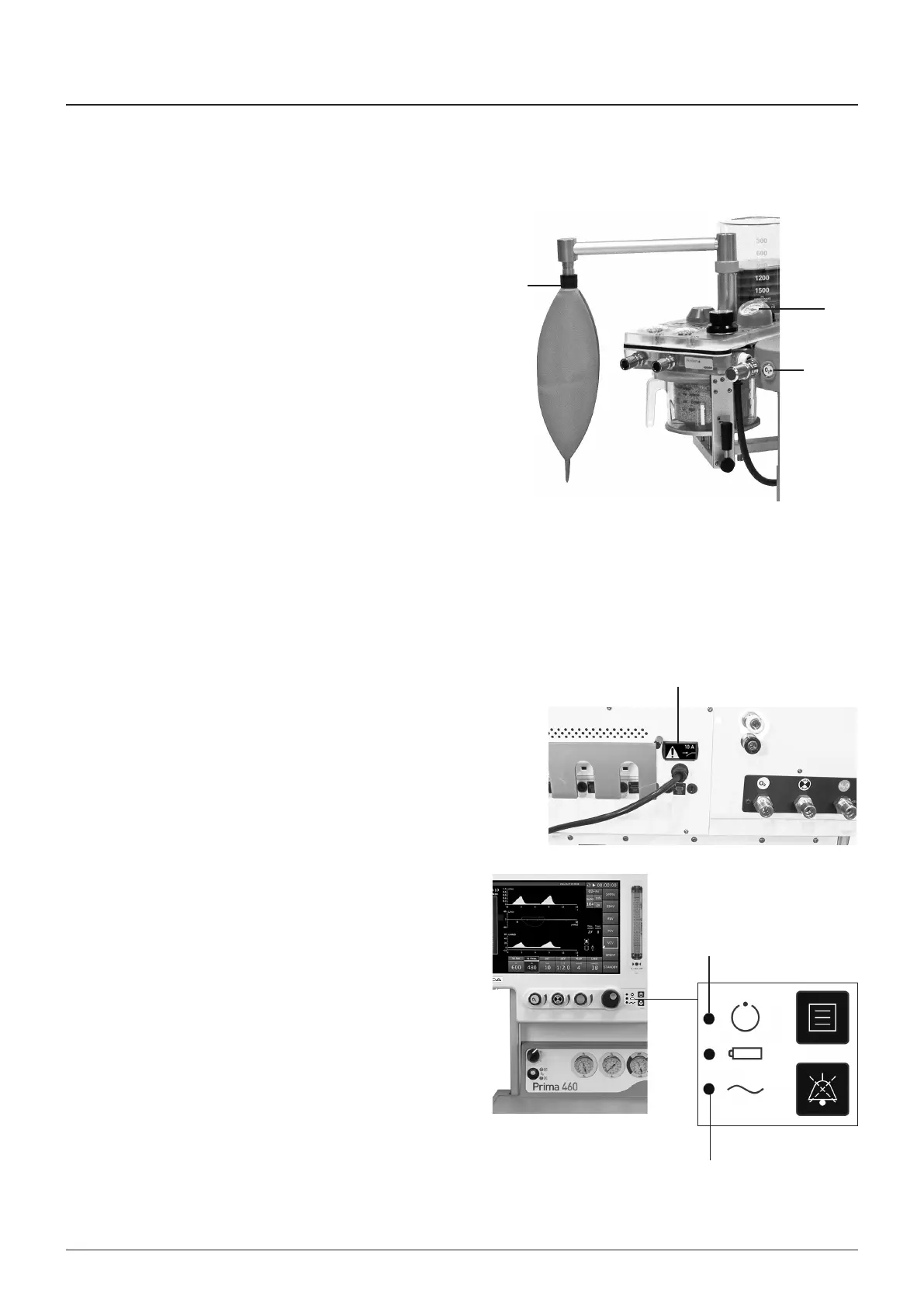
5 Press and hold the oxygen flush valve button (6) on the
front of the machne brefly
heck that the bag (3) nflates and the manometer (7)
ndcates approxmately 40 cmHO
6 Release the oxygen flush valve button (6)
heck that the pressure s mantaned n the system
wth less than 200 ml/mn fresh gas delvered nto the
breathng system, showng that no leaks are present
7 If ths test fals, recheck the low pressure system on the
machne (6313)
If the low pressure test on the machne s successful,
check the ventlator and absorber
Breathng rcut Protecton
1 Use a breathng system bacteral flter n the expratory
lmb of the breathng crcut to protect the oxygen sensor
2 Use a heat and mosture exchanger (HME) at the patent
Y-pece
A combned HME / bacteral flter can also be used,
but note that the expratory lmb bacteral flter s stll
requred
AUTION
1 Replacement/Dsposal - always follow the nstructons
suppled wth the flter or heat and mosture exchanger
Always renew components at the recommended nterval
6.4 Start-up Test
1 onnect the machne to the mans supply
2 heck that the crcut breaker lght (1) s on
heck that the mans ndcator LED (2) s on
3 Set the anaesthesa system swtch to the ON poston
4 heck that the ‘System operatonal’ status LED (3) s on
5 heck that audble beep sounds are heard
6 heck that the start-up screen s dsplayed
7 Follow the on-screen nstructons
Pre-use Checks
1
2
3
3
7
6



 To Next Page