Prma 460 122 User Manual
7. Pre-use Checks
Masimo ISA
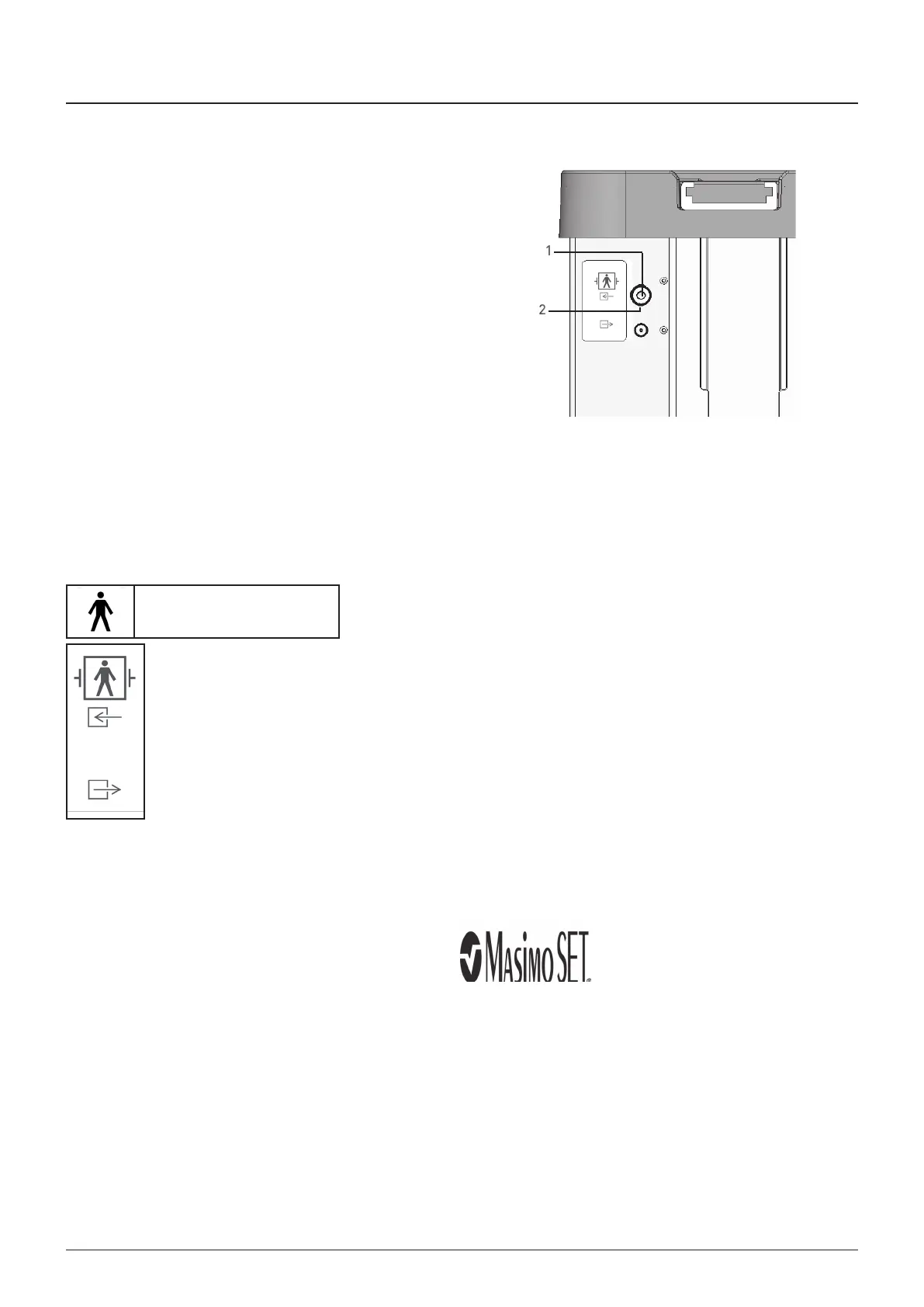
1 onnect the samplng lne to the gas nlet connector (1)
2 heck that the samplng lne nlet LED (2) shows a steady
green lght (ndcatng that the system s OK)
3 Breathe across the samplng lne and check that vald O
waveforms and values are dsplayed
4 Occlude the samplng lne wth a fngertp and wat for 10
seconds
5 heck that an occluson alarm s dsplayed and that the
samplng lne nlet LED shows a flashng red lght
6 If applcable Perform a tghtness check of the patent crcut
wth the samplng lne attached
8. Device Classification
Mode of operaton
ontnuous
Type B Appled Part
Degree of protecton aganst electrc shock
Ths symbol denotes
Type B equpment
Defbrllaton proof part, Type BF
as nlet
as outlet
9 Trademarks
Masmo ISA
TM
NomoLne
TM
All rghts reserved © 2023 Masmo Sweden AB
Appendix 7



 To Next Page