Prma 460 33 User Manual
Description
31274 Selectng Functons and Parameters
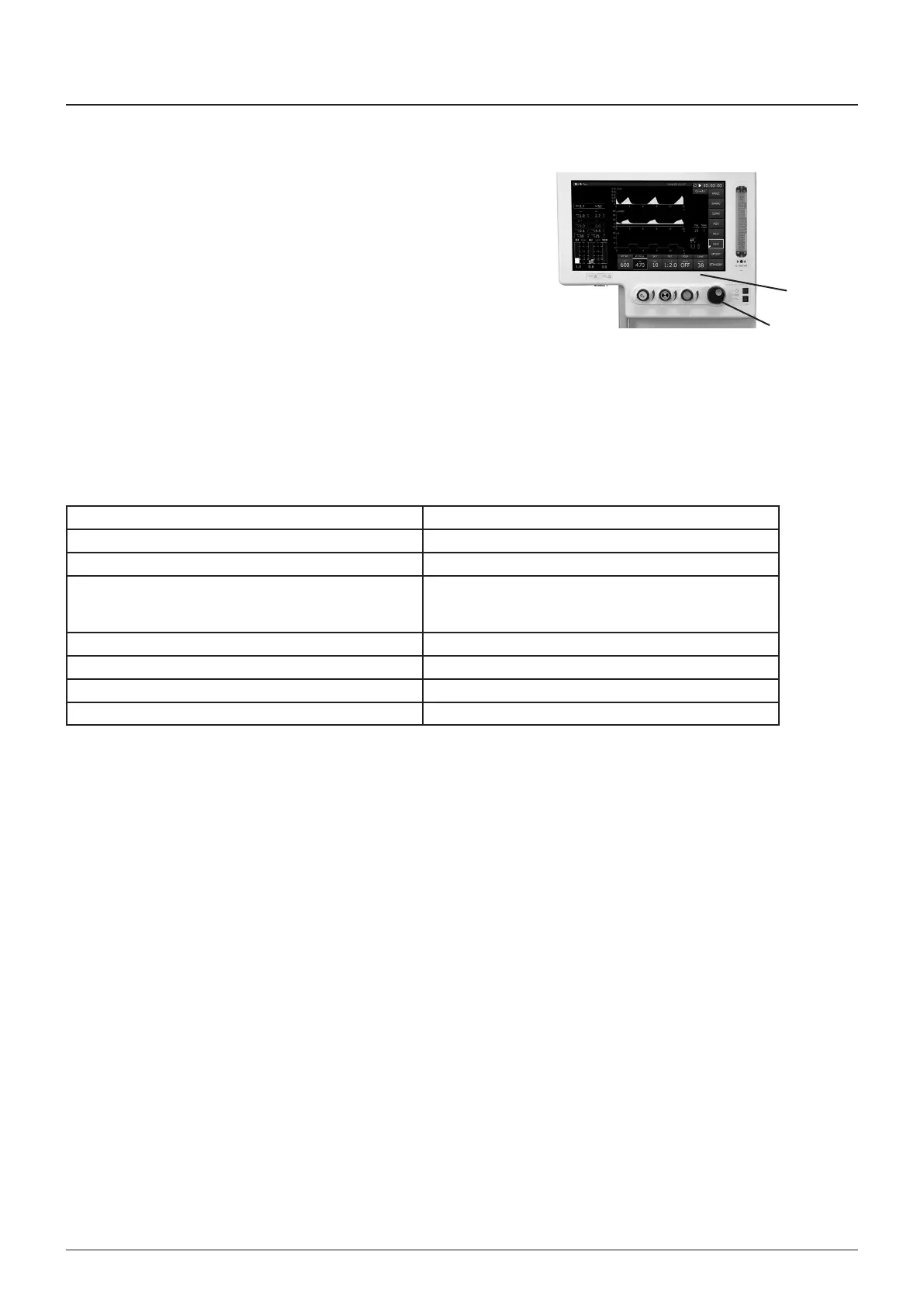
Use the touchscreen or Navgator Wheel (1) to actvate the
functons/parameters shown on screen (2)
NOTE
Unless Ste Defaults are selected parameters default to
factory-set values for Adult or Paedatrc patents when the
ventlator s swtched ON, and no further user selecton s
made
User Adustable Parameters
Use the Navgator Wheel to select and modfy a varable
parameter
NOTE
If you do not want the new value to be confrmed, touch
another tab area to cancel the resettng operaton
When the requred value s dsplayed, press the actve tab, or
the Navgator Wheel, to confrm the settng
Tdal Volume Range 20 - 1600 ml
Rate 4 -100 bpm
IE Rato 102 to 18
PEEP 4 - 20 cmHO
(opton 4 - 30 cmHO)
PEEP can be set to OFF
Pressure lmt - Volume mode 10 - 80 cmH
2
O
Pressure range - Pressure mode 5 - 70 cmH
2
O
Alarm lmts User adustable alarms only
T+PS INIT Target and pressure support ntal value
The ntal pressure value can be changed so that when
enterng ether PRESSURE mode or PSV (pressure supported
ventlaton) mode the TARET value or PSUPP value are pre-
selected
hangng ether of these lmts n ther actve modes wll
mantan the value when changng between PSV, PRESSURE,
and STANDBY modes
1
2



 To Next Page