Prma 460 38 User Manual
Description
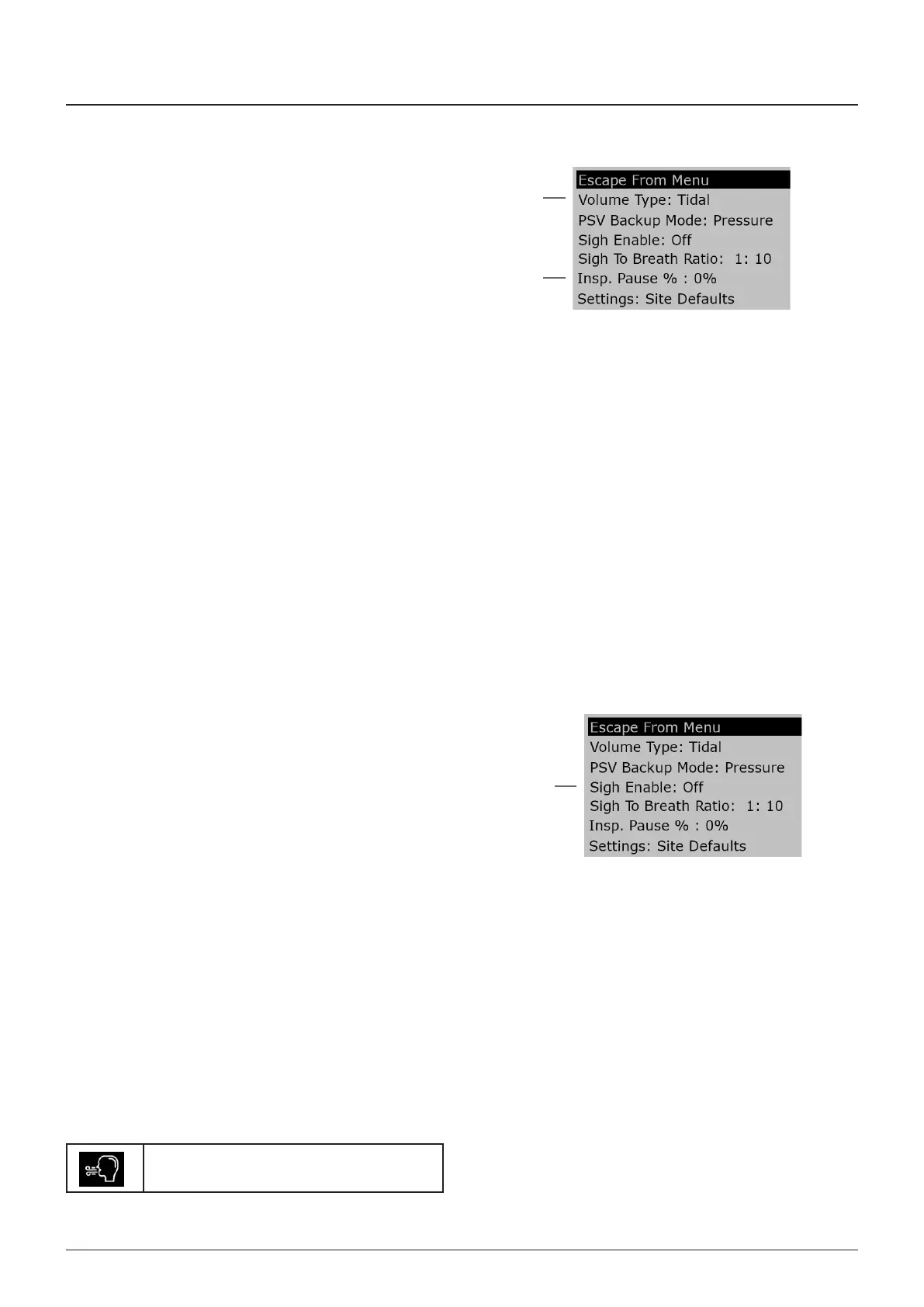
3.13.2.3 Tidal/Minute Volume Selection
Use the Modes menu, Volume Type opton (1) to swtch
between Tdal Volume and Mnute Volume
Note that Mnute Volume s derved from a rollng average
durng a 30 second perod
3.13.2.4 Volume Mode Operating Functions
1 Inspratory Pause functon (2)
Inspratory pause can be vared n the menu from 0 - 60% The
nspratory pause menu can also be accessed by touchng the
con area of the screen
WARNIN
Inspratory pause can affect the maxmum Tdal Volume
• Select Inspratory Pause
• Press the menu swtch, use the Navgator Wheel to scroll
through the menus
• Select Modes
• Select Insp Pause % (0 - 60%)
• Ext menus
The symbol for nspratory pause wll appear on the dsplay
Note that the nspratory pause functon s cancelled when
Standby s selected
2 Sgh functon
• ‘Sgh’ opton (3) s avalable n Volume ycle mode
• Sgh to breath rato s 1n, where n has a range of 10 - 100
• Sgh menu access touch the con area of the screen
NOTE
1 A sgh to breath rato of 110 ndcates 1 breath wth sgh,
then 10 breaths wthout sgh The extra volume wll be
approxmately 50% above the tdal volume set by the user
(15 x set VT)
2 The Hgh Volume Alarm s not trggered when ‘Sgh’ s
selected
• Select Sgh functon
• Press the Menu swtch
Turn the wheel to scroll through the menus
• Select Modes
• Select Sgh Enable on/off
• Select Sgh-to-Breath Rato
• Use the Navgator Wheel to select the requred value
Press the Wheel to confrm, and ext the menus
The legend for Sgh wll appear on the dsplay
Sgh functon s cancelled when Standby s selected
1
3
2



 To Next Page