P a g e | 104 P o o l C o p M a n u a l : V 4 2 EN
www.poolcop.com PCFR
6.2 POOLCOP CONNECTION TO THE WEB
How to get Internet into PoolCop
PoolCop is equipped with an RJ45 waterproof compression gland connector. All you need is bringing the network to the CCU box,
and there are several solutions for that:
Best is to have an Ethernet cable (mini Cat4) connected to the client’s router and coming into the pump house.
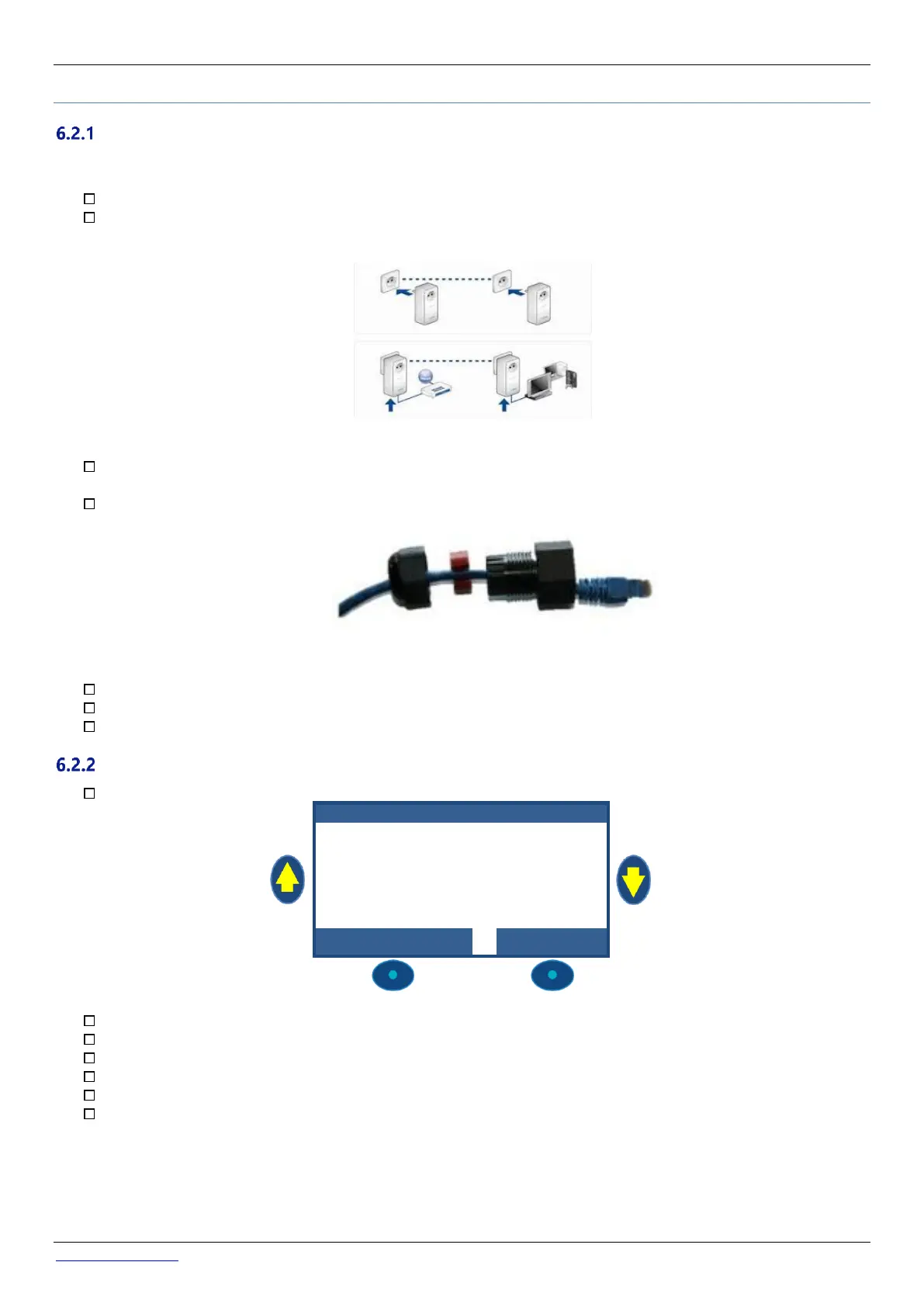
If not possible, very often a pair of Power Line adaptors will allow to carry the Ethernet signal through the 220V power line
form the house to the pump house. You’ll need to plug one Power Line Adaptor close to the client’ router and the other
one in the pump house like in the diagram below:
Figure 57 – Power Line Adaptors
WiFi could also be a convenient solution to bring the signal in the pump house, but may requires repeaters along the way
to keep the signal strength. This also may require you get access to the Wep key code.
On the CCU side, Insert the RJ45 cable through the cable compression gland supplied as shown in the picture below.
Figure 58 - RJ45 Connector for Ethernet
Check that access to internet is available at the cable end. You may need a laptop to check this.
Connect the end of the RJ45 cable to the network so as to establish a connection via the internet box.
Start PoolCop (if it was stopped).
Check the connection
On PoolCop screen, go to Menu/Configuration/Factory Settings/network and note the MAC address as shown below:
MC: is the MAC address, you will need this information to declare your PoolCop on the PoolCopilot Server.
IP: is the IP address of PoolCop on the local network.
MSK: is the subnet mask
DNS: is the IP address of the Domain Name Server.
GTW: is the IP address of the gateway (router) on the local network.
SVR: if the IP address of PoolCopilot.com server
The connection is now established.



 To Next Page