P a g e | 92 P o o l C o p M a n u a l : V 4 2 EN
www.poolcop.com PCFR
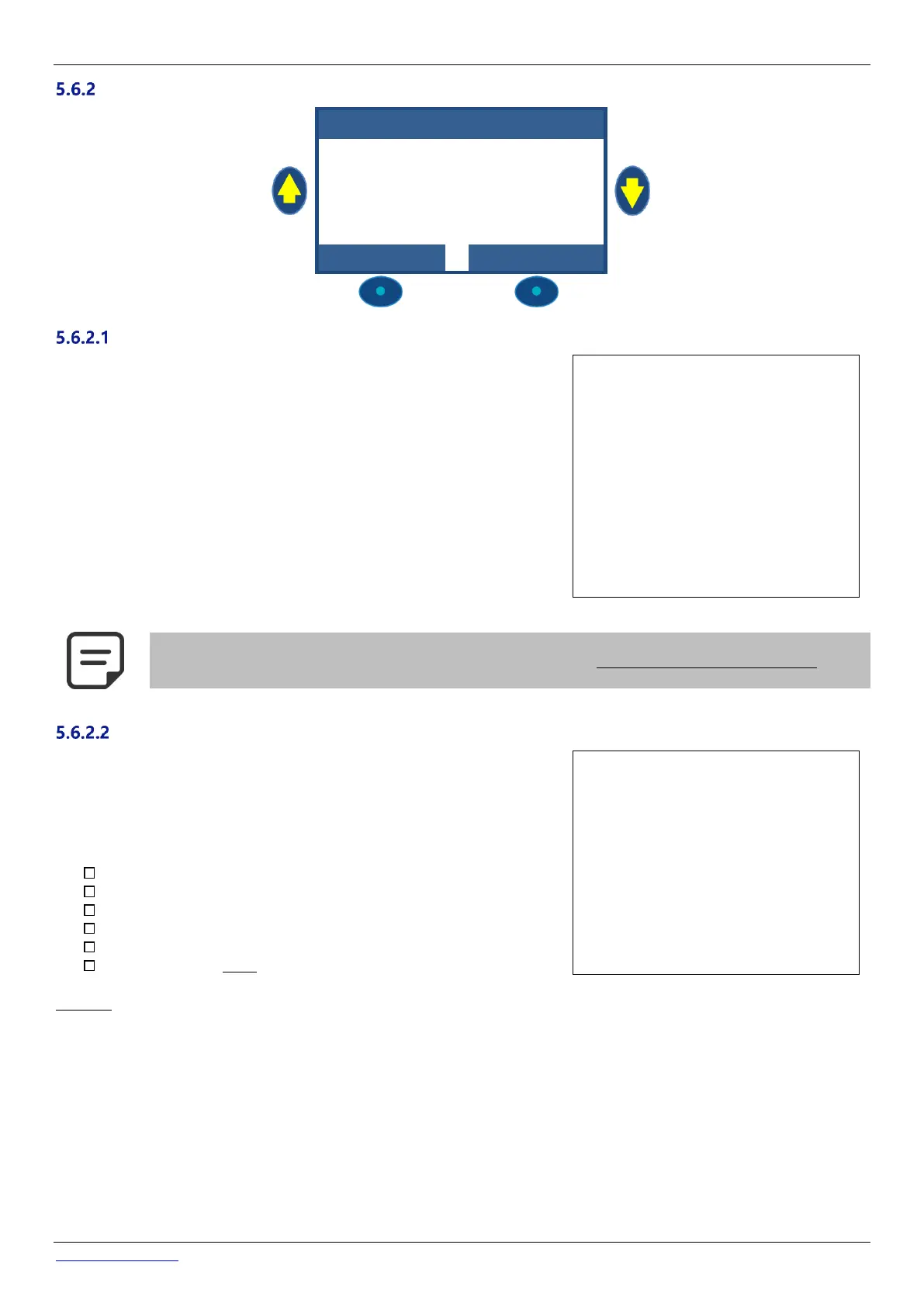
Pump Data
HA YWAR D g a m me
VS T D
When entering the PUMP DATA menu, LOW ALERT is preselected. To change the
pump from Single Speed Pump to a variable or variable speed pump, press the
UP arrow and press SELECT; now use the arrows to select the pump make and
model installed. Refer to the PoolCop Variable Speed Pump Guide for further
details including connecting and programming.
Note: Binary combination offers the full possibilities of any combination using
Pump and Aux1/2/3 relays. This option can be used to control several mono speed
pumps.
Text:
Default: SINGLE SPEED PUMP
Entries: SINGLE SPEED PUMP;
PENTAIR IntelliComm ;
PENTAIR SuperFlo VS ;
HAYWARD Eco Star;
HAYWARD Gamme VSTD;
BADU Eco Touch-pro;
BADU 90 Eco Motion;
ZODIAC FloPro VS;
INVERTEK OptiDrive;
Binary Combination
Davey ProMaster VSD400
NOTE:
SINGLE SPEED PUMP is selected for Pentair IntelliFlo pumps if connected without IntelliComm.
Set the pressure at which the Low Pressure alert is activated.
This alert is used primarily to indicate that the skimmer or pump baskets are
contaminated, reducing flow and filter pressure.
This alert has no effect on the operation of equipment, it is an advisory only.
Text: Low Alert
Default: 0.50 bar
Entries: 0.1 – 1.80 bar
(min = PROT. PRESSURE see 5.6.2.3)
(max = FILTER PRESSURE see 5.6.3.1)
Setting the pressure limit:
Start the automatic pool cleaner and set valves.
Ensure that all debris has been removed from the baskets.
If using a variable speed pump, set minimum speed or flow programmed.
Let filtration run for a few minutes to expel any air in the system.
Note the low pressure reading on the PoolCop.
Round off to next lower round number and subtract a 0.20 bar margin.
Example
Lowest pressure noted = 0.76 bar
Round DOWN = 0.70 bar
Subtract 0.20 bar = 0.50 bar
If the alert “WARN: LOW PRESS” displays under normal circumstances, decrease this setting progressively.



 To Next Page