P a g e | 62 P o o l C o p M a n u a l : V 4 2 EN
www.poolcop.com PCFR
Filtration and Pump Control
Switch the Pump ON/OFF
4.4.4.1.1 Start the Pump
Normally, the filtration pump is controlled automatically by PoolCop using filtration in manual timer or automatic modes. If,
however you want to run the pump at another time, or need to restart the pump after stopping it for any reason, this is done from
MANUAL CONTROL.
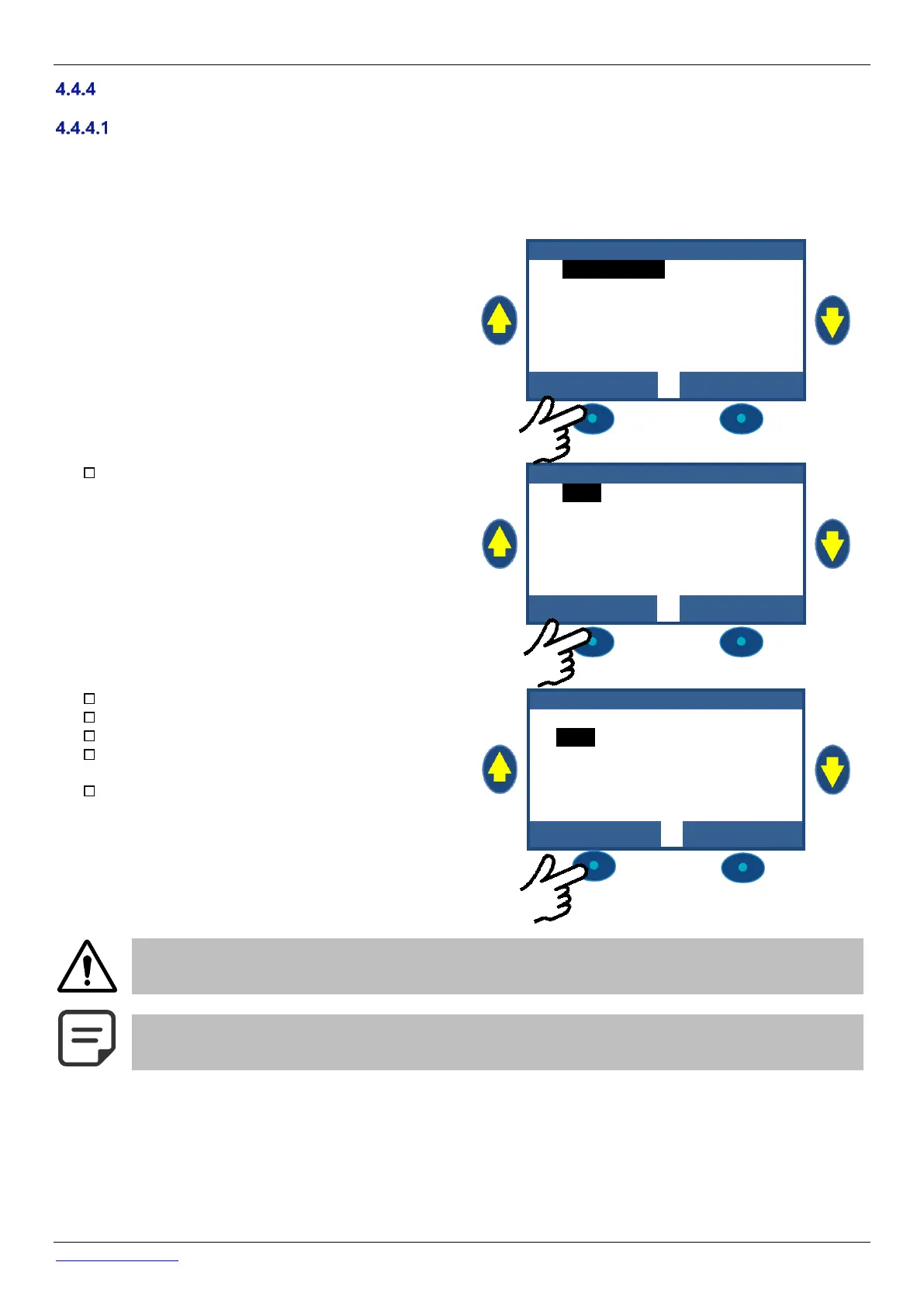
From the main POOLCOP display screen:
❑ Press MENU.
❑ Press SELECT (MANUAL CONTROL is preselected).
Press SELECT (PUMP is preselected).
M A N U A L C O N T R O L
Verify FILTER position is displayed.
Press SELECT (PUMP is preselected).
Press SELECT; PUMP: ON will display.
Press SELECT; the pump will run in the indicated valve
position.
Once the pump starts system pressure increases and
this will be displayed.
CAUTION:
If the valve is in position Waste, Backwash or Rinse, pool water level will reduce.
NOTE:
If the valve is Closed, pump will not be allowed to start



 To Next Page