P o o l C o p M a n u a l : V 4 2 EN P a g e | 61
www.poolcop.com PCFR
4.4 USING AND SETTINGS
Illuminate the Backlight
Pressing any button illuminates the backlight.
The backlight remains on for 3 minutes.
1 2 : 4 6 : 0 1 0 1 / 0 6 / 2 0 1 4
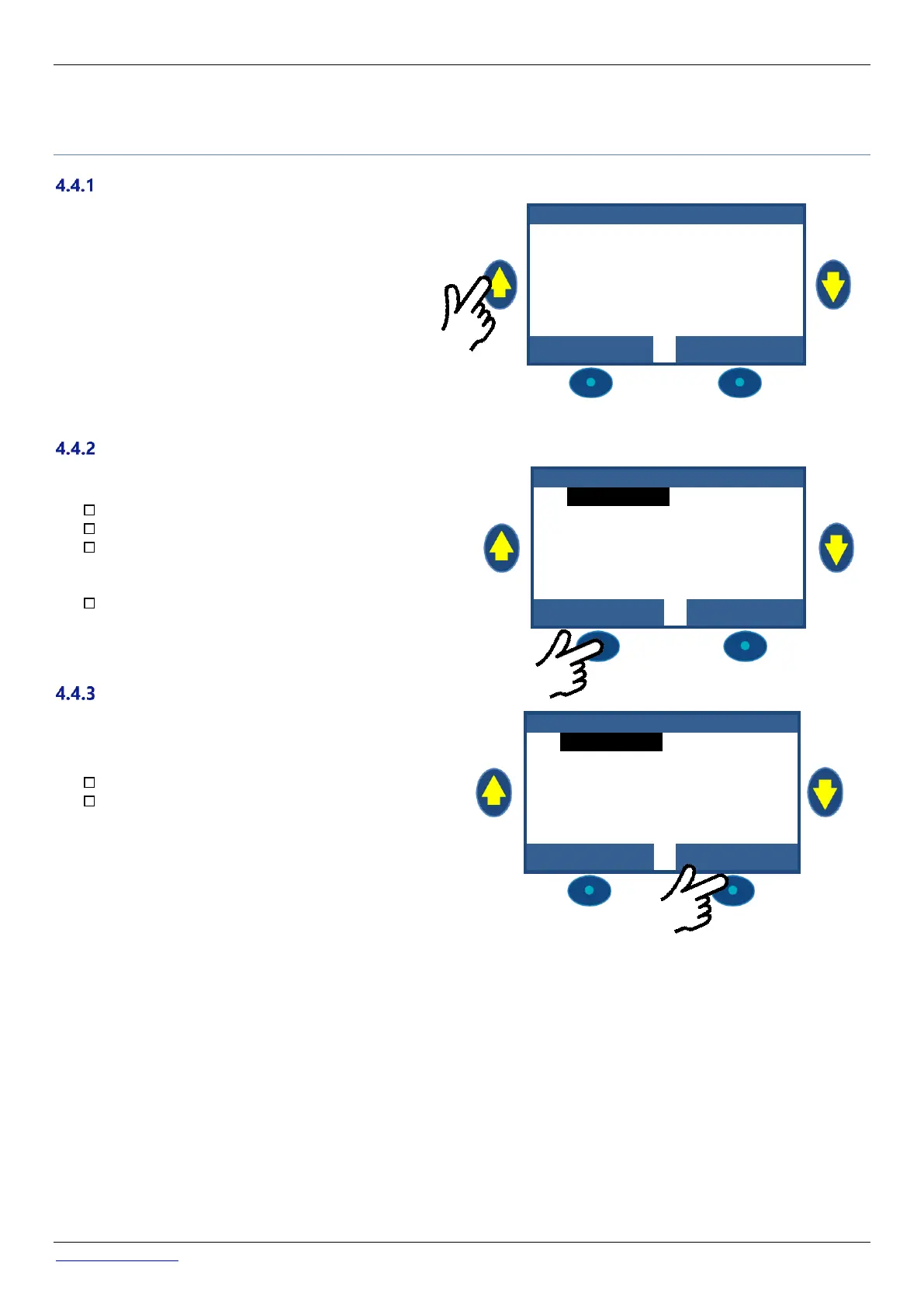
Navigate the PoolCop Menu
Press the MENU button.
POOLCOP MENU is displayed.
Use the UP and DOWN buttons to choose the
submenu (in this case Manual Control), then press
SELECT to go to that submenu.
Repeatedly pressing QUIT returns you to the main
POOLCOP display.
Return to Main PoolCop Display
When viewing any menu screen:
Press QUIT to go up one menu level.
Every display has a 15 second timeout to go back to
the previous menu. The display will timeout to the
main POOLCOP display within approximately 1
minute.



 To Next Page