P o o l C o p M a n u a l : V 4 2 EN P a g e | 71
www.poolcop.com PCFR
Start the pump.
Closely monitor water level, closing skimmers and
suction points as required.
Stop the pump when desired water level is attained.
NOTE:
With filter type Cleaning: AUTO, it is recommended to use cleaning cycles in Manual Control to reduce
water level to economize water consumption.
Water Treatment
See 3.5 Water Treatment
Auxilairy Control
Auxiliaries have one cycle in every 24 hour period.
Auxiliaries can be set to slave mode i.e. to run only when the filtration runs (with the valve position Filter or Bypass). It is
recommended to use the slave mode for any auxiliary that depends on filtration flow rate (such as heating, cleaners, water
treatment, etc.). See 5.3 Auxiliaries Menu. Auxiliaries can be set to run on certain day(s) of the week. This is done by choosing days
ON and days OFF within the week.
Setting any timer to 00:00-00:00 (or any combination with same start and stop times) deactivates that timer.
Whenever quitting the AUXILIARIES menu, PoolCop checks and adjust the status of the auxiliaries, and switches them ON or OFF
as required to match programmed running times.
Switch Auxiliaries ON/OFF
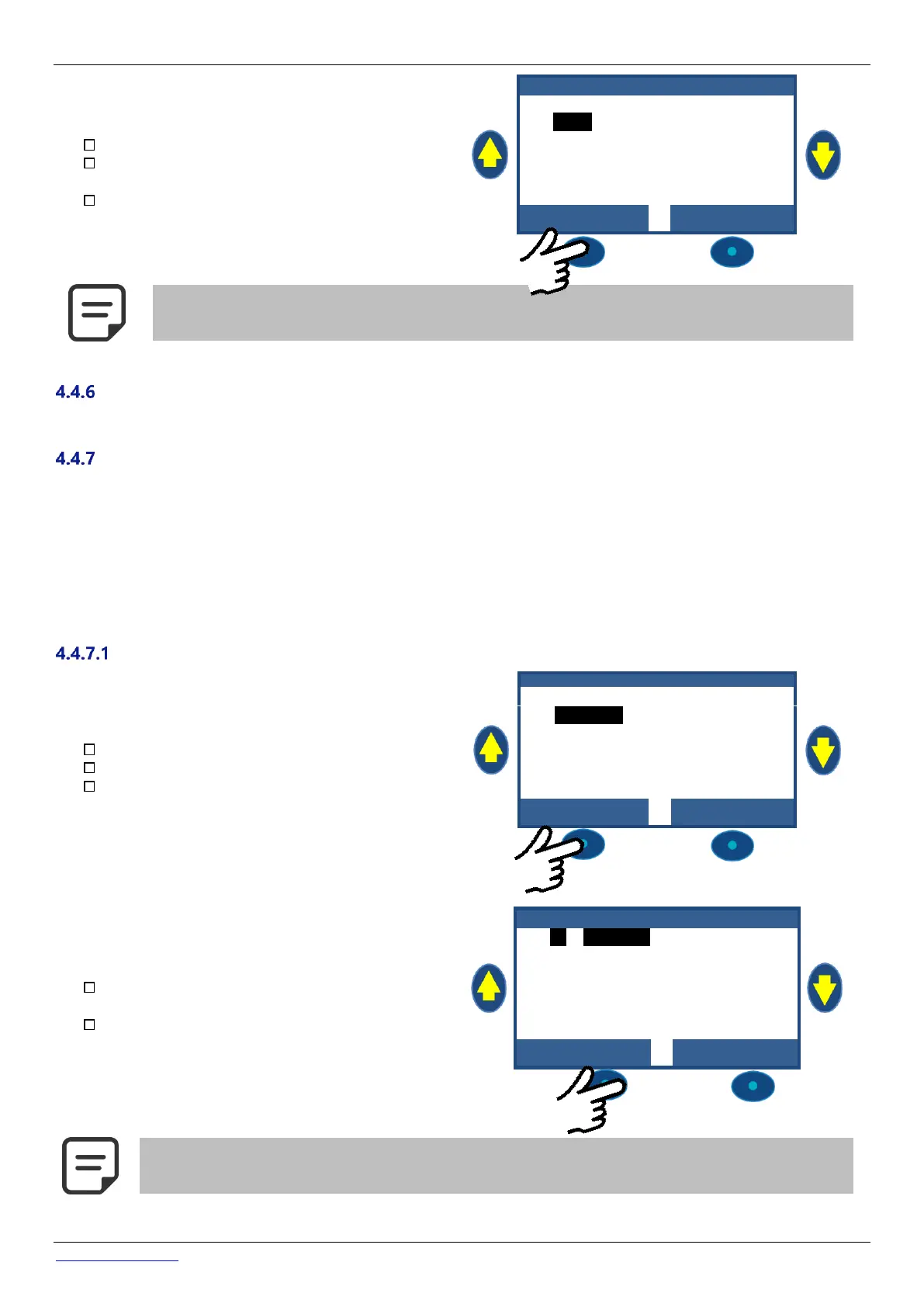
Navigate to MANUAL CONTROL.
Scroll UP or DOWN to place cursor at AUXILIARIES.
Press SELECT.
M A N U A L C O N T R O L
Scroll UP and DOWN: place cursor at the desired
Auxiliary.
Press SELECT: the auxiliary will switch ON or OFF
NOTE:
Not defined Auxiliaries cannot be switched ON/OFF.
To set auxiliary name, see 5.3 Auxiliaries Menu



 To Next Page