P o o l C o p M a n u a l : V 4 2 EN P a g e | 87
www.poolcop.com PCFR
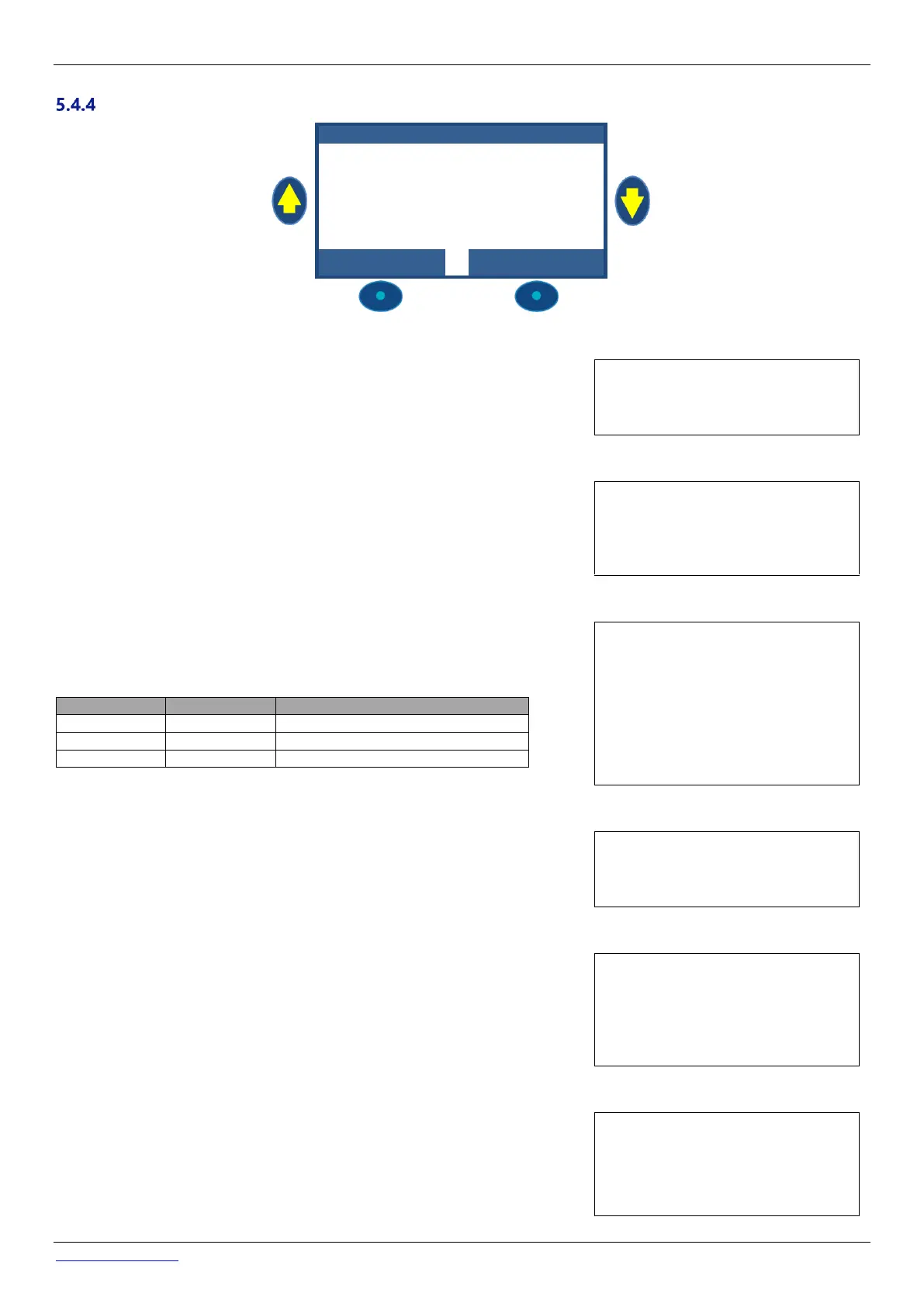
Remnant Injection
Set Remnant parameters.
If possible, Remnant will be
injected 1 hour before the end
of the latest filtration cycle of
the day. If there is no filtration
cycle long enough, the longer
cycle will be chosen, but the
volume actually injected may
not fit the requirements.
REMN A N T I N JECT I O N
If INSTALLED: YES, PoolCop will control the Remnant injection according to
parameters settings
If set to NO, this function is deactivated.
Text: Installed
Default: NO
Entries: YES;
NO
Define the channel used to inject remnant. All available channels can be used.
If the XM8 Extension Module is connected, Channel choice could be up to Aux15
otherwise it will be up to Aux6.
Text: Channel
Default: First available channel
Entries: Aux1;
…….;
Aux15
Set the dosing pomp injection rate in liter/hour. Combined with pool volume (POOL
DATA menu), the injection rate will used to calculate the injection duration based on
2 ml/m3/day.
Increase of ppm liquid Chlorine (12%)
Text: Inj. Rate
Default: 1.5 l/h
Entries: 0.1…9.9 l/h
5.4.4.1.4 Temperature adjustment
Choose YES if the injected volume has to be corrected according to pool water
temperature. If Yes, adjustment occurs between 24°C and 30°C; At 30°C, the injected
volume is 2 times higher.
Text: Temp. Adjst
Default: YES
Entries: YES;
NO;
5.4.4.1.5 Extra Adjustment
Add an extra adjustment parameter applying a coefficient to the calculated volume as
follow:
LOW: Coefficient is 0.5 (twice less amount, for example for indoor pools)
MEDIUM: Coefficient is 1.0 (neutral)
HIGH: Coefficient is 1.5 (1.5 times more, for difficult pools)
Text: Extra Adjust
Default: Med
Entries: Low;
Med;
High
Ensure dosing pump is connected to chosen Aux and correctly powered.
Commanding priming ON will activate the Aux channel for 60 seconds allowing the
dosing pump to prime. Priming is stopped when quitting the menu or after 60
seconds.
Text: Priming
Default: OFF
Entries: ON;
OFF



 To Next Page