P a g e | 76 P o o l C o p M a n u a l : V 4 2 EN
www.poolcop.com PCFR
Alerts and System Messages
An Alert or a System Message is the way PoolCop notifies you of something out of the ordinary. The ALERT button flashes to
attract your attention. Alerts can be one of four types:
REMIND: a task that should be done soon to prevent any deterioration of pool condition.
WARN: an occurrence or event that needs your attention.
ERROR: something has gone wrong, but PoolCop is functioning.
FAILURE: PoolCop has stopped functioning.
Selecting an Alert will allow it to be reset and cancelled, if:
The alert condition has been rectified.
The alert condition is not currently active.
An Alert which is still active will re-appear as you leave the alert page, even if reset.
Alerts list and troubleshooting
NOTE:
The alerts list, the alerts triggers and the troubleshooting corrective guidelines are detailed in the
TROUBLESHOOTING MANUAL downloadable on our internet site www.poolcop.com in
resources/downloads.
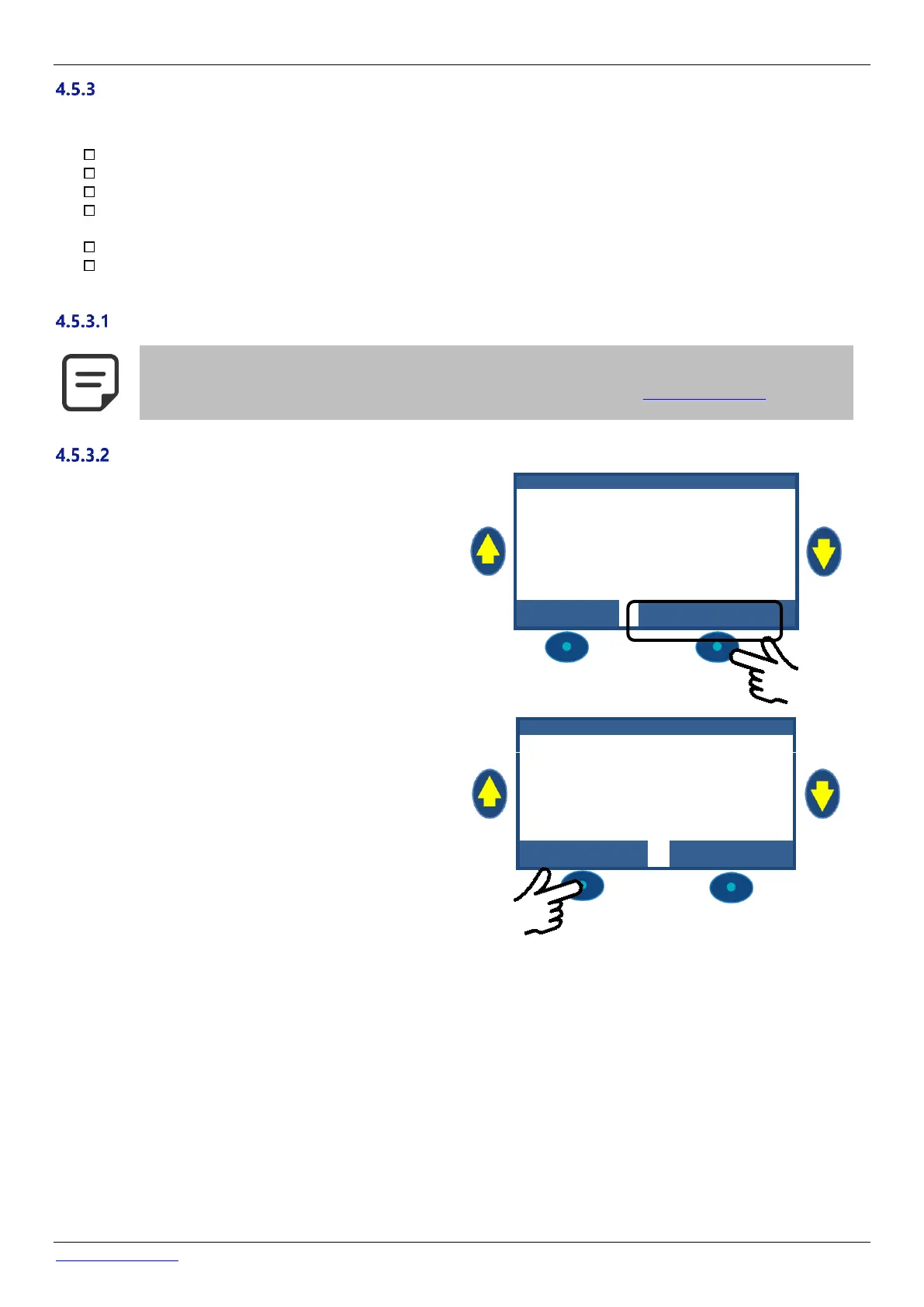
If an alert is active, the ALERT button will flash, the number of
actives alerts is displayed in brackets.
Pressing the ALERT button will display the alert.
If there are multiple alerts, using the UP and DOWN arrows
scrolls through the alert messages.
Pressing the RESET button will reset the displayed alert.



 To Next Page