P a g e | 72 P o o l C o p M a n u a l : V 4 2 EN
www.poolcop.com PCFR
NOTE:
If Auxiliary is slave to filtration and pump is not started neither primed, you will be ask to start the pump
first
If auxiliary is slaved, the pump must be primed before
switching the Aux to ON. Pump will be declared primed when
pump is ON and pressure is above the protection pressure
setting (see 5.6.2.3 Protection Pressure).
If you want to start the pump, press PUMP button to
jump to the pump command page, otherwise press
QUIT.
A U X I L I A R Y S L A V E D
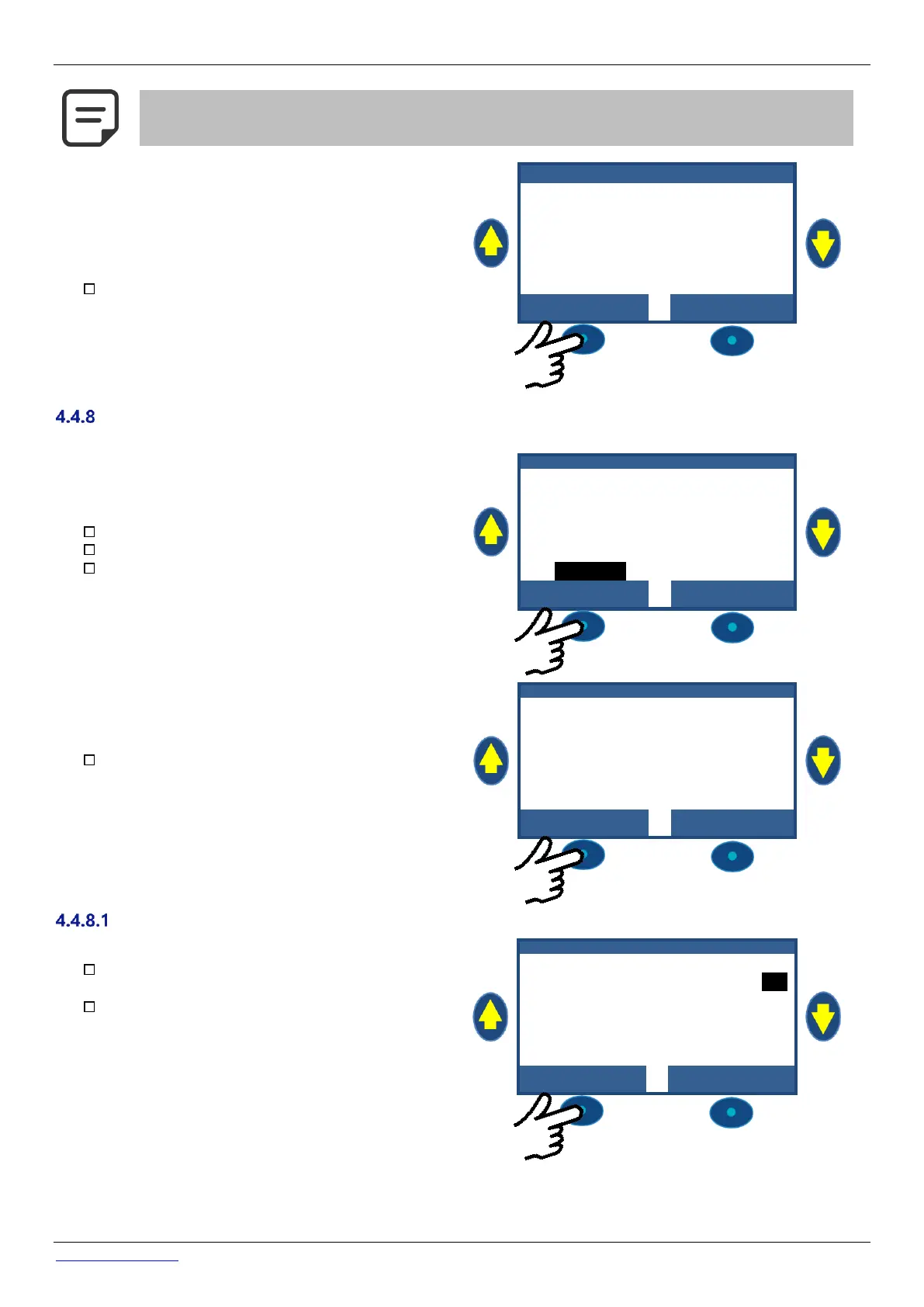
Equipment Control (requires XM8 Extension Module)
Equipment are specific devices such as PoolCover, Jetstream .
Navigate to MANUAL CONTROL.
Scroll UP or DOWN to place cursor at EQUIPMENT.
Press SELECT.
M A N U A L C O N T R O L
Scroll UP or DOWN to select the equipment you want
to control (depending on the actual configuration)
Scroll UP or DOWN to select the action to be
executed.
Press SELECT to launch the command.
When both commands are OFF, the motor is stopped.
Actual cover position is shown.



 To Next Page