P a g e | 108 P o o l C o p M a n u a l : V 4 2 EN
www.poolcop.com PCFR
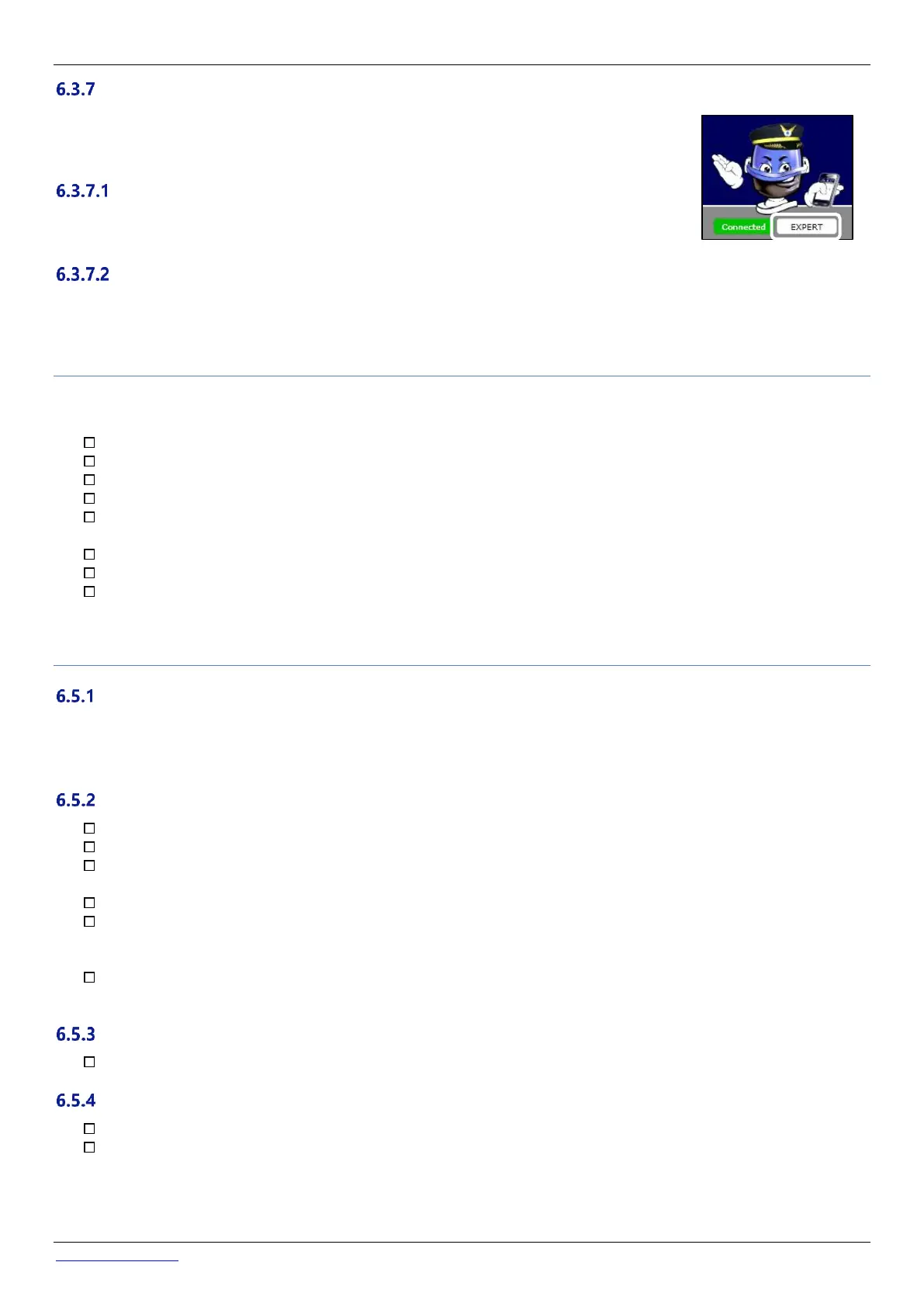
User Interface Options
There are two user interface options, allowing different levels of control of the pool. The user can
select to change between interfaces by simply clicking and confirming (unless a pool manager has
locked the user interface level).
EASY
The EASY interface allows basic control and visualisation of pool data, as well as personal
configuration.
EXPERT
The EXPERT interface allows full control of all functions and configuration.
6.4 POOLCOPILOT FUNCTIONS
All PoolCop functions, are possible from PoolCopilot.
Additional functions are constantly made available as PoolCopilot evolves. These functions are made available via the web interface
for all users. The list includes:
Unlimited email alerts and notifications
Geo-localisation of the pool
Backup and restoration of configurations
History of all pool telemetry
Etc.
Premium Functions add an extra level of functionality, and additional savings:
Pool and other lighting linked to sunrise and sunset times.
Delayed refill, to benefit from forecast rain.
Etc.
6.5 TROUBLESHOOTING
Error Messages
“The MAC address is already in use”: check the MAC address
“No PoolCop associated with the following address…”: check the MAC address
“The MAC Address field is not a proper MAC address”: check the MAC address
PoolCop will not connect to the server
Check for proper connection in PoolCop CCU.
Check for proper connection to the internet box.
Disconnect the RJ45 cable from the CCU, plug this cable on a laptop (turn WiFi OFF on the laptop), and check that Internet
access is available.
If access is not available, check with router provider / IT service.
Check IP address on Network menu. If IP is 0.0.0.0, no IP address has been affected to PoolCop, check if the DHCP
mechanism is enable on the router and if there is no restriction to access Internet (restrictions on MAC addresses for
example)
Check SVR address on Network menu. If SVR is ---.---.---.---, the PoolCopilot server address was not resolved. Check if the
DNS IP address is correct and enable on the router.
No data displayed
Check that the connection button is green, showing that you are properly connected.
No graphs displayed in “History”
Check your browser version is up to date.
Check Flash Player is up to date, if required.



 To Next Page