P a g e | 82 P o o l C o p M a n u a l : V 4 2 EN
www.poolcop.com PCFR
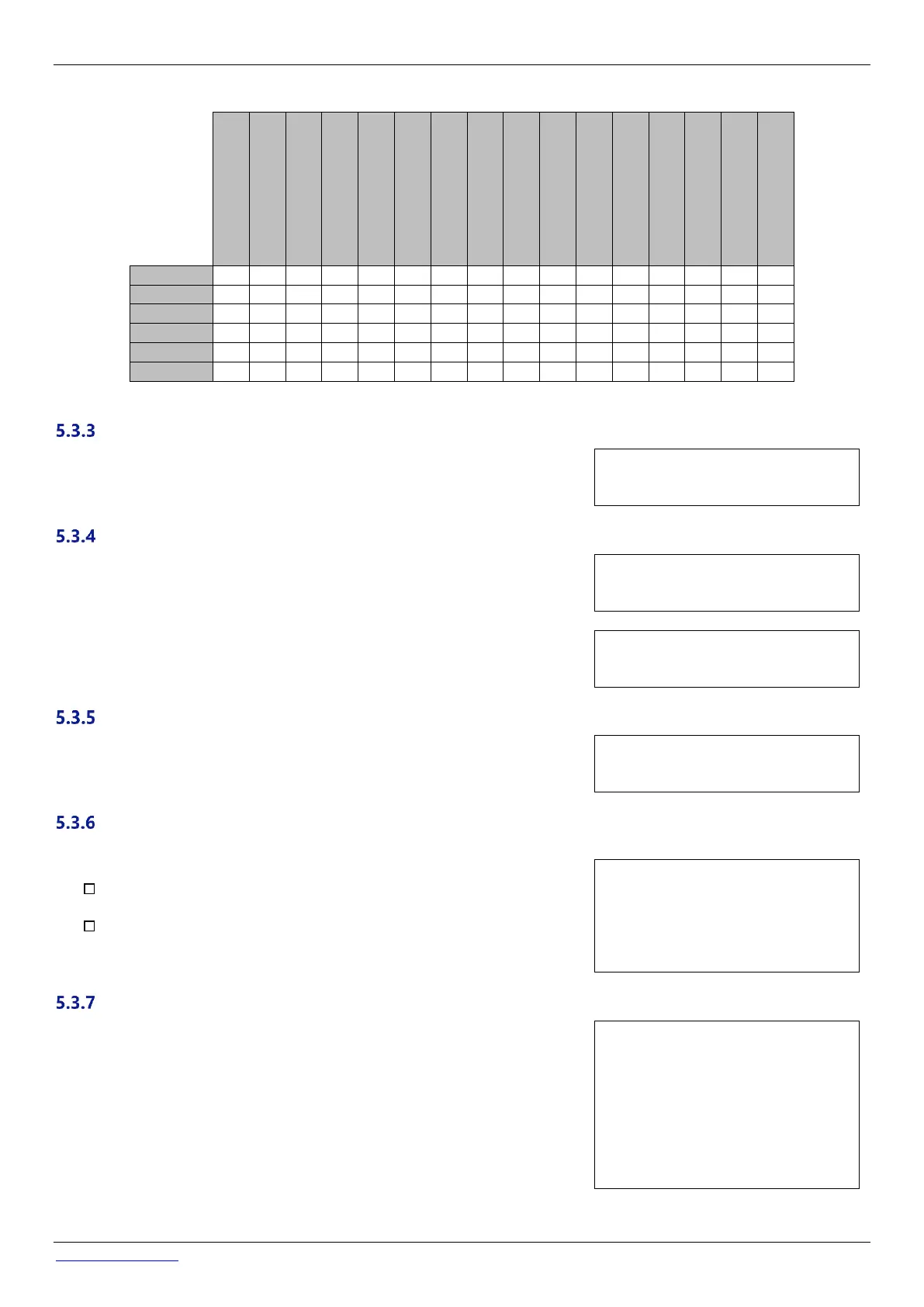
The table below summarizes the available modes according to the auxiliary’s identifier:
In Timer mode, set fixed duration with ON and OFF times.
Setting any timer to 00:00-00:00 deactivates that timer.
Text: ON/OFF
Default: 00:00-00:00
Entries: 00:00-23:59
“Aux” set ON time and duration (Pulse Mode)
In Pulse mode, define the ON time.
ON time set to 00:00 suppresses automatic pulse generation. Aux must be set ON
manually and will fall back to OFF automatically after pulse duration.
Text: ON
Default: 00:00-00:00
Entries: 00:00-23:59
When in Pulse mode, define the duration, up to 99 minutes and 59 seconds
Text: Duration
Default: 00:00:00
Entries: 00:00:00-00:99:59
“Aux” Heating temperature (Filtration/Priority/Schedule Modes)
Set the desired temperature of water.
The temperature will be maintained between 0.0 °C and +0.1 °C of the set point.
Text: Temp
Default: 25°C
Entries: 2°C – 40°C
Auxiliaries can be set to run only if:
The pump is primed (SLAVE: PUMP). This is essential for equipment
requiring a water flow, such as a robot, water treatment, etc.
The cover is open (SLAVE: COVER). This function only applies to the pool
light.
An auxiliary used as heating is automatically declared slave.
Text: Slave
Default: No
Entries: No;
Pump
Cover
Auxiliaries can be set to run only on selected days of the week.
This is ideal for equipment such as pool cleaners and irrigation, which can be run on
specific days of the week.
Text: Weekday
Default: ON (ALL)
Entries: Mon
Tue;
Wed;
Thu;
Fri;
Sat;
Sun



 To Next Page