P o o l C o p M a n u a l : V 4 2 EN P a g e | 73
www.poolcop.com PCFR
Jetstream or Attraction
Command is preselected
Press SELECT to start or stop the equipment.
Service mode
In service mode, PoolCop stops all its automatic actions.
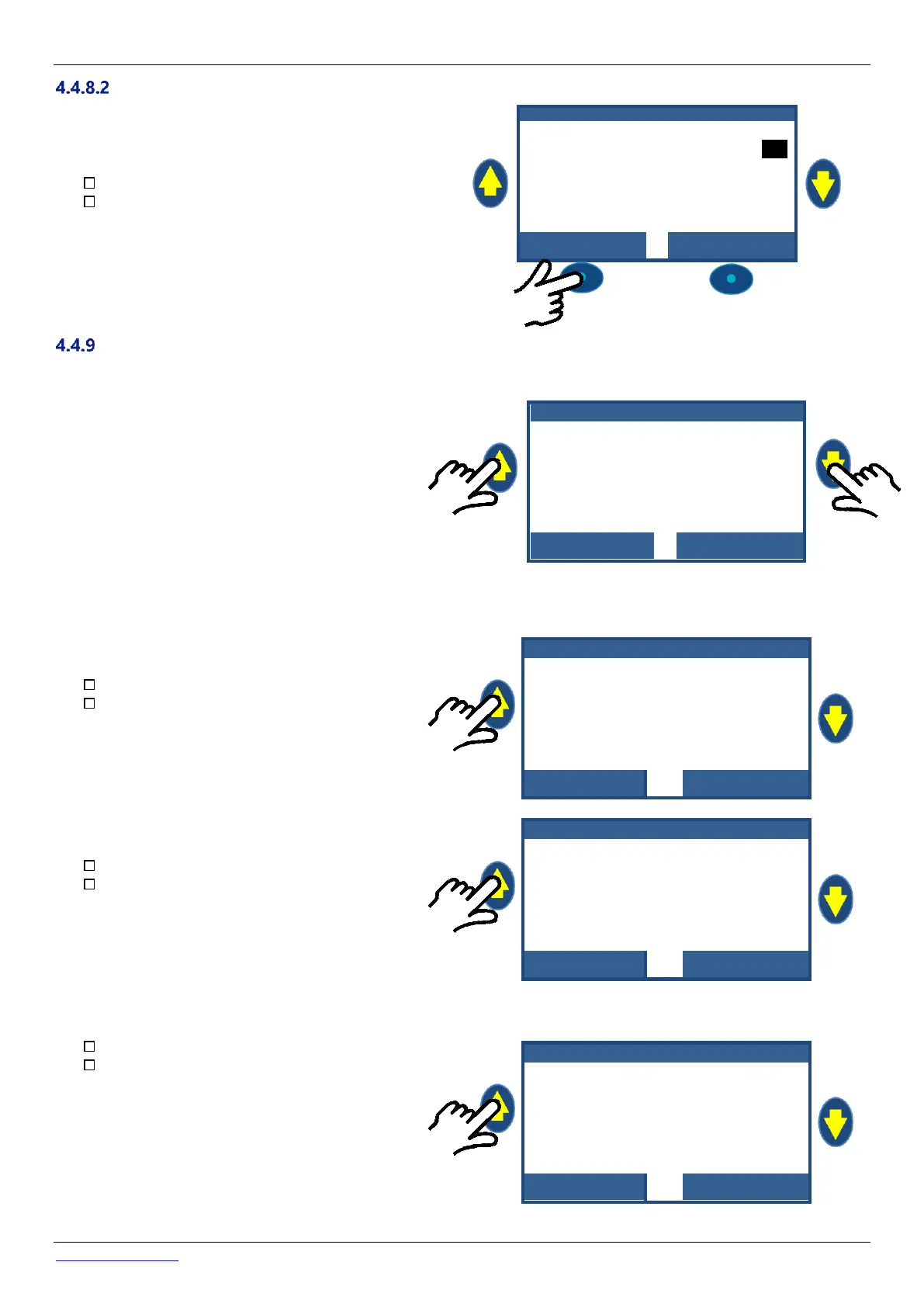
Service mode can be activated directly from the main screen by
simultaneously pressing the UP and DOWN arrows
Every simultaneous action on both arrows will toggle the service
mode.
1 2 : 4 6 : 0 1 0 1 / 0 6 / 2 0 1 4
When in service mode, extra service screens are available. These screens display: Pump and Aux statuses, Inputs statuses, and water
level status. To display these screens, press either UP or DOWN arrows.
Display will return to main screen after 5 minutes of inactivity.
The first service screen displays pump and Aux statuses.
Press UP to display Auxiliaries and pump status
Press QUIT to return to main screen
The second service screen displays inputs statuses.
Press UP again to display Inputs
Press QUIT to return to main screen
The third service screen displays water level sensor detail.
Press UP again to display water level
Press QUIT to return to main screen
Remember that the water level function requires 4 slots to sense
water level (see 3.6.2 Water Level Control).
Slots are reported ON when they are in contact with water.
(WL) Low is the second slot starting from bottom.
(WL) High is the third slot starting from bottom.
(WL) Prot is the higher slot.



 To Next Page