P o o l C o p M a n u a l : V 4 2 EN P a g e | 63
www.poolcop.com PCFR
4.4.4.1.2 Stop the Pump
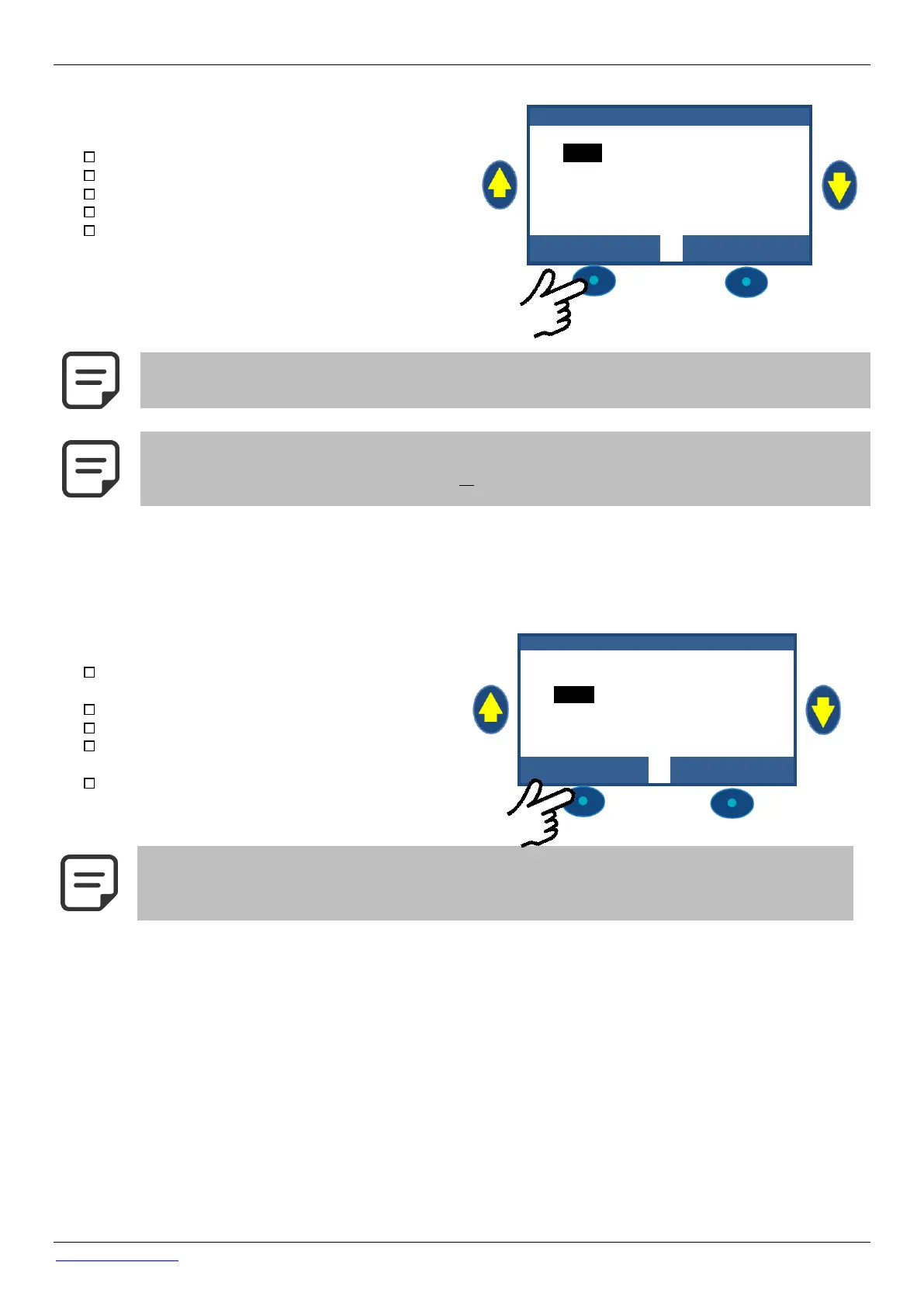
Navigate to pump MANUAL CONTROL.
The pump will be ON, and pressure will be displayed.
Press SELECT (PUMP is preselected).
Press SELECT; PUMP: OFF will display.
Press SELECT. The pump will stop, and pressure will
reduce.
NOTE:
If the pump and filter are lower than the pool water level, head pressure will be displayed otherwise pressure
will be zero.
NOTE:
When freezing risk is detected and filtration started, the pump CANNOT be stopped until the temperature
detected is higher than the protection setting, or the Protection Antifreeze is switched OFF in the Pool Data
menu.
4.4.4.1.3 Change the Pump Speed
This feature is available with variable speed pumps only; for installation configuration see the PoolCop Variable Speed Pump
Guide. Pump speed is linked to filtration and filter cleaning cycles; the speed can be changed by the user with the pump ON and
this speed will be maintained until the next programmed Filtration Timer cycle commences or until the next filter cleaning cycle
starts.
Navigate to MANUAL CONTROL (PUMP is pre-
selected).
Press SELECT; Pump Manual Control displays.
Select SPEED.
Press SELECT and scroll UP or DOWN to select
desired speed.
Press SELECT to activate the speed.
NOTE:
The number of speeds available is dependent on the pump specifications.
PoolCop sends the corresponding speed signal to the pump; due to pump design and features there can be
a delay between selecting the speed and the pump reacting.



 To Next Page