P a g e | 14 P o o l C o p M a n u a l : V 4 2 EN
www.poolcop.com PCFR
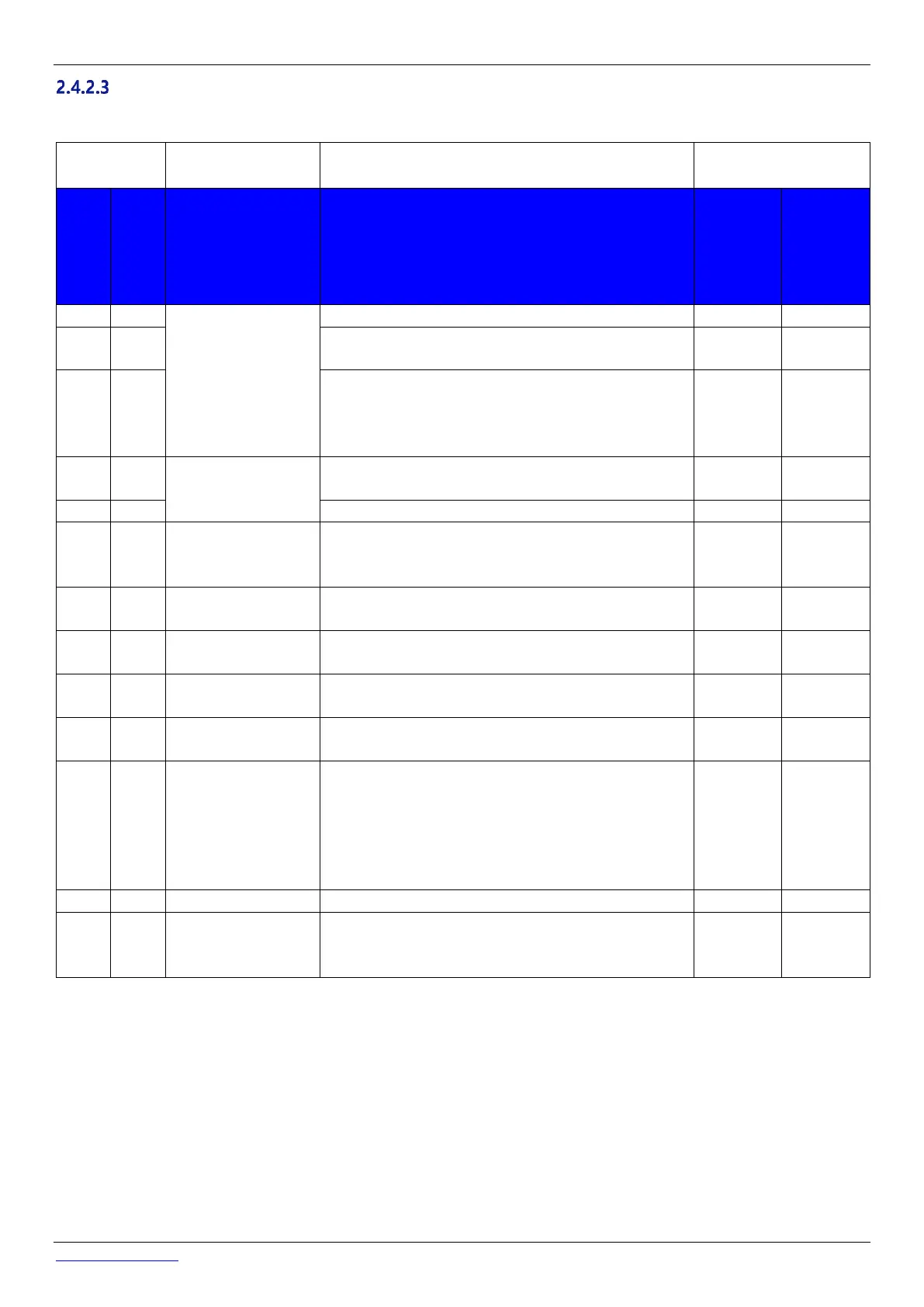
Visit check list
The following check will help you to maintain PoolCop in good conditions and to optimize your visits.
Check data: Temperature, Pressure, valve position, pH,
ORP, date/time.
Water data to check in the pool:
pH =
ORP =
TAC =
Start pump and check absence of leakage to waste, check
pressure.
Check no leak inside/outside.
If pool water level is ok do a backwash.
Check valve rotation (no abnormal noise).
Check filter cleanliness.
Stop the pump; check the zero pressure (static head).
If not correct, check/add oil in the piston.
Stop the pump, ask for pH reading.
If not ok check/calibrate sensor.
Set timers for immediate start.
Check pH injection
If possible, leave the filtration run for 30 minutes and
check ORP disinfection dosing (chlorine/salt system).
Put valve in waste position (if possible, bypass otherwise).
Remove 220VAC power supply and check valve rotation
in safe position.
in not ok, check battery voltage (>11.5V).
When battery is disconnected, charging circuit voltage
should be > 13.5V.
Update firmware to latest version (if apply).
Unloose PoolCop from valve housing, check and grease
gasket.
If damaged, replace the rotating part.



 To Next Page