P o o l C o p M a n u a l : V 4 2 EN P a g e | 95
www.poolcop.com PCFR
Cleaning
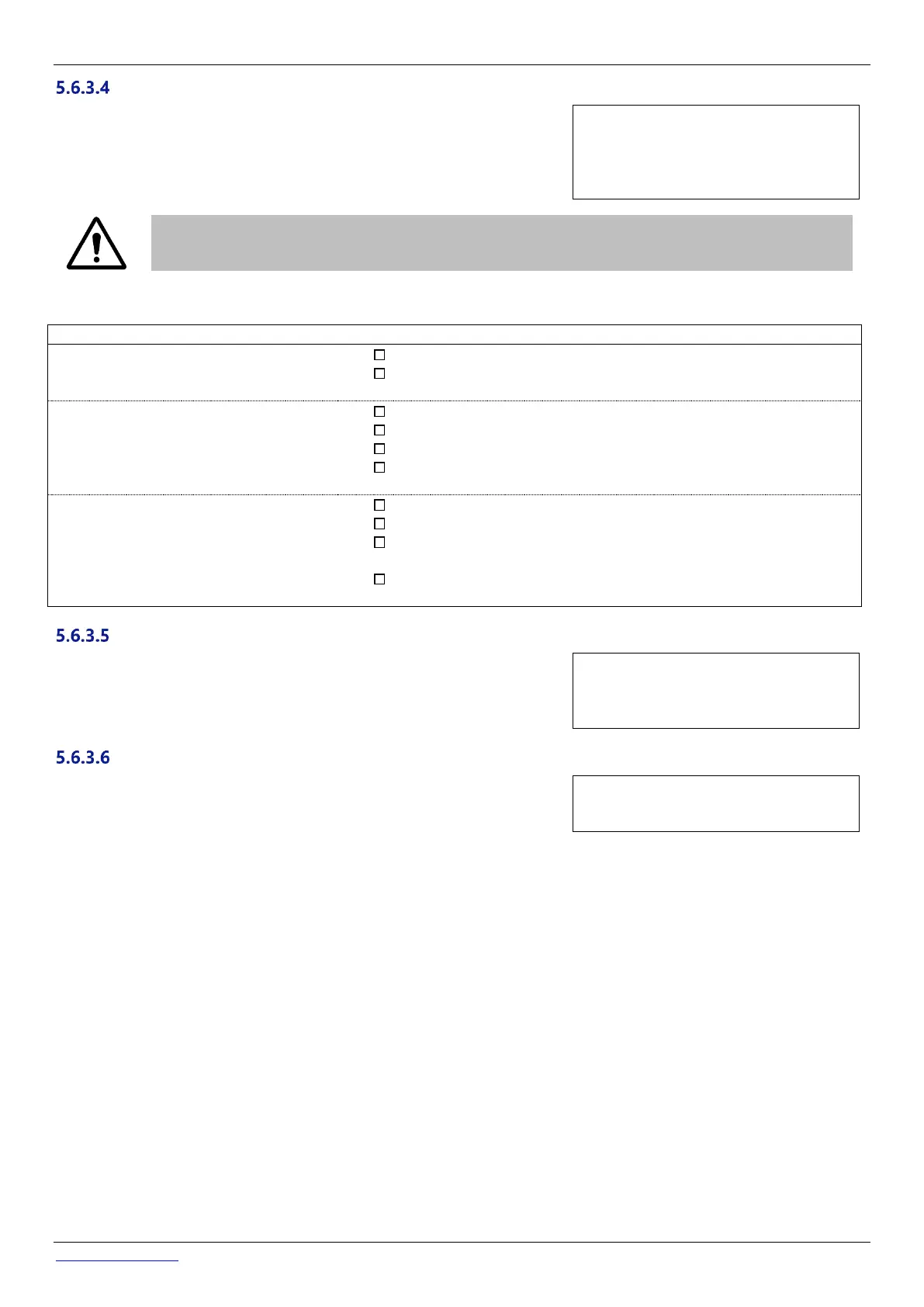
Select the cleaning mode according to your needs and according to the filtering
media possibilities (see below)
Text: Mode
Default: Inhibit
Entries: Inhibit;
manual;
auto
CAUTION:
Incorrect setting of the cleaning function can result in damage to the filtration equipment.
The following settings are required:
INHIBITED
Backwash impossible
Four valve positions are available (Backwash and Rinse are inhibited).
If configured, automatic water level reduction sends surplus water to
waste.
MANUAL
Replacement D.E. charge
required immediately after
cleaning cycle
All six valve positions are available.
Backwash and Rinse durations can be configured.
The filter is cleaned only via MANUAL CONTROL menu.
If configured, automatic water level reduction sends surplus water to
waste.
All six valve positions are available.
Backwash and Rinse durations can be configured.
Filter media is auto cleaned as required, and via MANUAL CONTROL
menu.
If configured, automatic water level reduction uses surplus water to clean
the filter media.
Displayed if CLEANING: AUTO or CLEANING: MANUAL.
Set the desired backwash duration.
Refer to the filter manual for recommended backwash duration.
Text: Backwash
Default: 60 seconds
Entries: 10 – 600 seconds, 10
second increments
Displayed if CLEANING: AUTO or CLEANING: MANUAL.
Set the desired rinse duration.
Refer to the filter manual for recommended rinse duration.
Text: Rinse
Default: 20 seconds
Entries: 10 – 180 seconds



 To Next Page