Touch the arrows to move the sound focal
point to the desired area of the vehicle.
Alternatively, touch the sound focal point
and drag it to the required position or
touch anywhere on the vehicle graphic
and release. To return to the default
setting, touch the sound focal point.
To adjust the Bass/Mid/Treble settings:
• Touch + or - to adjust the Bass, Mid
or Treble levels. Alternatively, touch
the slider bar and drag or touch
anywhere on the bar and release.
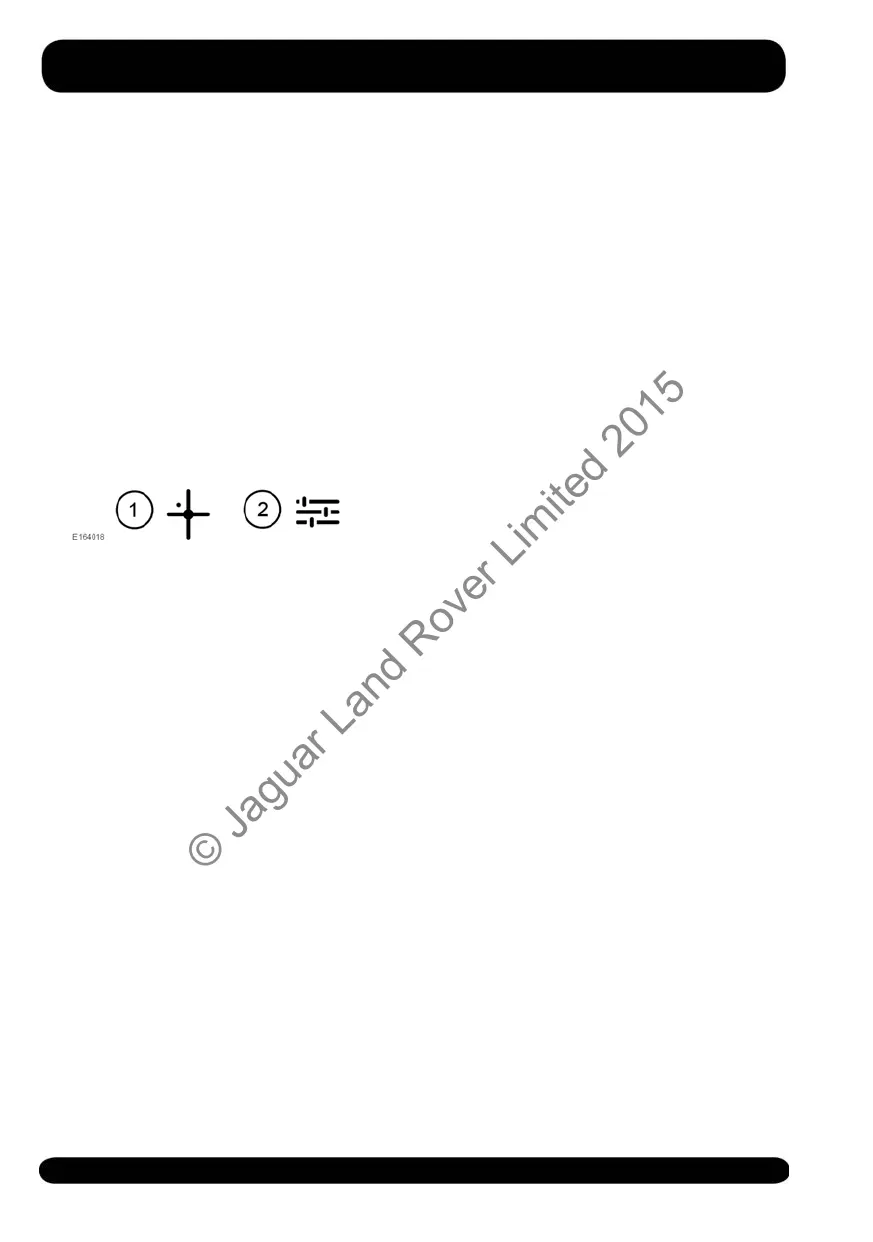
To switch between Balance/Fader and
Bass/Mid/Treble settings:
1. Touch the icon to move from the Bass/
Mid/Treble screen to the Balance/
Fader screen.
2. Touch the icon to move from the
Balance/Fader screen to the Bass/
Mid/Treble screen.
To adjust the Speed dependent volume,
select from the following options: Off,
Low, Mid or High.
152
Media
© Jaguar Land Rover Limited 2015



 To Next Page