USING VOICE CONTROL
Note: The Voice control system has been
designed to recognise a number of
languages. However, it cannot be
guaranteed that the system will be
compatible with every accent group within
those languages. Please speak to a
Retailer/Authorised Repairer about testing
the Voice control system for compatibility
with a particular accent group.
Note: The Voice control system will not
operate, unless the SD card supplied with
the vehicle is inserted correctly into the
SD card slot. See 156, CONNECTING A
MEDIA DEVICE.
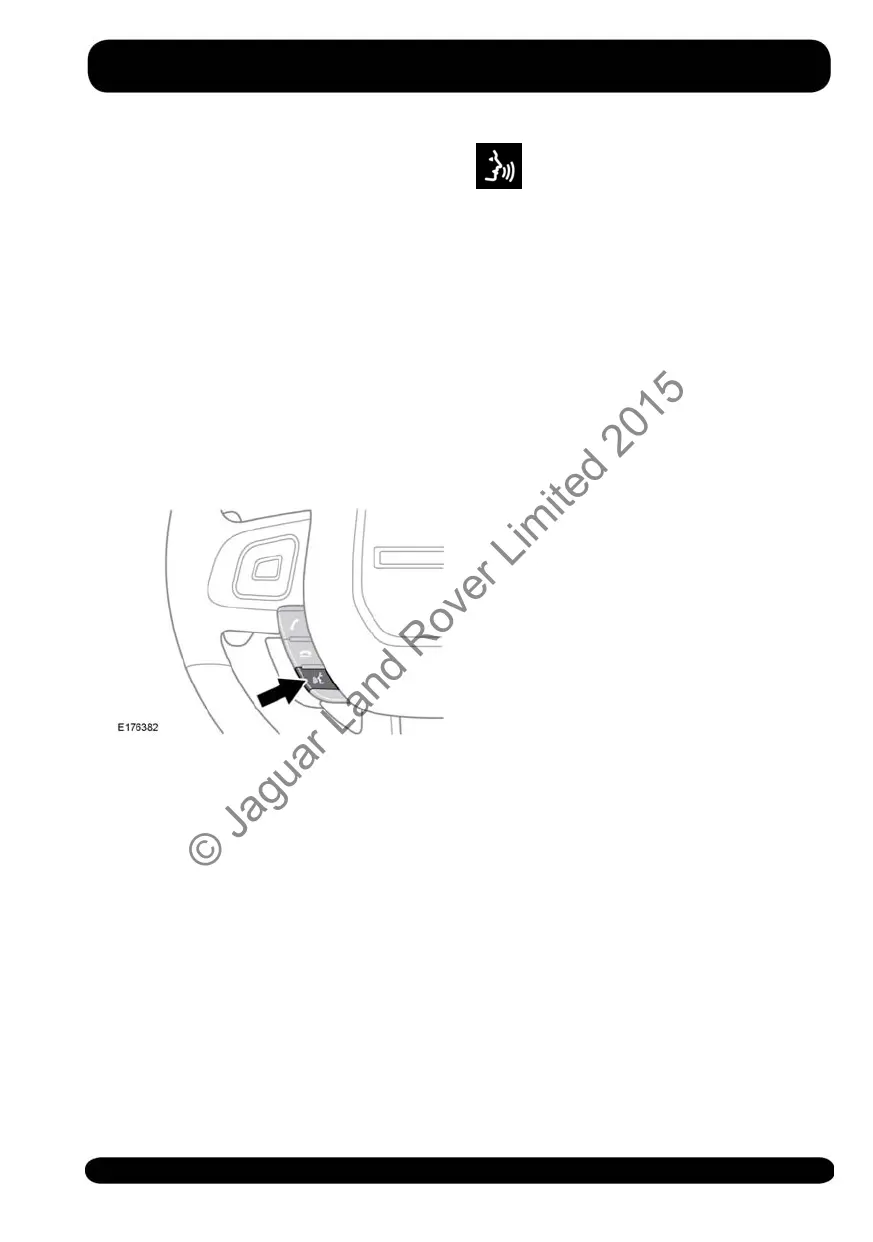
To start a voice session, briefly press the
voice button on the steering wheel. The
Teleprompter list appears on the Touch
screen. To cancel a voice session, press
and hold the voice button.
Note: Briefly press the voice button during
a voice session, to interrupt audible
feedback. Wait for the tone to sound
before giving the next command.
Teleprompter list: This list provides
feedback and available commands for
each stage of the voice session.
Voice symbol: This indicates
that a command is available.
Wait for the symbol to appear
and a tone to sound before
saying a command.
Note: As the commands are listed before
the system is ready to listen, it is important
to wait for the voice symbol to appear,
before saying a command.
Say Cancel (at any time) to cancel the
current voice command.
Note: All feature items listed (that can be
activated by the Voice control system) can
also be activated by touching the relevant
command list item on the Touch screen.
A list of the available features can be
displayed by saying the voice command,
More Commands. Alternatively, saying
All Commands (or selection via the Touch
Screen), will enable visual and audible
instructions to be given in a default
sequential order, starting with Navigation
Commands and then followed by other
available features.
The Voice control system will work with
the user to display the feature lists
individually. Say (or select) Navigation
Commands or Phone Commands, then
only the relevant commands for that
feature will be read out and displayed.
NAVIGATION POI VOICE
COMMANDS
To request the display of Points Of Interest
(POIs), say Find next with one of the
following POI categories:
• Petrol station/Petrol
• Parking/Car park
• Land Rover Retailer
• Hospital
161
Voice control
© Jaguar Land Rover Limited 2015



 To Next Page