USING THE TRIP COMPUTER
The Trip computer is able to display
various pieces of information to the driver.
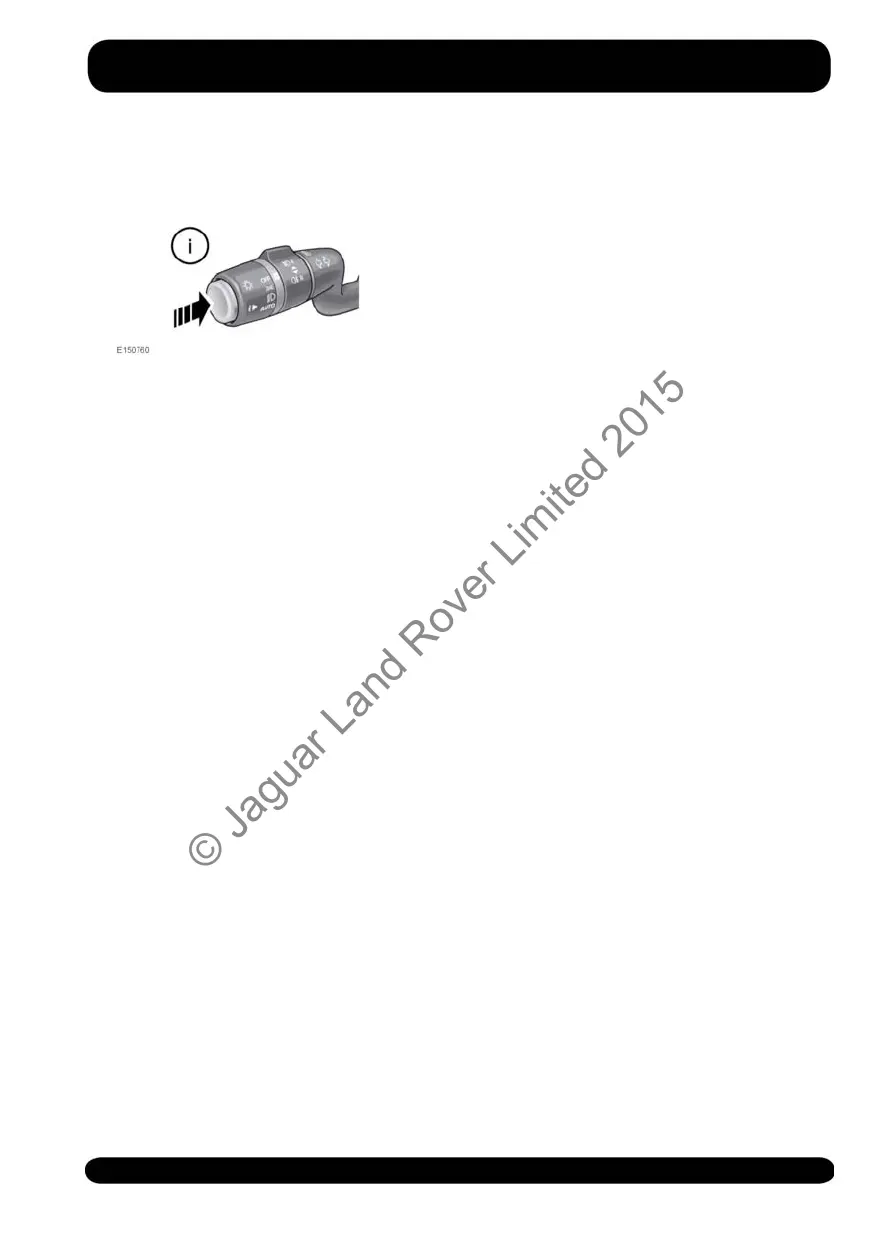
A short press (1 second or less) of the i
button will display the Trip computer
menu in the Instrument panel. The options
available are:
• Display content: Allows you to select
the information type to be displayed
in the Instrument panel.
• Trip bank: Allows you to select Trip
A, Trip B, or Trip Auto.
• Trip Auto button: Allows you to
manage your trip selection.
• Units: Allows you to select metric or
imperial units.
To reset the selected Trip computer value
to zero, press and hold the i button for 2
seconds.
The distance, average speed and average
fuel economy values for Trip A and Trip
B can be reset. Set the Trip computer
display to show the trip that you wish to
reset, then press and hold the button until
the message resetting trip is displayed.
It is not possible to manually reset the Trip
Auto feature. This resets automatically
each time the ignition is switched on.
Trips may be added together, to record
a continuous journey, or removed. Press
the i button for longer than 1 second,
when Trip Auto values for distance,
average speed and average fuel economy
are displayed, then adding last journey
or removing last journey will appear on
the screen. Press the i button for longer
than 1 second to select the desired
option. The previous trip information will
be added to, or removed from, the current
trip and the new total will be displayed.
There is no limit to the number of times
this can be done before the ignition is
switched off.
TRIP DISTANCE
Distance travelled since the last memory
reset. The maximum trip reading is 9999.9
(kilometres or miles). The Trip computer
will automatically reset to zero if this
distance is exceeded.
RANGE
This shows the predicted distance
(kilometres or miles) that the vehicle
should travel on the remaining fuel,
assuming fuel consumption and driving
style remain constant.
METRIC/IMPERIAL/MIXED
DISPLAY
The Trip computer readings can be
changed between metric, imperial and
mixed units in the Trip Computer menu
of the Message centre. See 49,
INSTRUMENT PANEL MENU.
Note: The temperature display can be
changed between °C (Celsius) and °F
(Fahrenheit), independently of Metric or
Imperial units.
51
Instrument panel
© Jaguar Land Rover Limited 2015



 To Next Page