Reference Manual
00809-0100-4026, Rev FA
July 2009
5-17
Rosemount 5400 Series
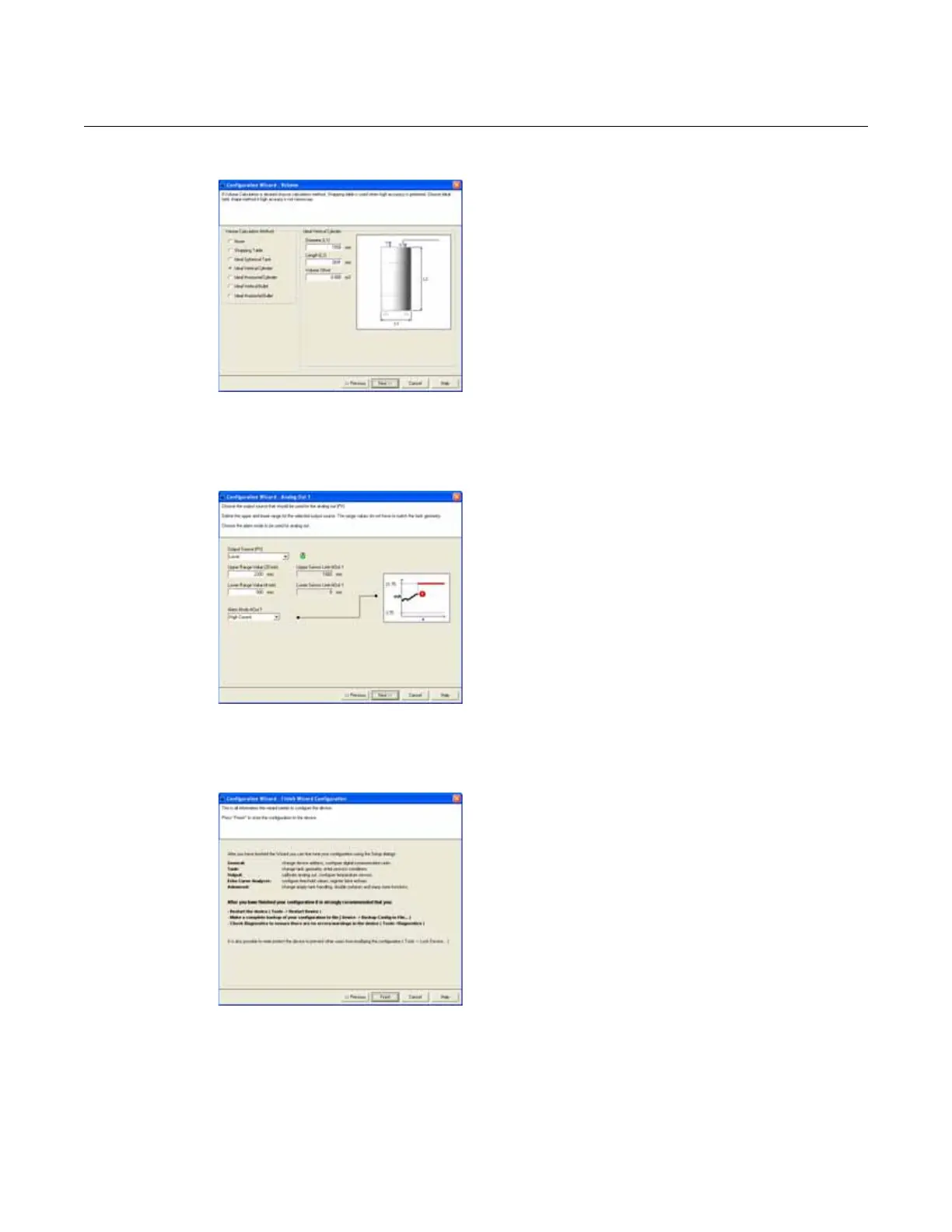
Volume
7. For volume calculation, choose a pre-defined
calculation method based on a tank shape
that corresponds to the actual tank. Choose
None if volume calculation is not needed.
The Strapping Table option is used if the
actual tank does not match any of the
available options for pre-defined tanks or if
higher calculation accuracy is desired.
HART command: [2, 1, 4, 1].
For more information, see “Volume
Configuration” on page 5-6.
Analog Output
8. Typically, the Primary Variable (PV) is
configured to be Product Level or Volume.
Set the analog output range by inputting the
Lower Range Value (4 mA) and the Upper
Range Value (20 mA) to the desired values.
The Alarm Mode specifies the output state
when a measurement error occurs.
HART command: [2, 1, 5].
See “Analog Output” on page 5-9 for more
information on Analog Output configuration
and Alarm Mode settings.
Finish Configuration Wizard
9. This is the last window in the Configuration
Wizard. The configuration can be changed at
any time by using the Setup windows
(General, Tank, Output etc., see “Using the
Setup Functions” on page 5-20), which
contain further options not available in the
configuration wizard.
Click the Finish button and continue with the
next step in the Guided Setup.















 To Next Page