Reference Manual
00809-0100-4026, Rev FA
July 2009
Rosemount 5400 Series
5-18
Echo Tuning
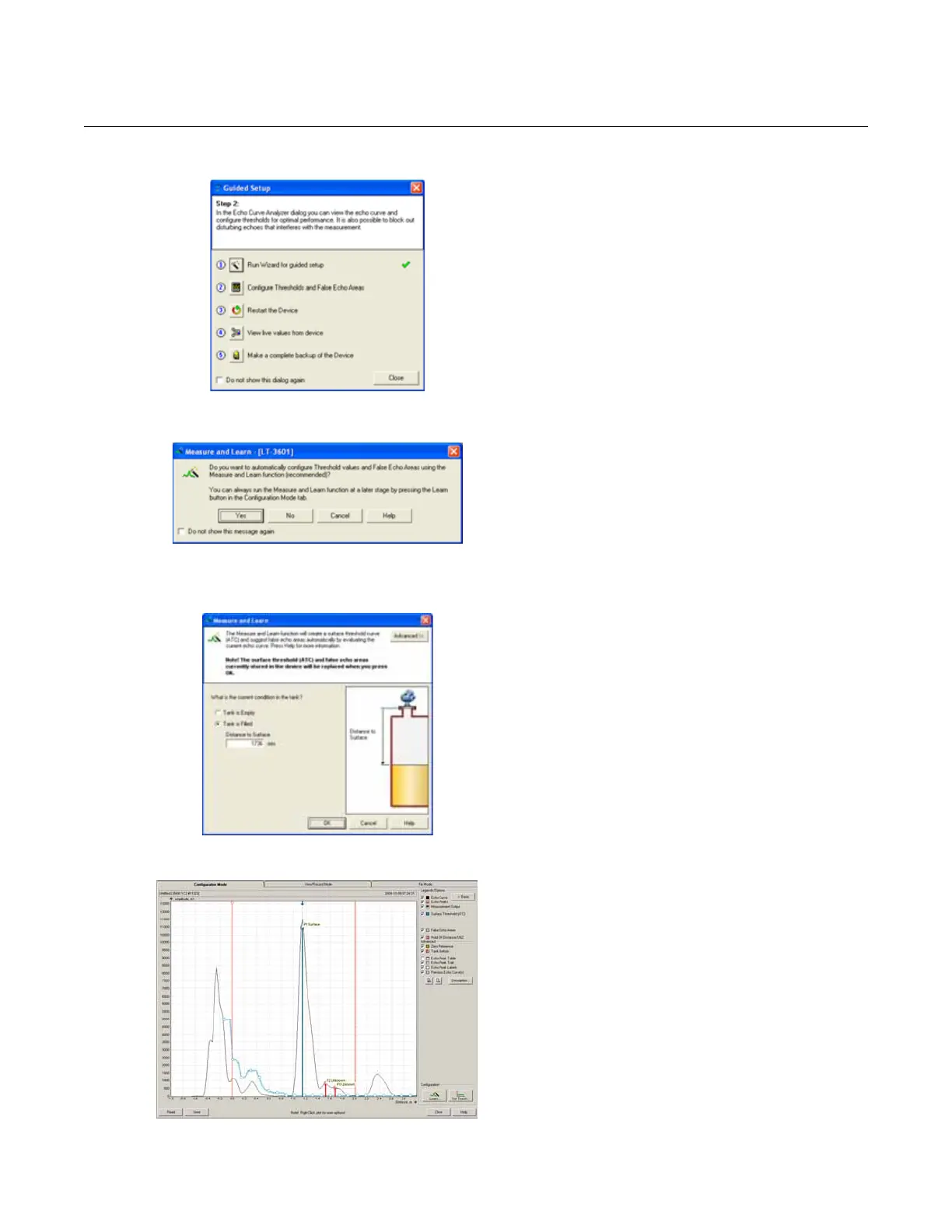
10. Step 2 in the Guided Setup allows automatic
configuration of the Amplitude Threshold
Curve and registration of false echoes by
running the Measure and Learn function. See
“Echo Tuning” on page 5-10 for more
information on amplitude thresholds and false
echoes.
Click button 2 to start the Measure and Learn
function.
(If Echo Tuning is not needed, or is done at a
later stage, go on to step 3 in the Guided
Setup).
Measure and Learn Function
11. Click the Yes button to run the Measure and
Learn function. If No is clicked, this function
can be run at a later stage using the Spectrum
Analyzer in RRM.
Make sure there is no filling or emptying
occurring when the Measure and Learn
function is used.
Tank Precondition Settings
12. The Measure and Learn function creates an
Amplitude Threshold Curve (ATC)
automatically and suggests False Echo
Areas. See “Echo Tuning” on page 5-10.
(By clicking the Advanced button, one or both
of the options can be selected in the
corresponding check-box).
Verify the Tank Precondition settings, verify
that the Distance to Surface value is correct. If
not, it may be due to a disturbing object in the
tank). Choose Empty Tank if the tank is
empty.
Spectrum Plot
13. The automatically created Amplitude
Threshold Curve (ATC) and False Echo Areas
are shown in the Spectrum Plot. False Echo
Areas are presented as shaded areas, and
represent tank levels where RRM found
interfering echoes to be blocked out. False
Echo Areas can be moved or removed before
storing to the transmitter database. Verify that
each False Echo Area is identified as an
object in the tank that gives rise to a
disturbing echo. See “Echo Tuning” on
page 5-10 for more information.
Click the Store button to save the ATC and the
registered disturbance echoes.















 To Next Page