SAM4S SPS-300 Series Electronic Cash Register AU X Mode • 107
Stop Receipt Printing
You can turn the receipt printer to an on or off condition. In the off condition transactions will not be
printed, but reports will continue to print, if requested.
1. From the MANAGER MODE menu press 4 to set printing on or off:
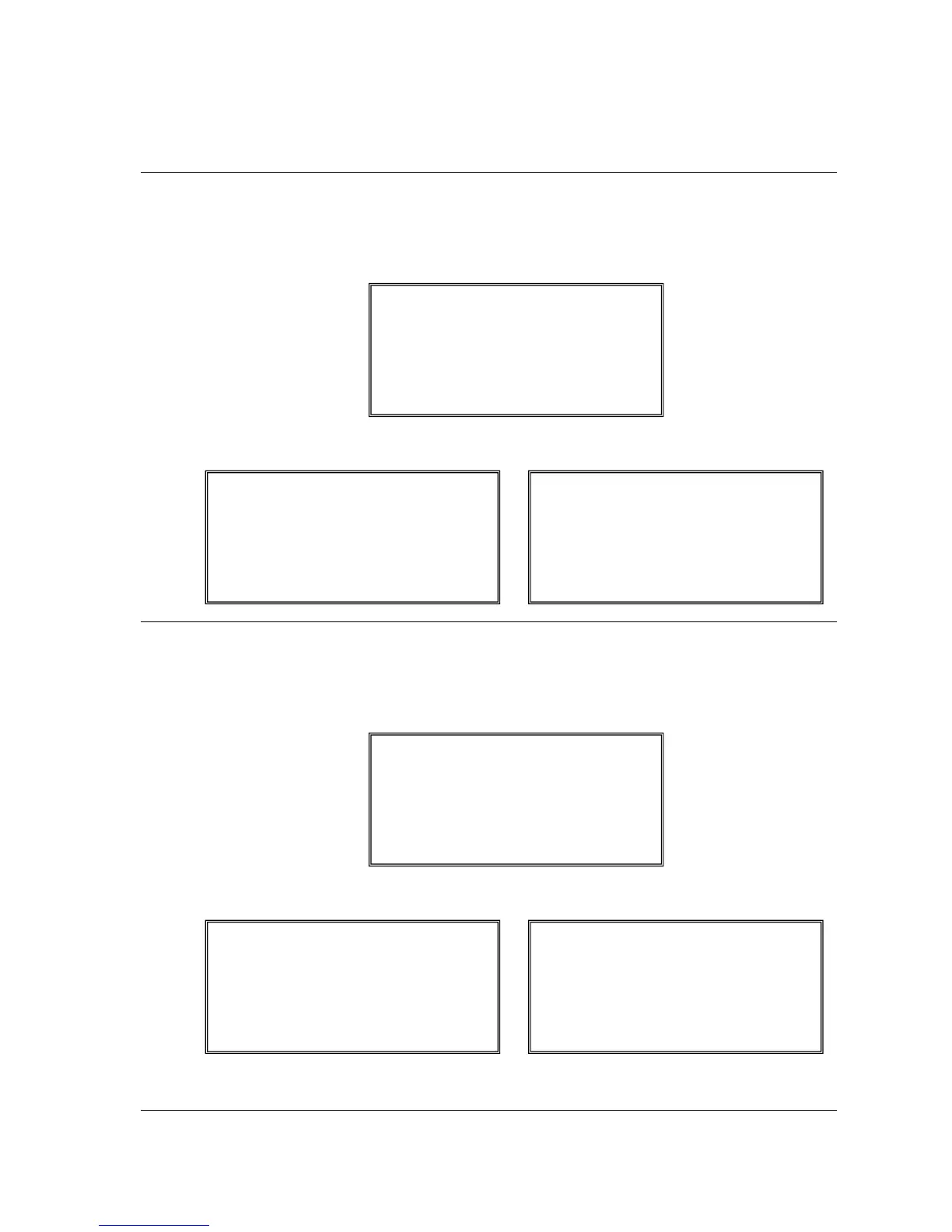
2. The REG. PRINTING ON/OFF screen displays. Press the YES/NO key to toggle from on
to off. The screen will display the current status. Press ENTER (CASH) to set.
↔
Stop Journal Printing
You can turn the journal printer to an on or off condition. In the off condition transactions will not be
printed on journal side.
1. From the MANAGER MODE menu press 5 to set printing on or off:
2. The JOURNAL PRINTING ON/OFF screen displays. Press the YES/NO key to toggle
from on to off. The screen will display the current status. Press ENTER (CASH) to set.
↔
JOURNAL PRINTING ON/OFF
JOURNAL PRINTING
IS CURRENTLY OFF
TO TURN ON
PRESS YES AND CASH
JOURNAL PRINTING ON/OFF
JOURNAL PRINTING
IS CURRENTLY ON
TO TURN OFF
PRESS YES AND CASH
REG. PRINTING ON/OFF
REGISTER PRINTING
IS CURRENTLY OFF
TO TURN ON
PRESS YES AND CASH
REG. PRINTING ON/OFF
REGISTER PRINTING
IS CURRENTLY ON
TO TURN OFF
PRESS YES AND CASH
JOURNAL PRINTING ON/OFF
JOURNAL PRINTING
IS CURRENTLY ON
TO TURN OFF
PRESS YES AND CASH
REG. PRINTING ON/OFF
REGISTER PRINTING
IS CURRENTLY ON
TO TURN OFF
PRESS YES AND CASH



 To Next Page