80 • Operating Instructions SAM4S SPS-300 Series Electronic Cash Register AU
Split Tender
Split tendering is paying for one transaction by more than one payment method. For example, a
$20.00 sale could be split so $10.00 is paid in cash, and the remaining $10.00 is paid by a check. If
necessary, you can make several different payments.
NOTE: The CASH and/or CHECK keys must be programmed to accept under tenders to use this
feature.
1. Register the items you wish to sell.
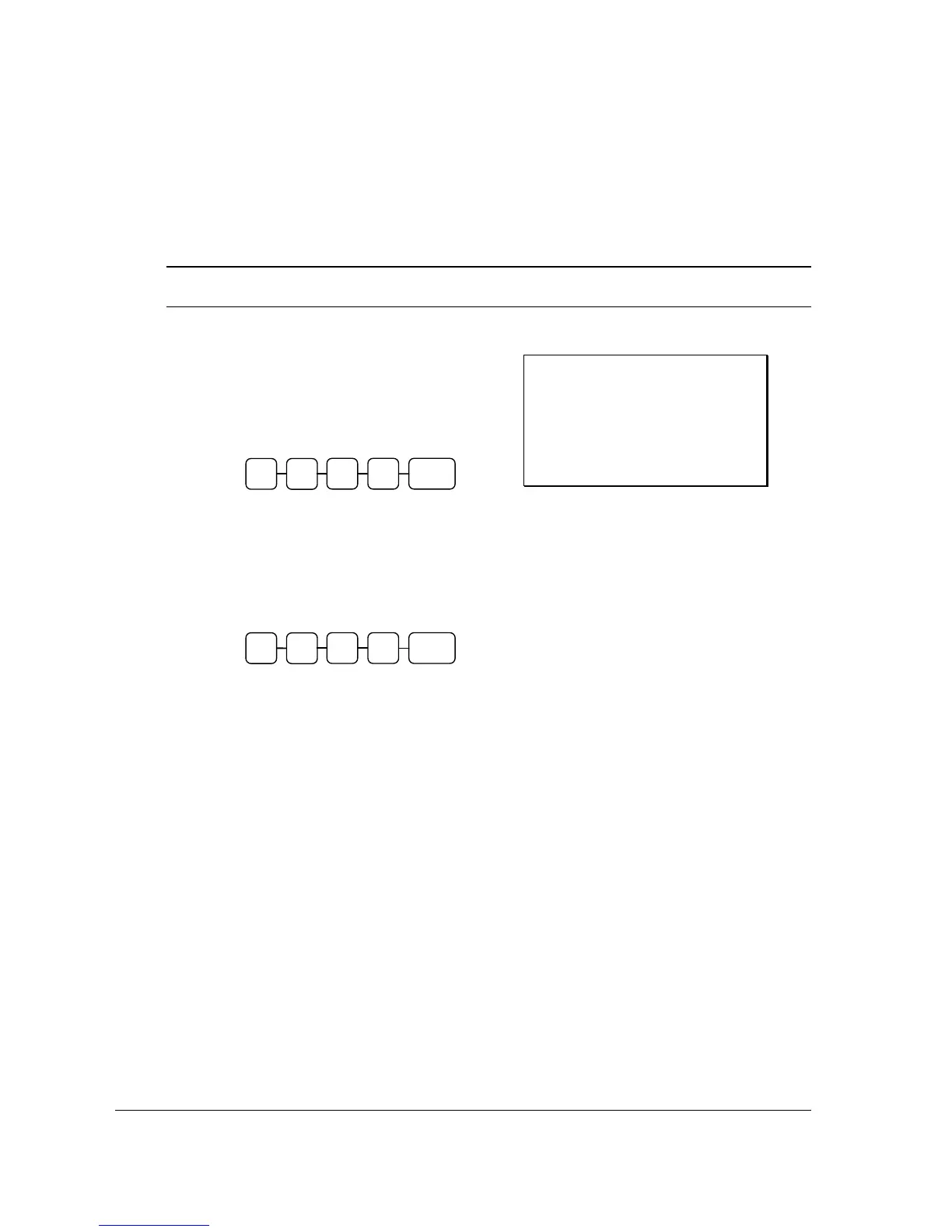
2. Enter the amount of cash tendered by the
customer.
For example, enter $10.00 and press
CASH:
3. The display will indicate the $10.00 cash
tender and the $10.00 total still due.
4. Enter the amount of check tendered by
the customer.
For example, enter $10.00 and press
CHECK:
5. When the total tendered equals or
exceeds the total due, the receipt will
print and the transaction is complete.
Receipt Example:
DATE 01/05/2012 TUE TIME 08:30
PLU2 $20 00
TOTAL $20.00
CASH
$10.00
TOTAL $10.00
CHECK
$10.00
CLERK 1 No.000058 00001
1
0 CASH 0
0
1
0 CHECK0
0



 To Next Page