56 • Operating Instructions SAM4S SPS-300 Series Electronic Cash Register AU
Detail Entry
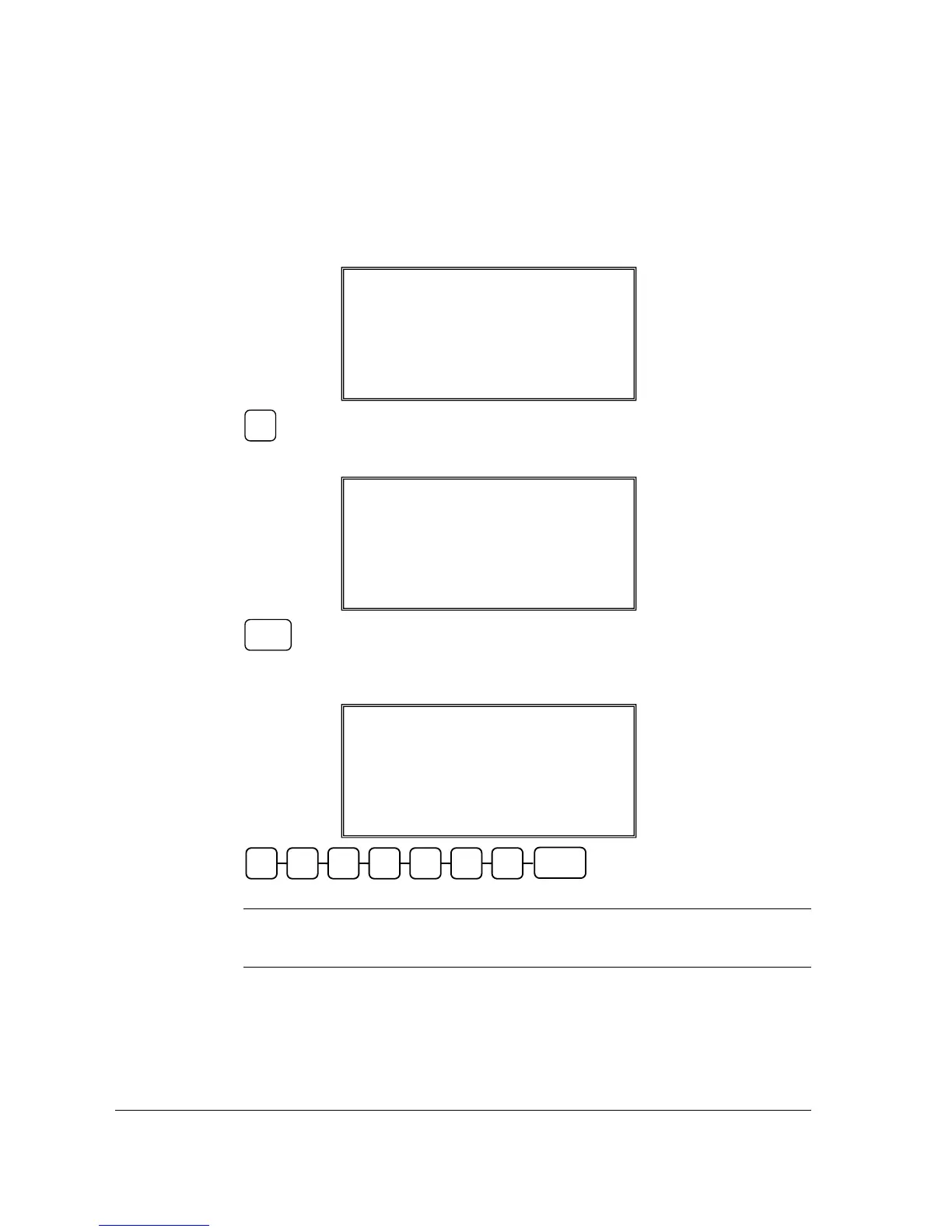
1. After scanning or entering a PLU not in the PLU file, NOT FOUND PLU PROGRAM
screen appears like below. Press 1 to start Not Found PLU Entry Procedure (or press 0 to
Stop (discard the registration of the item)).
2. For Detail Entry, just press CASH key to skip SELECT COPY PLU and go to PRICE.
3. The left-pointed-arrow then jump to PRICE for entering up to 7 digits of the item price.
Then press CASH key. Do not use the decimal key.
NOTE: Despite the Price Level setting in S-Mode, MEMORY ALLOCATION -> 7.
PRICE LEVEL, Not Found PLU procedure only requires price of Price Level 1
to be entered.
NOT FOUND PLU PROGRAM ?
SELECT COPY PLU
0
PRICE: 2.99
Å
DESC :
TAX : 1N 2N 3N 4N
NOT FOUND PLU PROGRAM ?
SELECT COPY PLU
0
Å
PRICE: 0
NOT FOUND PLU PROGRAM ?
0 : NO 1 : YES
CASH
Price/HALO
CASH
1



 To Next Page