SAM4S SPS-300 Series Electronic Cash Register AU Program Mode Programming • 187
Currency Symbol Programming
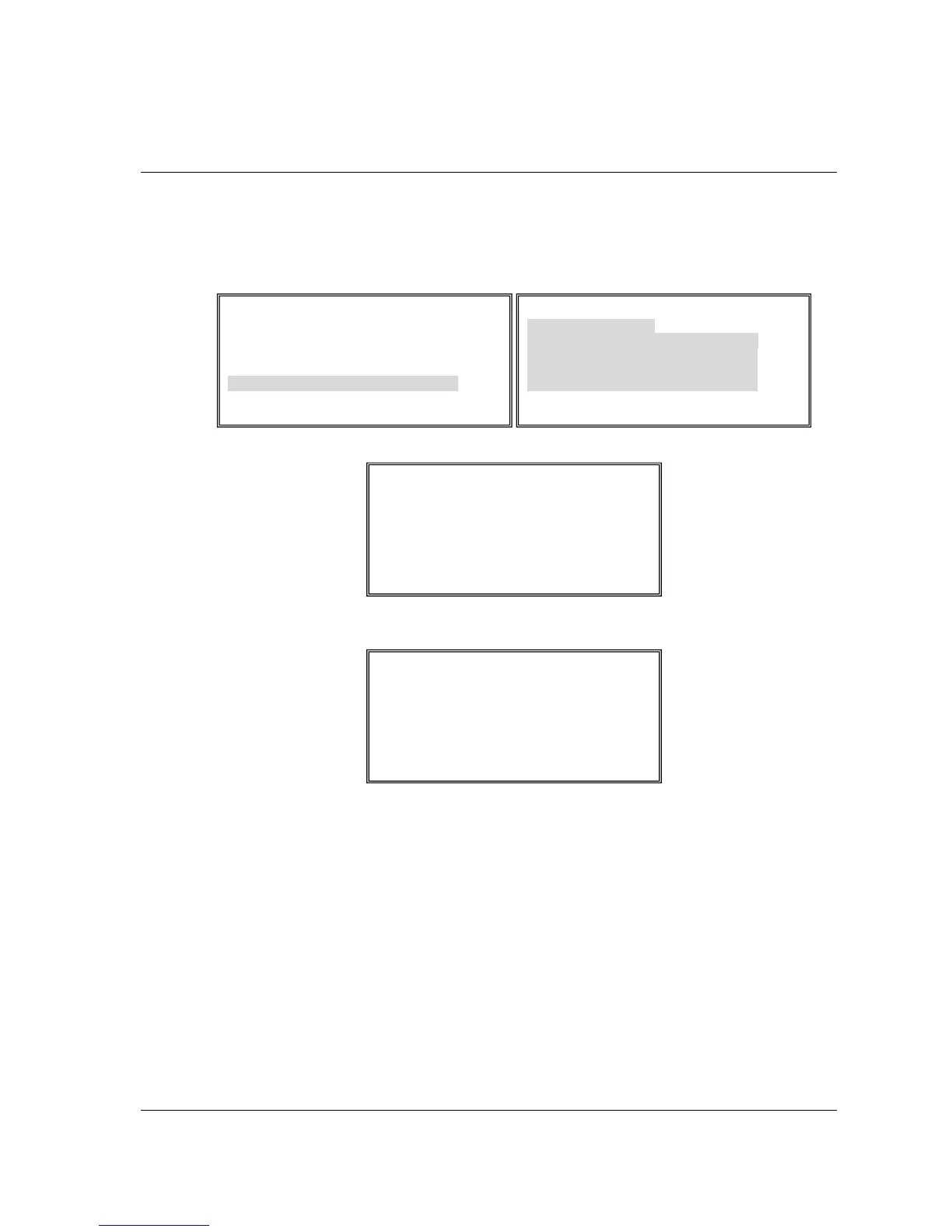
1. If you want to program currency symbol or special character, on PGM-Mode, 4.PRINT
OPTION Æ pg4 Æ HOME CURRENCY SYMBOL and pg8 Æ CURRENCY SYMBOL
1 - 4, press ENTER (CASH) button to move “Å” to the currency symbol you want to
program.
2. Press 00 button to view the first page of OTHER ALPHA MENU to see currency symbols.
3. Press PAGE DOWN to view the second page of OTHER ALPHA MENU to see more
currency symbols.
4. Select the digit that represents the special character and ENTER (CASH) key.
PRINT OPTION pg 4
PRINT DATE Y
Å
PRINT TIME Y
PRINT MACHINE NO. Y
PRINT CLERK NAME Y
HOME CURRENCY SYMBOL IS $
PRINT Z COUNTER Y
OTHER ALPHA MENU
Ç
19. Æ 24. ù 29. £
20. ô 25. ÿ 30. ¥
21. ö 26. Ö 31. Ñ
22. ò 27. Ü 32. Å
23. û 28. ¢ 33. €



 To Next Page