226 • Program Mode Programming SAM4S SPS-300 Series Electronic Cash Register AU
PRINT CHECK - PRINT CHK (for Account Management
- Soft Check)
1. Press the PRINT CHECK key to view the PRINT CHECK function key options:
2. Press ENTER (CASH) from the last field to return to the FUNCTION KEY PROGRAM
screen, or press ESC (CLEAR) key at any time to return to the FUNCTION KEY
PROGRAM screen without saving changes.
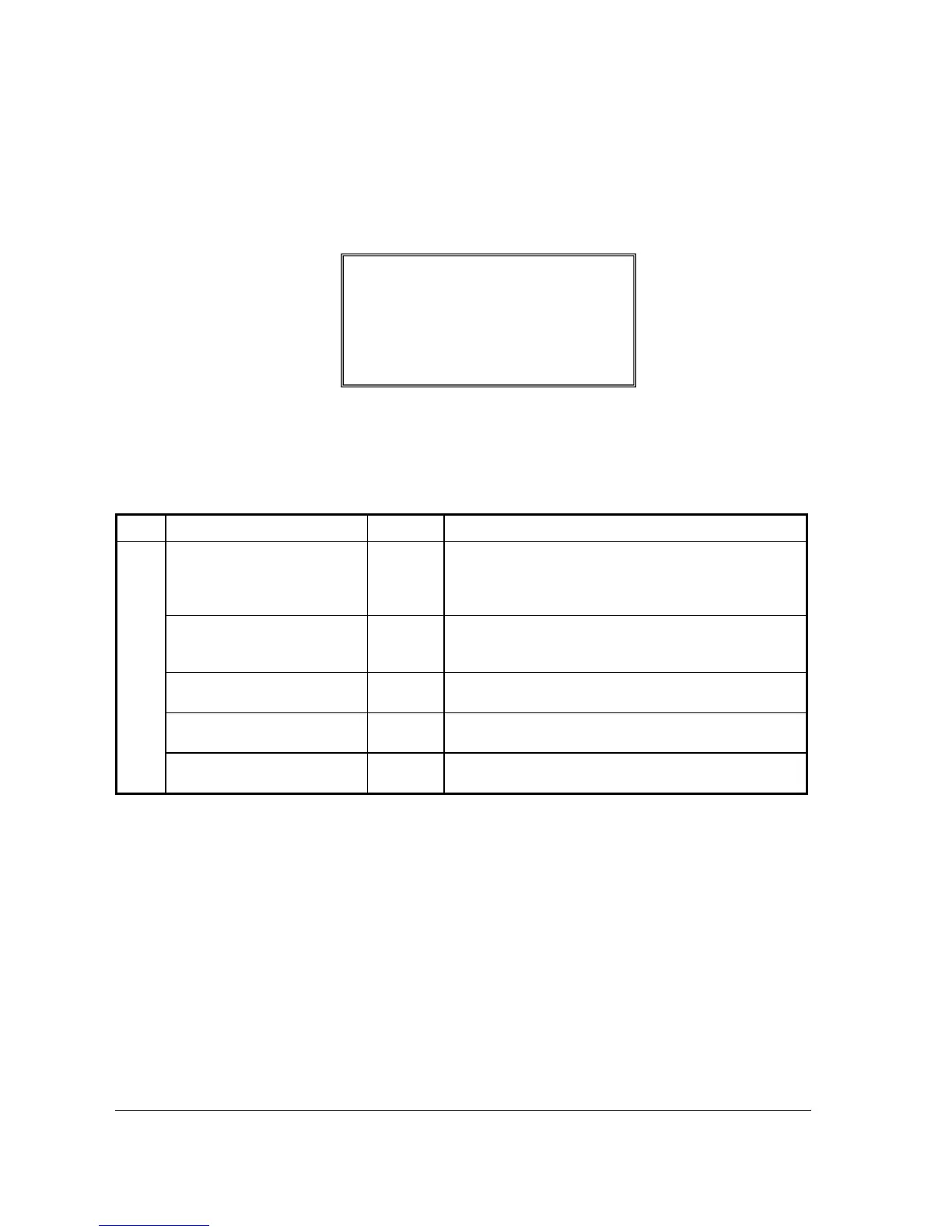
PRINT CHECK Key Function Options
Page Field Value Description
DESC
Alpha
numeric up
to 12
character
You can program a descriptor. The default descriptor is
PRINT CHK.
CHECK PRINT COMM PORT
# (0-4)
0
Select the port (1,2,3 or 4) where the check print printer is
attached. If 0 is selected, the check will print on the receipt
printer.
AUTO SERVICE CHK
Y or N Select Y if you want the Check Print function to
automatically service the check.
PRT CHECK ON RECP
Y or N Select Y if you want the Check Print function to print on the
receipt printer.
SKIP PRT OF CONSEC# ON
CHECK
Y or N Select Y if you wish to delete the printing of the consecutive
# on the guest check.
PRINT CHECK PROGRAMMING
DESC : PRINT CHK
Å
CHECK PRINT
COM PORT #(0-4) 0
AUTO SERVICE CHECK N
PRINT CHECK ON RECEIPT N
SKIP PRINT OF CONSECUTIVE
NUMBER ON CHECK N



 To Next Page