220 • Program Mode Programming SAM4S SPS-300 Series Electronic Cash Register AU
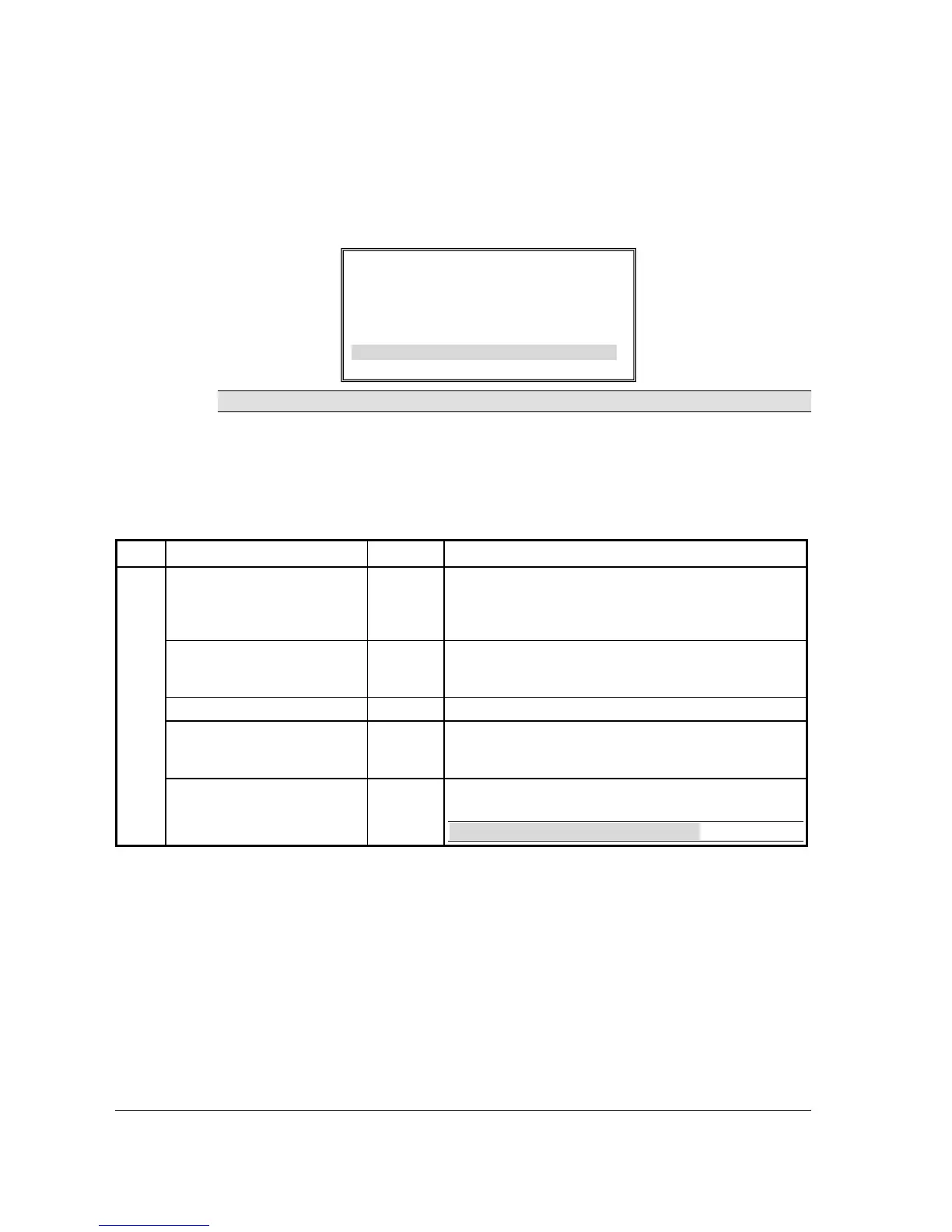
MDSE RETURN
1. Press the MDSE RETURN key to view the MERCHANDISE RETURN function key
options:
NOTE: Option added at FlashROM v1.011.
2. Press ENTER (CASH) from the last field to return to the FUNCTION KEY PROGRAM
screen, or press ESC (CLEAR) key at any time to return to the FUNCTION KEY
PROGRAM screen without saving changes.
MDSE RETURN Key Function Options
Page Field Value Description
DESC
Alpha
numeric up
to 12
character
You can program a descriptor. The default descriptor is
MDSE RETURN.
HALO
7 digit
amount
You can limit errors by setting the maximum amount that can
be used with this function. "0" means that there is no entry
limit.
KEY DISABLE
Y or N Select Y to disable this function.
UNDER MGR CONTROL
Y or N Select Y if you do not want the operator use this function in
REGISTER mode. When selected, the function is allowed
only in the X control lock position.
COMPULSORY
VALIDATION
Y or N Choose Y to enforce validation if an optional printer with
validation capability is connected to an RS-232C port.
NOTE: Option added at FlashROM v1.011.
RETURN KEY PROGRAMMING
DESC : MDSE RETURN
Å
KEY HALO 0.00
(0 : NO LIMIT)
KEY DISABLE N
UNDER MGR CONTROL N
COMPULSORY VALIDATION N



 To Next Page