SAM4S SPS-300 Series Electronic Cash Register AU Operating Instructions • 59
Shifting or Exempting Tax
There are 4 tax function keys (GST (Tax1), TAX2, TAX3 and TAX4) s in the system. A proper Tax
function key need to be assigned to the keyboard before using the features. Unlike TAXEXMT (Tax
Exempt) key, those 4 tax function keys can perform both “tax shift” and “ tax exempt” according to
tax status programmed on individual item.
Shifting Tax
PLUs can be programmed to automatically add the appropriate tax or taxes. Occasionally, you may
need to sell a normally taxable item without tax, or a normally taxable item with tax. You can
perform this tax shifting with one of the four tax shift keys.
Shift Tax on a Taxable Item
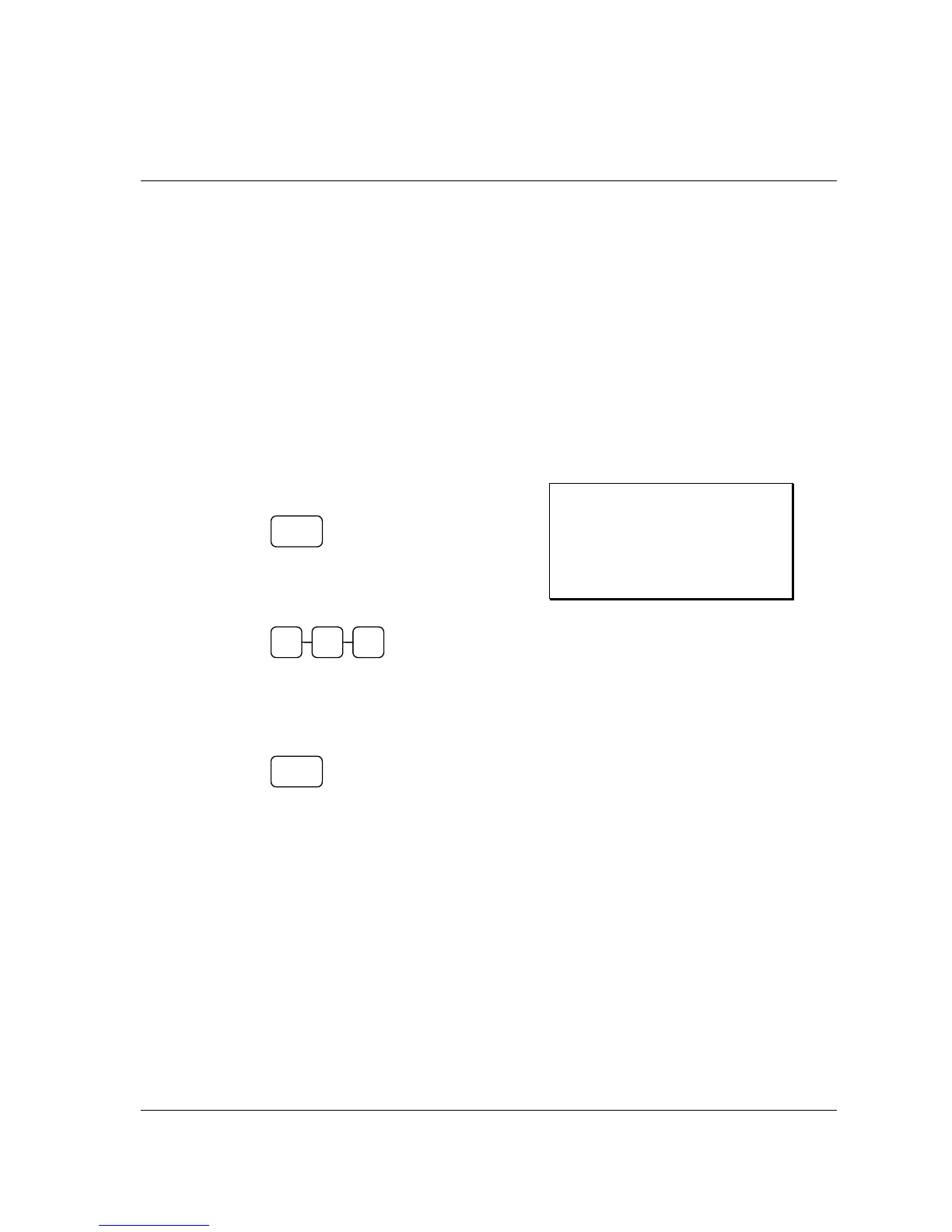
1. Press the tax shift for the tax you wish to
shift. For example, Press GST (Tax1):
2. Enter an amount on the ten key pad. Do
not use the decimal key.
For example, for $2.99, enter:
3. Press a PLU key.
For example, press PLU 1. If PLU 1 is
normally taxable by tax 1, the
registration will be non-taxable.
Receipt Example:
DATE 01/05/2012 TUE TIME 08:30
PLU1 $2.99
ROUND $0.01
TOTAL $3.00
CASH
$3.00
CLERK 1 No.000011 00001
1
2 9 9
GST
(TAX1)



 To Next Page