SAM4S SPS-300 Series Electronic Cash Register AU Program Mode Programming • 217
GUEST (for Account Management)
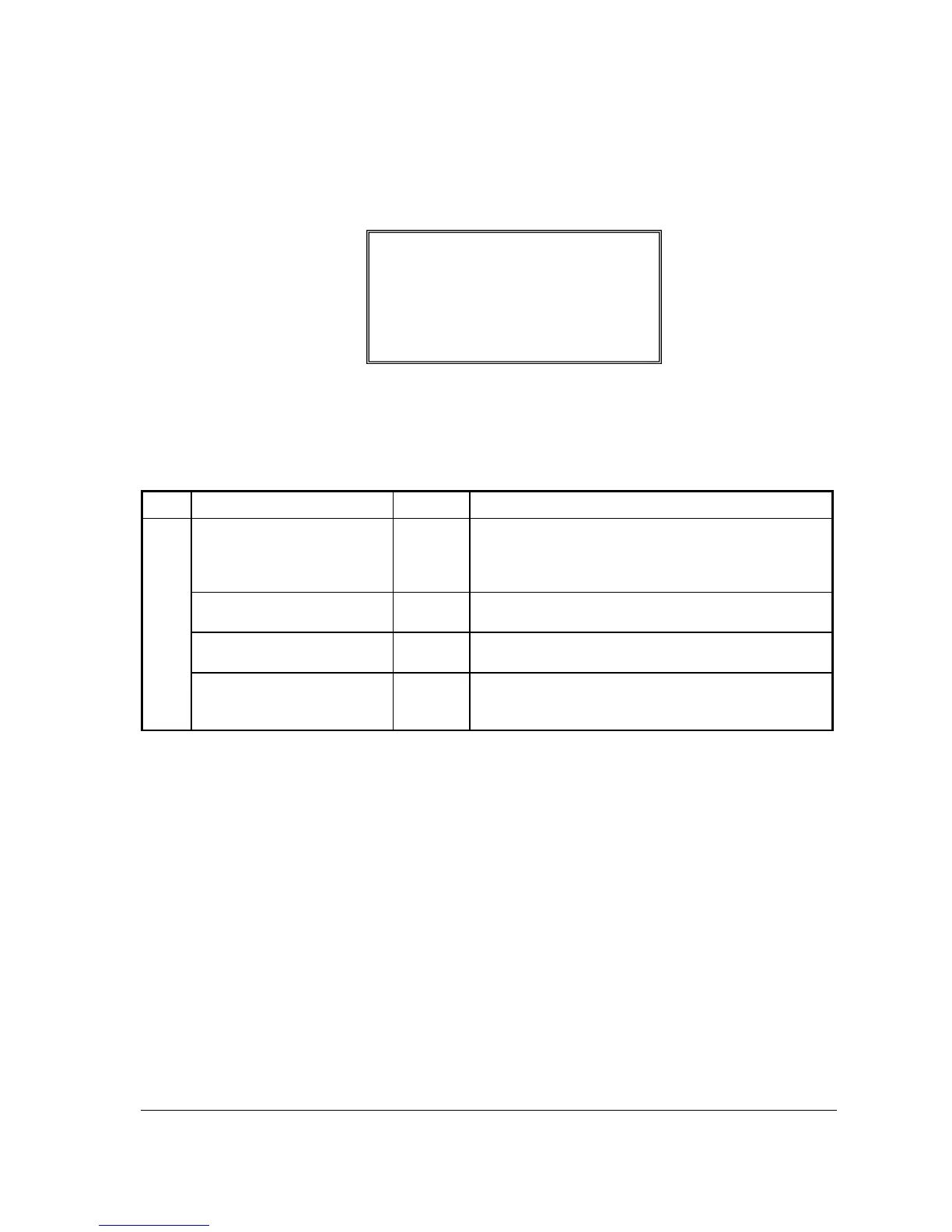
1. Press the GUEST key to view the GUEST function key options:
2. Press ENTER (CASH) from the last field to return to the FUNCTION KEY PROGRAM
screen, or press ESC (CLEAR) key at any time to return to the FUNCTION KEY
PROGRAM screen without saving changes.
GUEST Key Function Options
Page Field Value Description
DESC
Alpha
numeric up
to 12
character
You can program a descriptor. The default descriptor is
GUEST.
COMPULSORY WHEN
GUEST CHECK
Y or N Select Y to enforce an entry into the GUEST # key before a
tracking number can be accessed for the first time.
COMPULSORY FOR ALL
SALES
Y or N Select Y to enforce an entry into the GUEST # key before an
item can be registered on any sale.
PRINT AT REMOTE
PRINTER
Y or N Select N if you do not want GUEST # entry to print at the
kitchen printer if items from the same transaction are sent to
the KP.
GUEST # PROGRAMMING
DESC : GUEST
Å
COMPULSORY FOR
GUEST CHECK N
COMPULSORY FOR ALL SALES N
PRINT AT REMOTE PRINTER N



 To Next Page