24 • Getting Started SAM4S SPS-300 Series Electronic Cash Register AU
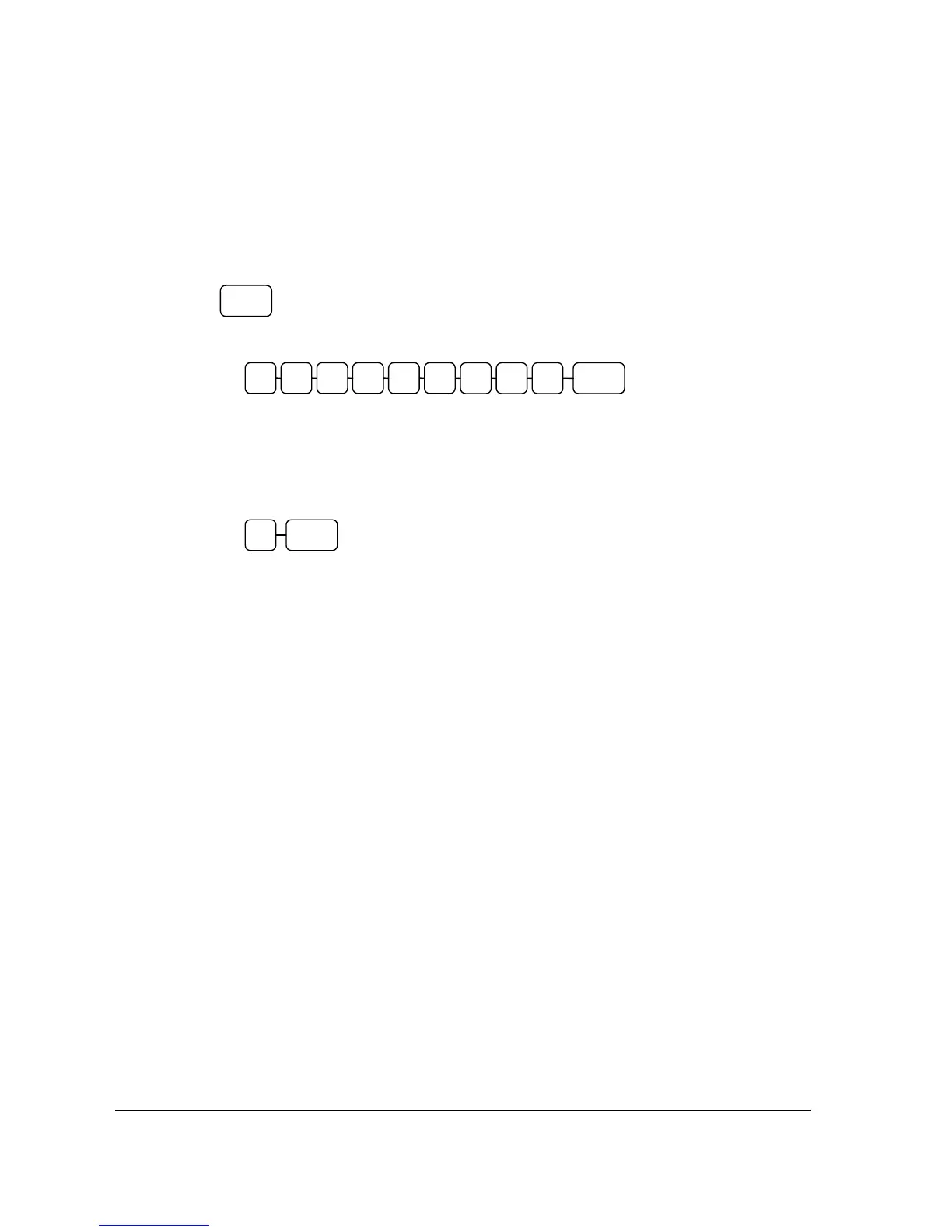
Clerk Sign On Instructions
When a clerk is not signed on, the message "CLOSED" is shown on the display. The current clerk
must be signed off before a new clerk can be signed on.
Push Button
Code Entry
•
•
Swipe clerk card
•
Attached iButton (Dallas key)
Clerk Sign Off Instructions
•
• Swipe clerk card
• Removed iButton (Dallas key)
Clerk Code (up to 9 digits)
CLERK
0 CLERK
CLERK



 To Next Page